Високоскоростна състезателна кола с дистанционно 1:12, 37 cm, за всякакъв терен, двойна
40,41 €44,90 €
Expédié sous 24 h
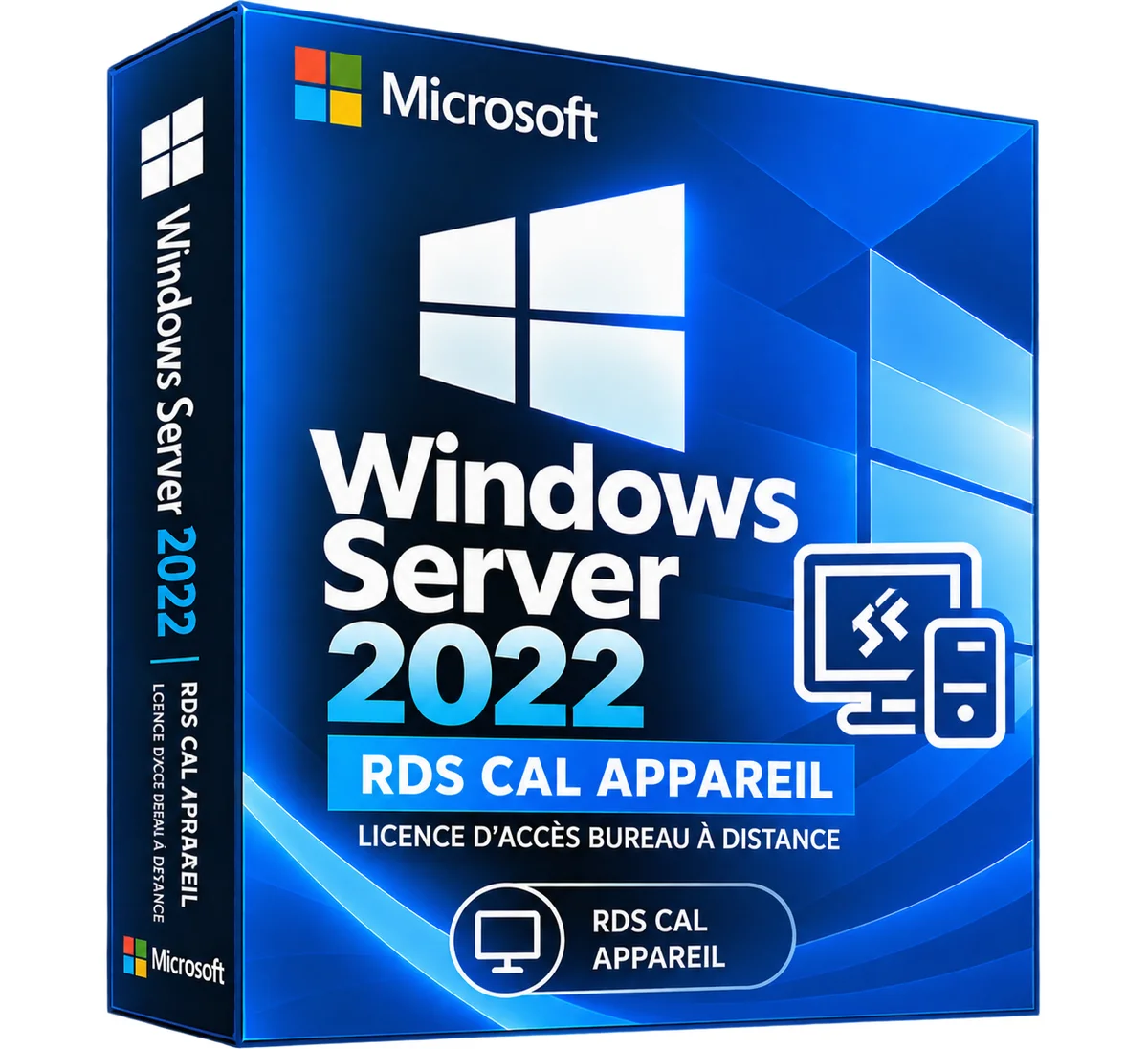
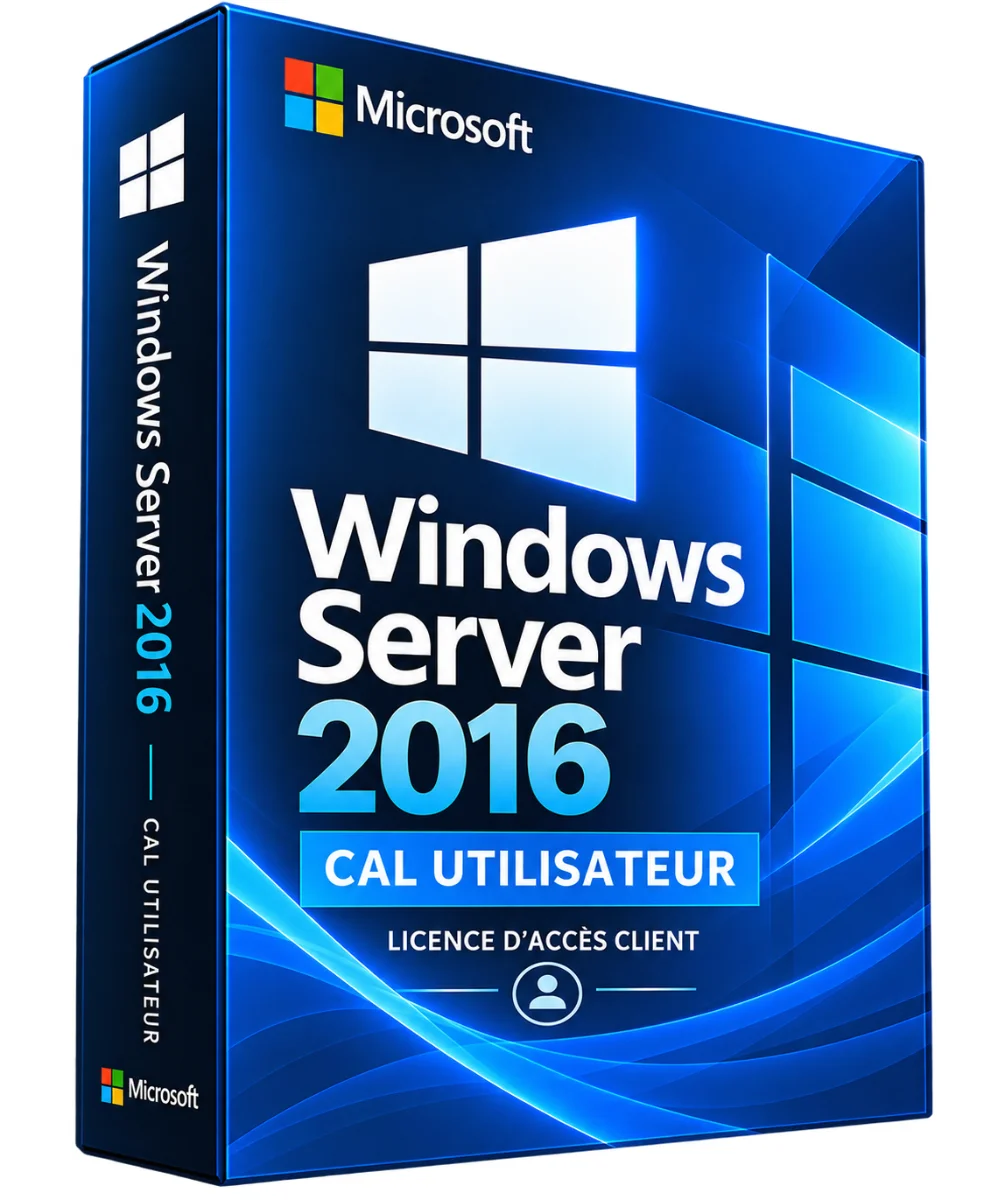
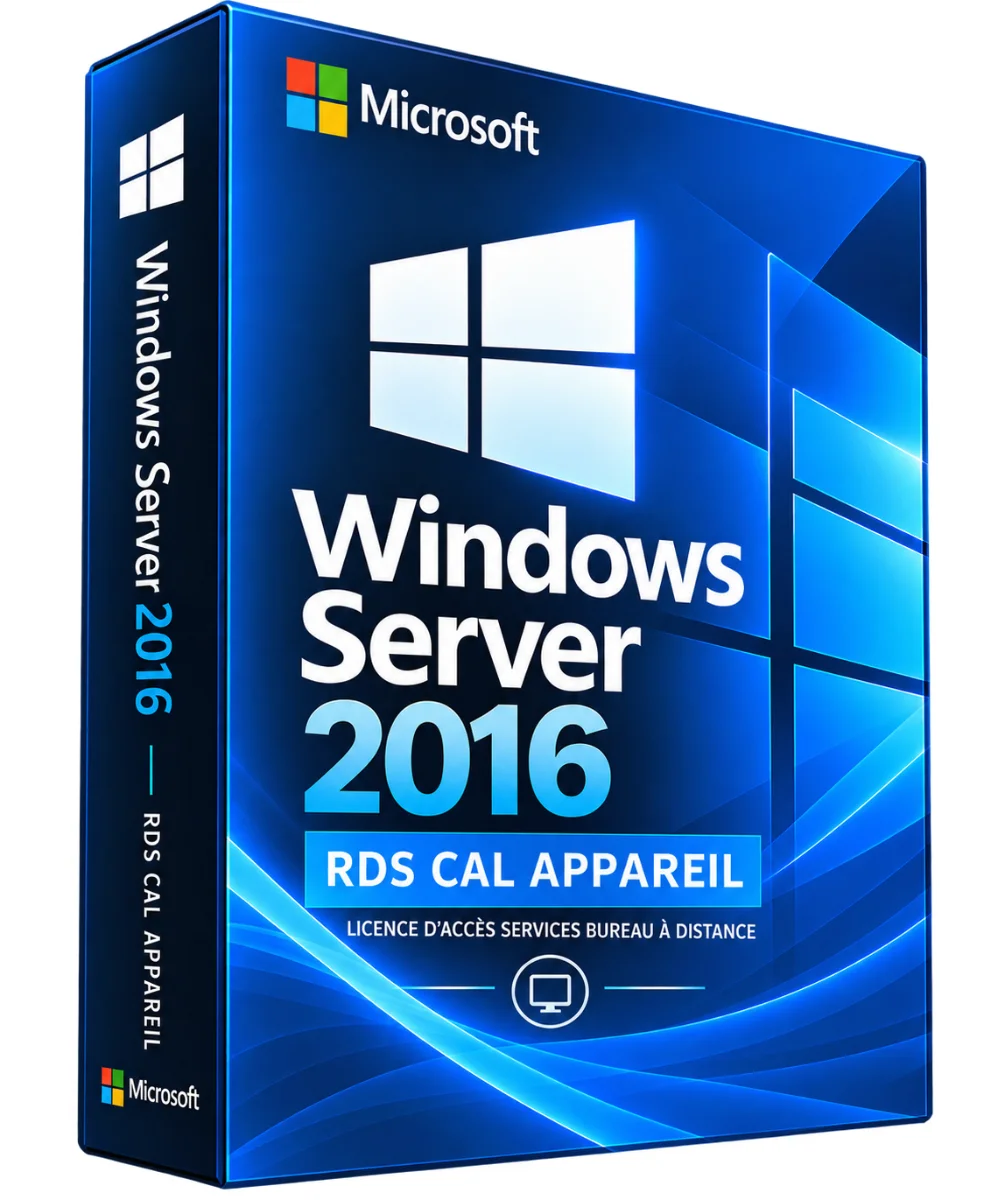
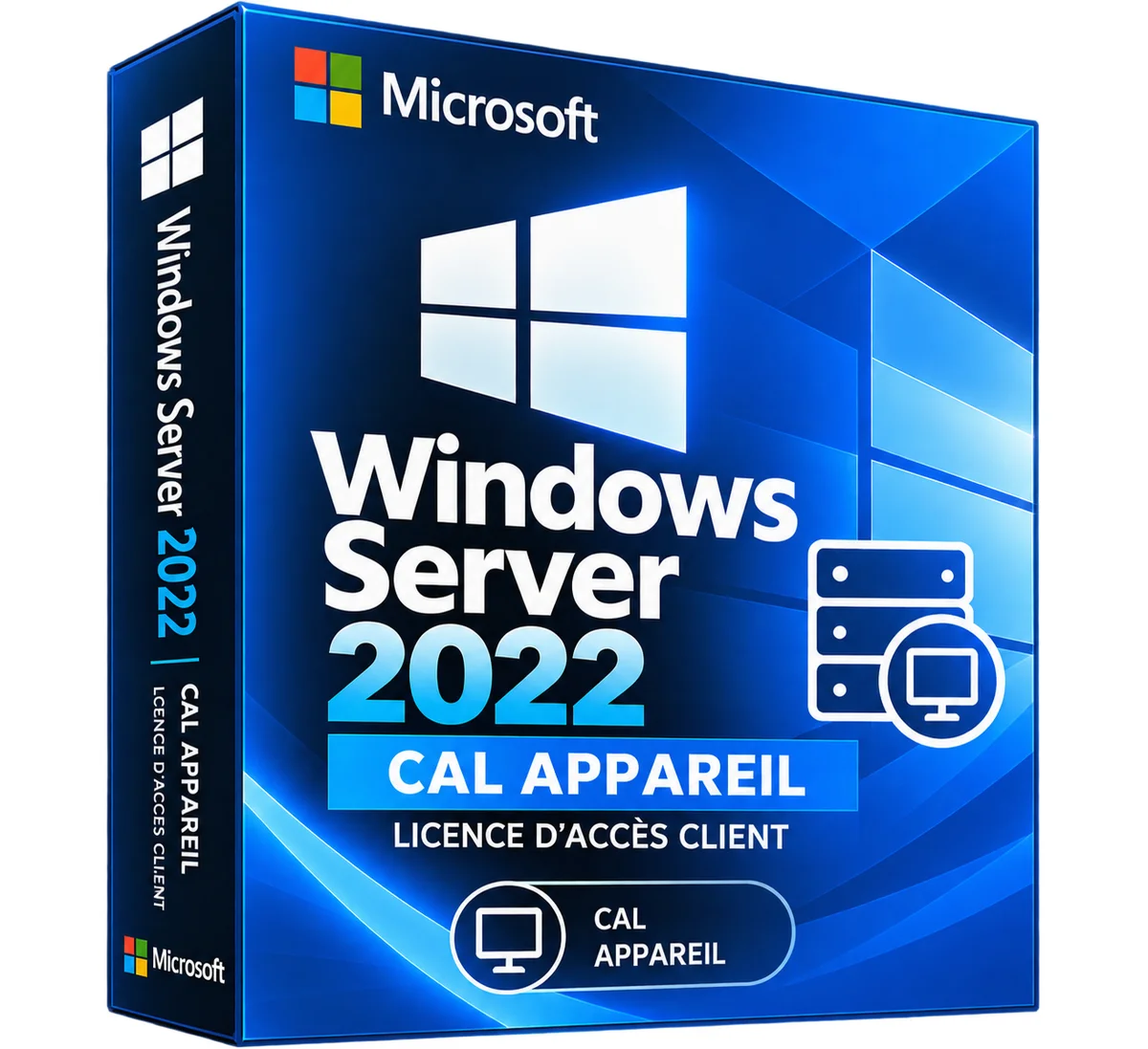
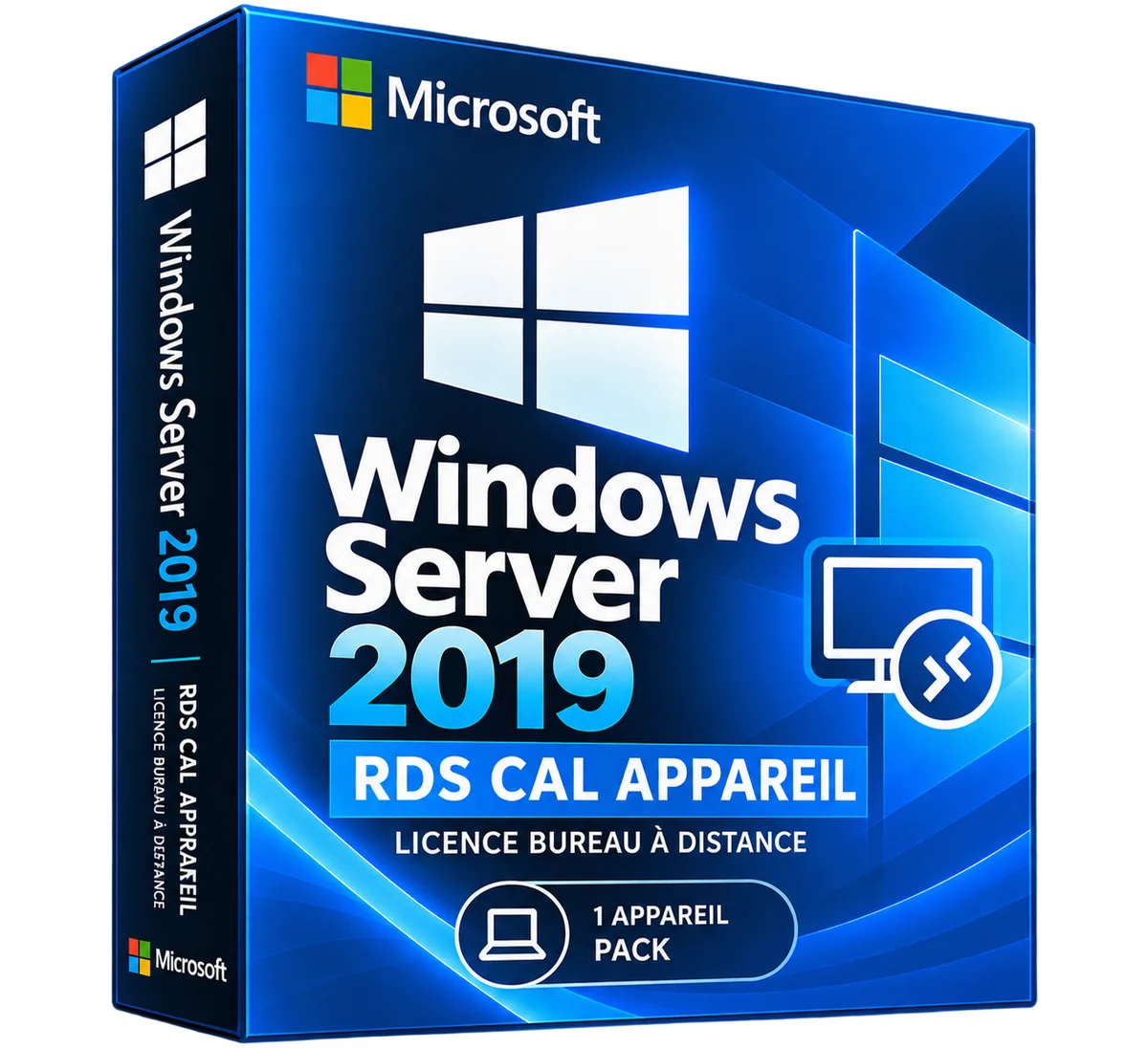
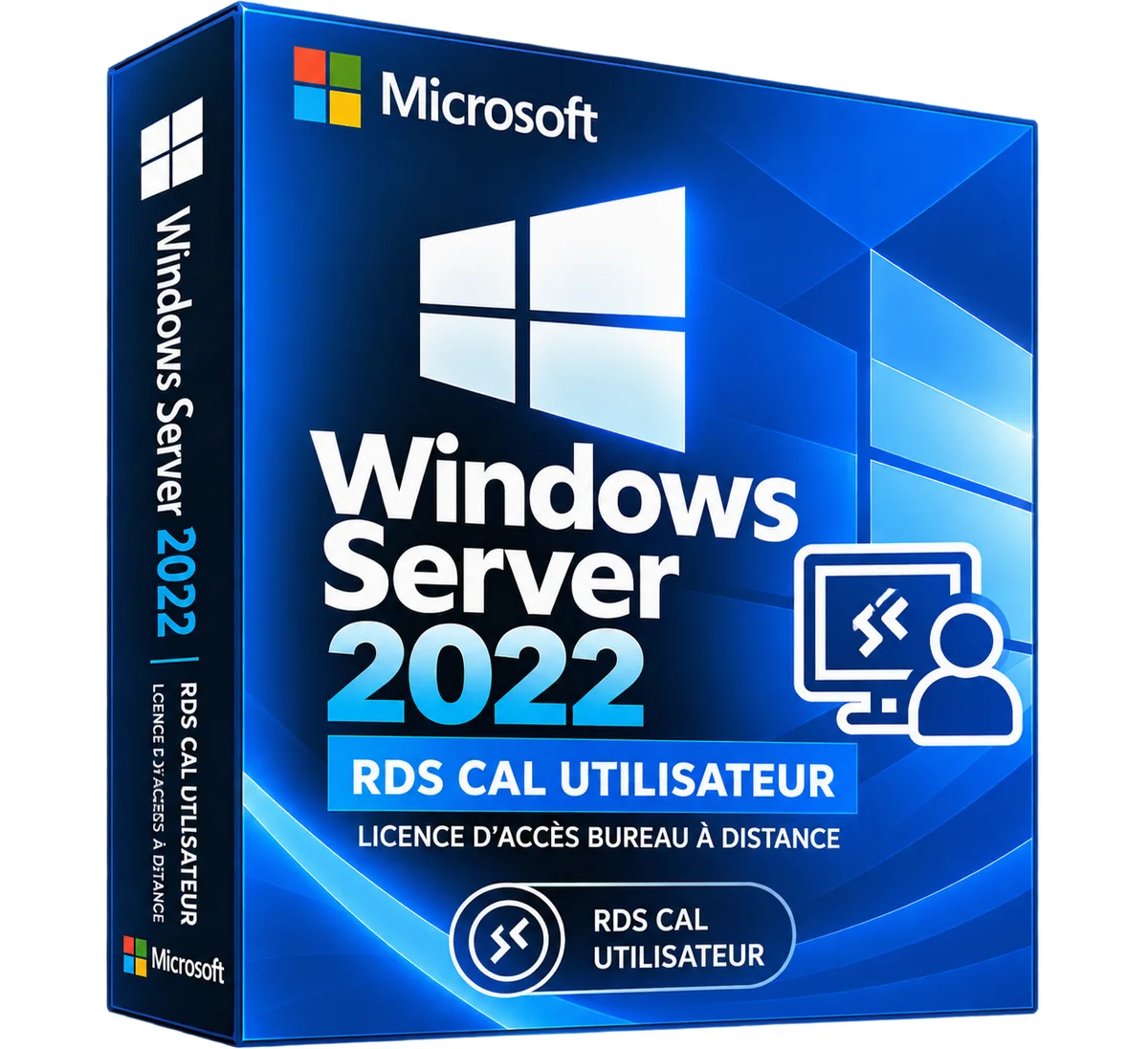
Windows server 2022 rds cal устройство, предлаган от магазина LAZY-CUB: клиентско право на достъп за вашата инфраструктура Microsoft. Получавате съдействие до самото активиране. Прочетете още
Windows server 2022 rds cal устройство, предлаган от магазина LAZY-CUB: клиентско право на достъп за вашата инфраструктура Microsoft. Получавате съдействие до самото активиране.
RDS CAL за устройство Windows Server 2022 е клиентски лиценз за достъп до услугите за отдалечен работен плот (Remote Desktop Services), присвоен на едно устройство. Различни хора, използващи едно и също работно място, могат да достъпват RDS инфраструктура Windows Server 2022 според лицензионните условия на Microsoft. Ce droit d’accès ne constitue ni une licence du système d’exploitation ni une clé d’activation Windows Server.
AVANTAGES
• Convient aux ateliers, équipes en rotation et environnements multi-utilisateurs
• Accès aux sessions Bureau à distance et applications publiées sur une infrastructure RDS correctement configurée
• Mode de licence RDS « Par appareil »
• Complète les droits de licence serveur et les CAL Windows Server classiques requis
• Licence RDS associée à un appareil, qui convient aux postes partagés
RDS CAL APPAREIL OU UTILISATEUR ?
• Licence : Attribution / Cas d’usage
• RDS CAL Appareil : Par terminal / Différents collaborateurs partagent un même poste
• RDS CAL Utilisateur : Par personne / Un collaborateur utilise différents appareils
COMPATIBILITÉ
Une RDS CAL Windows Server 2022 permet généralement l’accès aux déploiements RDS Windows Server 2022 et aux versions antérieures admissibles. Elle ne couvre pas automatiquement les déploiements RDS Windows Server 2025. Точните права зависят от лицензионната програма на Microsoft.
CAL CLASSIQUES ET LICENCES COMPLÉMENTAIRES
Une RDS CAL s’ajoute généralement à une CAL Windows Server classique et à une licence serveur valide. Elle ne remplace pas ces droits et ne comprend pas automatiquement les logiciels ou applications accessibles à distance.
GUIDE DE CONFIGURATION RDS
• Déployez les rôles Remote Desktop Services nécessaires sur un serveur Windows Server correctement licencié.
• Installez et activez le rôle serveur de licences Bureau à distance.
• Configurez le mode de licence RDS Par appareil.
• Installez les packs de RDS CAL valides au moyen des outils Microsoft autorisés.
• Contrôlez les attributions aux appareils et conservez les justificatifs de licence.
POINTS TECHNIQUES TECHNIQUES
• Éditeur : Microsoft
• Продукт: Windows server 2022 rds cal устройство
• Type : Licence d’accès Remote Desktop Services par appareil
• Целева версия: Windows Server 2022 RDS
• Licence serveur comprise : Non
• CAL Windows Server classique comprise : Non, sauf droits contractuels particuliers
• Gestion : Serveur de licences RDS, mode Par appareil
DOCUMENTATION ET VIDÉO
Официално ръководство: Microsoft Learn – лицензи за достъп RDS. Не е вградено видео, докато не бъде проверен подходящ ресурс.
QUESTIONS ET RÉPONSES
Différents utilisateurs peuvent-ils partager un appareil ?
Oui, dans le cadre du modèle RDS CAL Appareil et des conditions de licence applicables.
Активира ли този лиценз Windows Server 2022?
Non, elle couvre des droits d’accès RDS et non l’activation du système d’exploitation.
Faut-il aussi une CAL Windows Server ?
Généralement oui, en complément de la RDS CAL.
Cette licence fonctionne-t-elle avec RDS Windows Server 2025 ?
Non, sauf droits contractuels spécifiques.
Comment choisir entre Appareil et Utilisateur ?
Le modèle Appareil convient aux terminaux partagés; le modèle Utilisateur convient aux personnes utilisant différents terminaux.
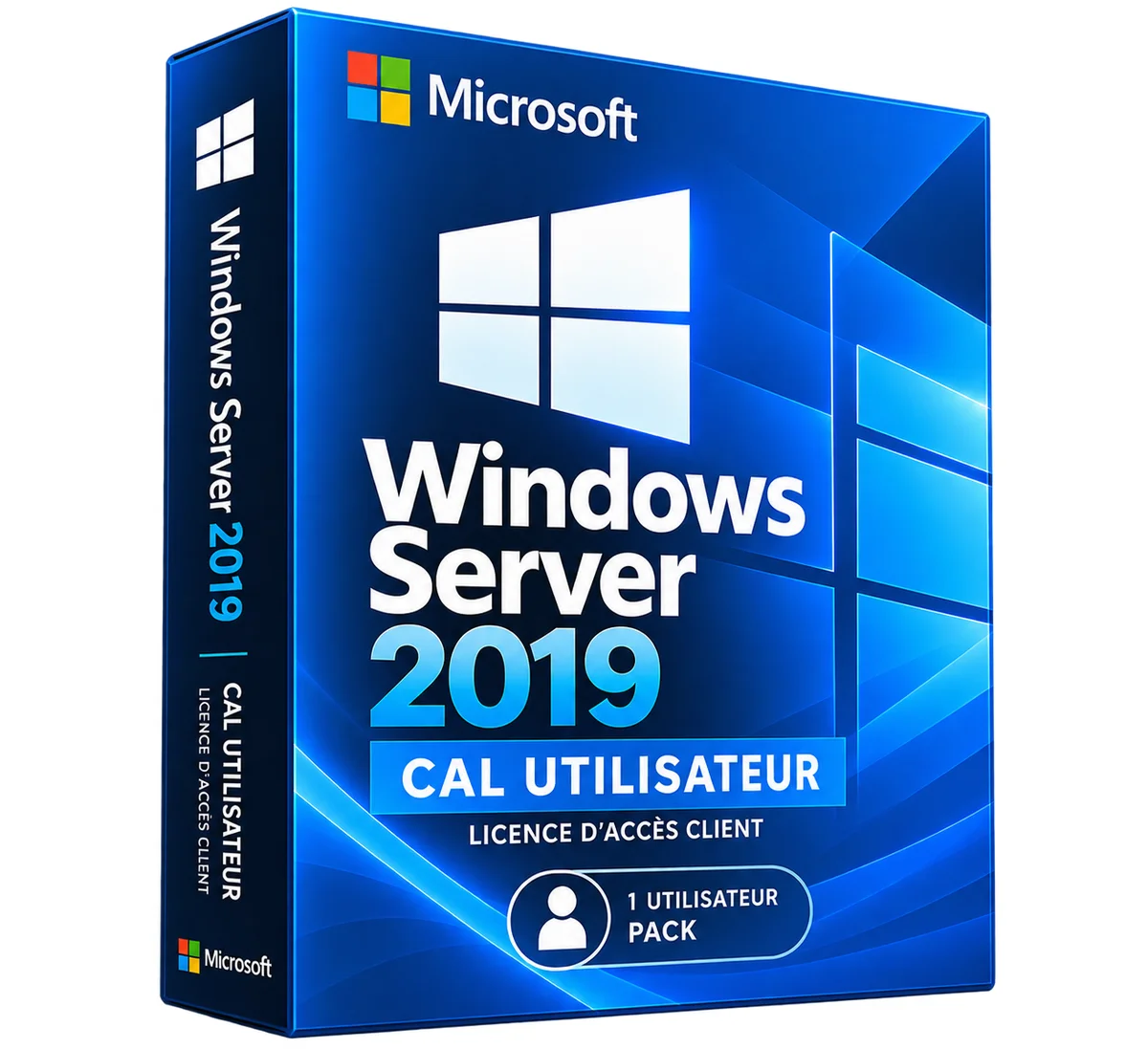
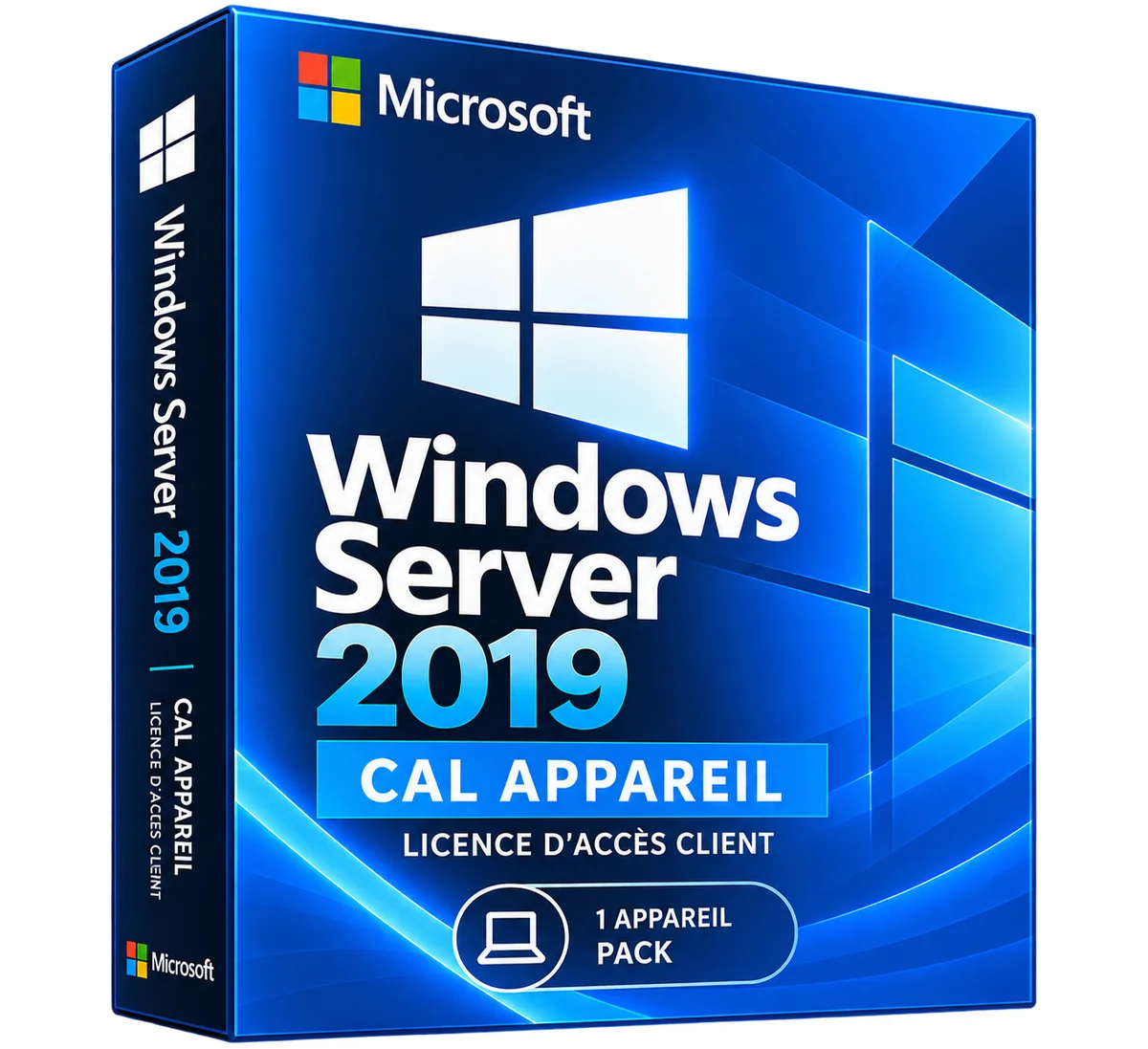
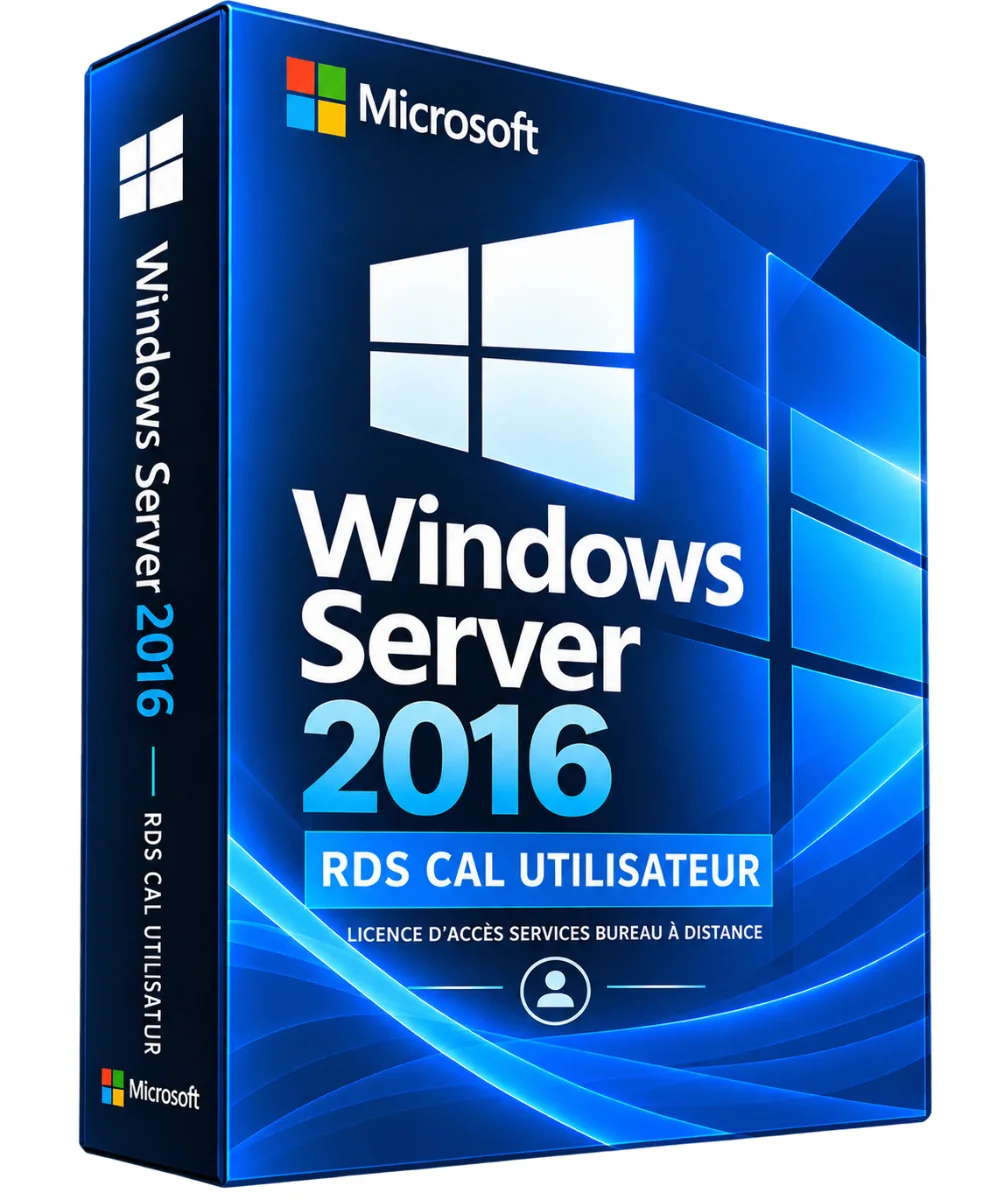
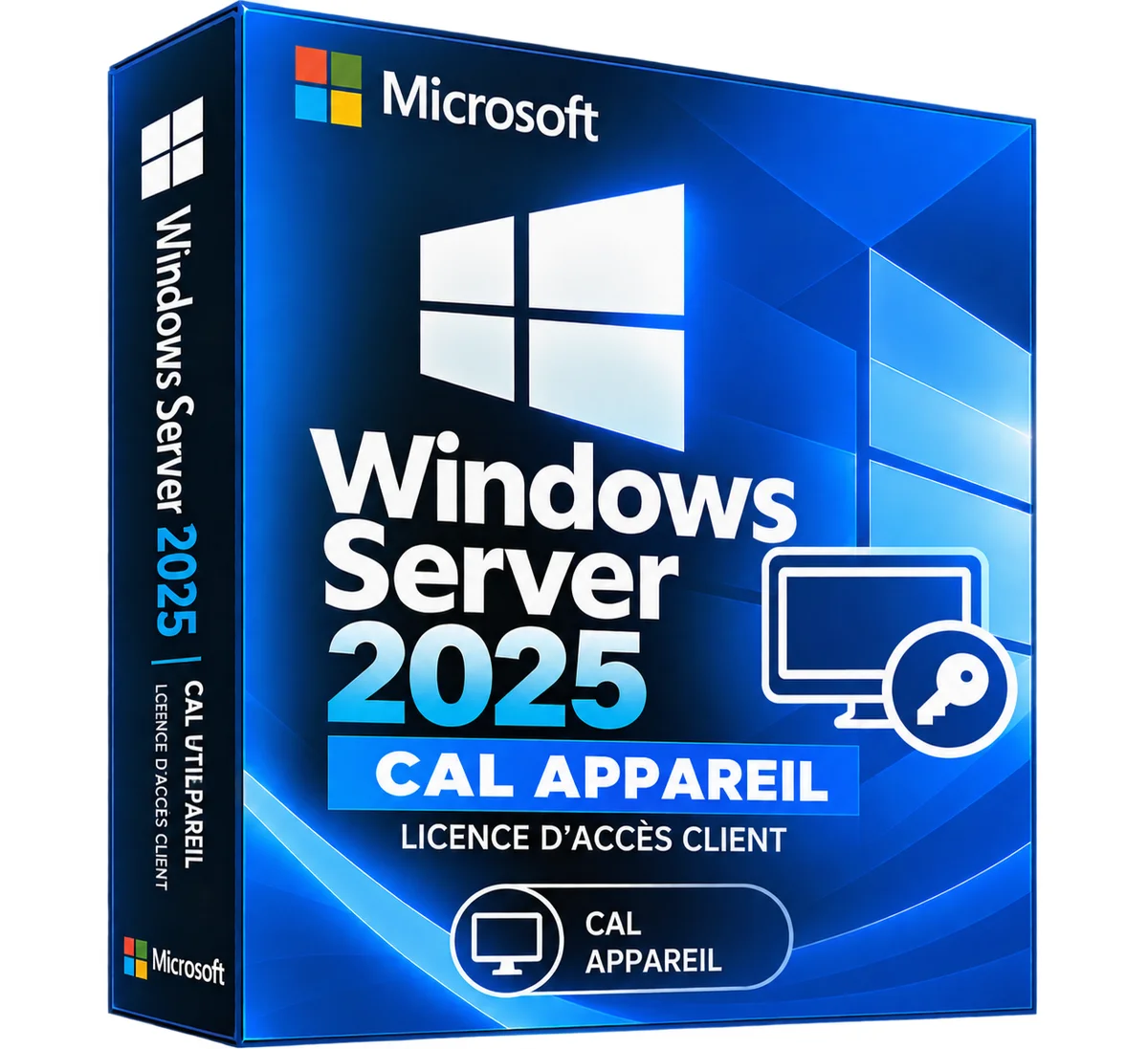
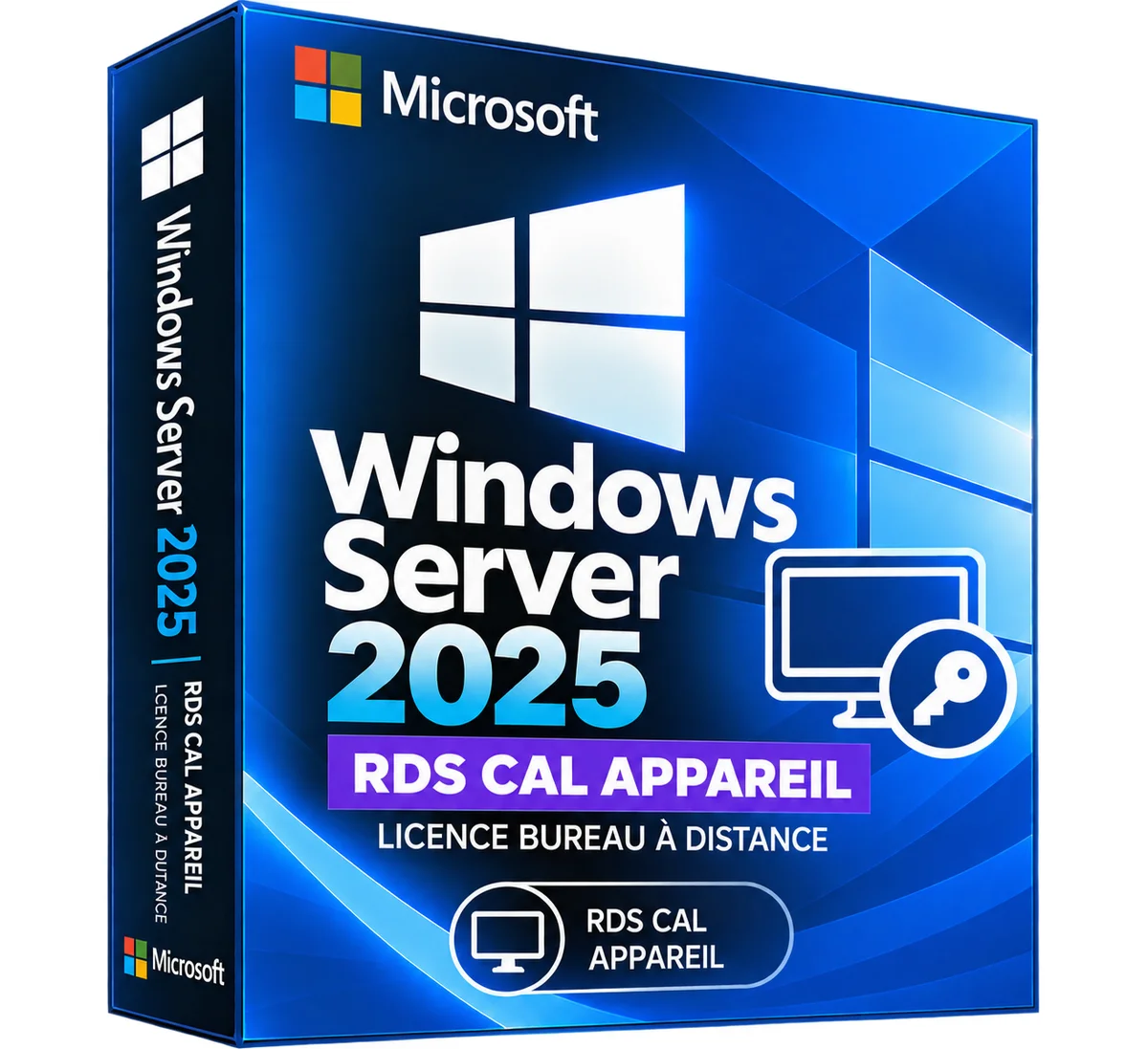
Visuel illustratif non contractuel. Conditionnement, disponibilité, canal de distribution et prix à vérifier avant publication.
LIVRAISON ET ACTIVATION
Цифров продукт: данните за активиране и изтегляне се изпращат по имейл след потвърждаване на поръчката. Имате въпрос по време на инсталирането? Écrivez au vendeur depuis votre espace client.
Aucun avis pour l’instant. Les acheteurs peuvent noter le produit depuis leur espace client après la livraison.
−10 %
sur votre première commandeInscrivez-vous aux bons plans et recevez votre code tout de suite (dès 20 € d’achat, réduction jusqu’à 30 €).
Votre code :
Il est déjà appliqué à votre panier et vous a été envoyé par e-mail.
Adresse e-mail invalide ou déjà utilisée.

Le site en un clic depuis votre écran d’accueil, avec les ventes flash et le suivi de vos colis en notification.
Sur iPhone ou iPad : touchez Partager, puis Sur l’écran d’accueil.
Recevez les ventes flash, les baisses de prix et le suivi de vos commandes. Vous pouvez les couper à tout moment.
Les notifications sont bloquées pour Pricemondo. Ouvrez les paramètres du site (icône à gauche de l’adresse, ou Paramètres › Applications › Pricemondo › Notifications sur Android), autorisez-les, puis revenez ici.
C’est activé : vous recevrez nos notifications sur cet appareil.