Microsoft
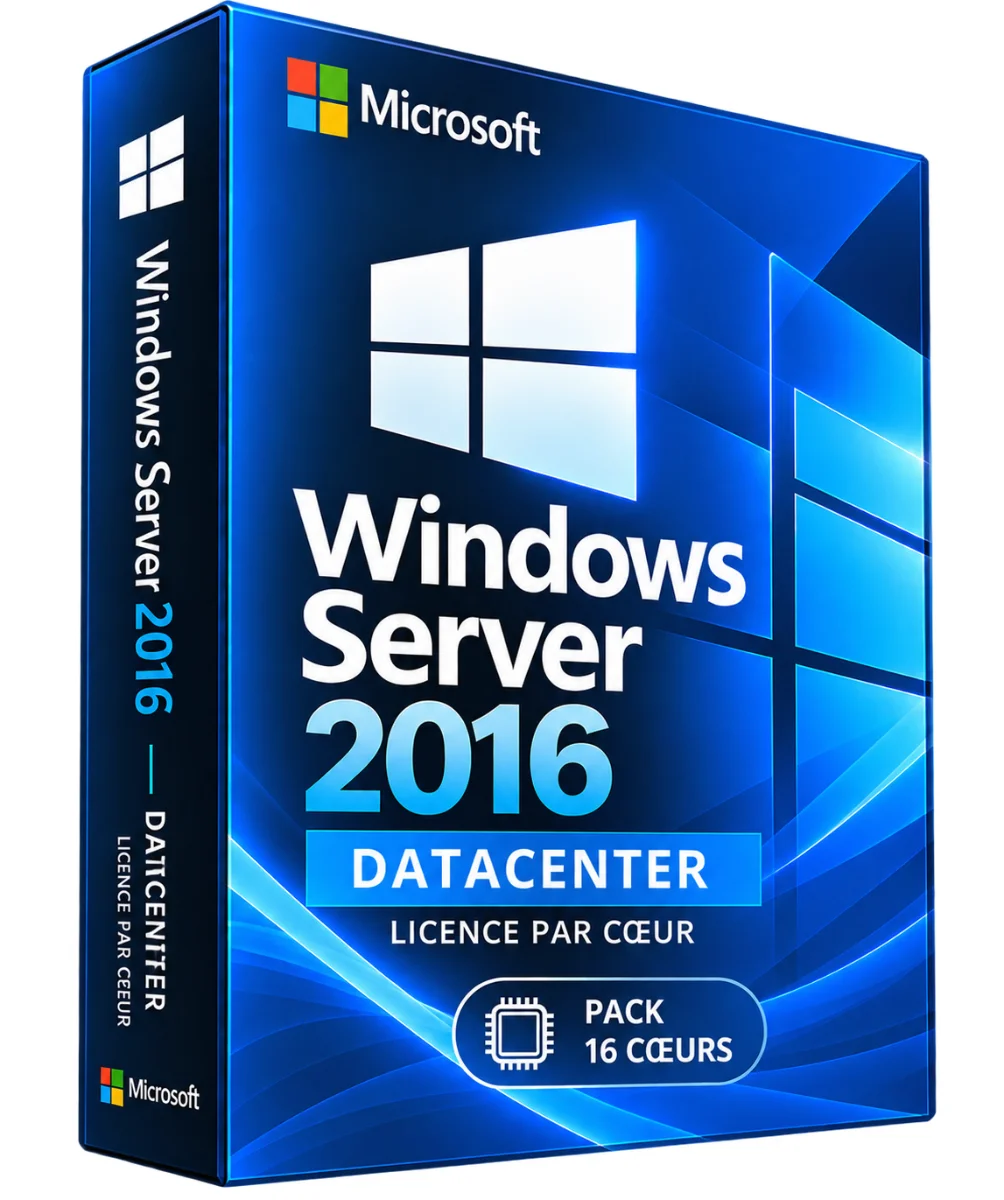
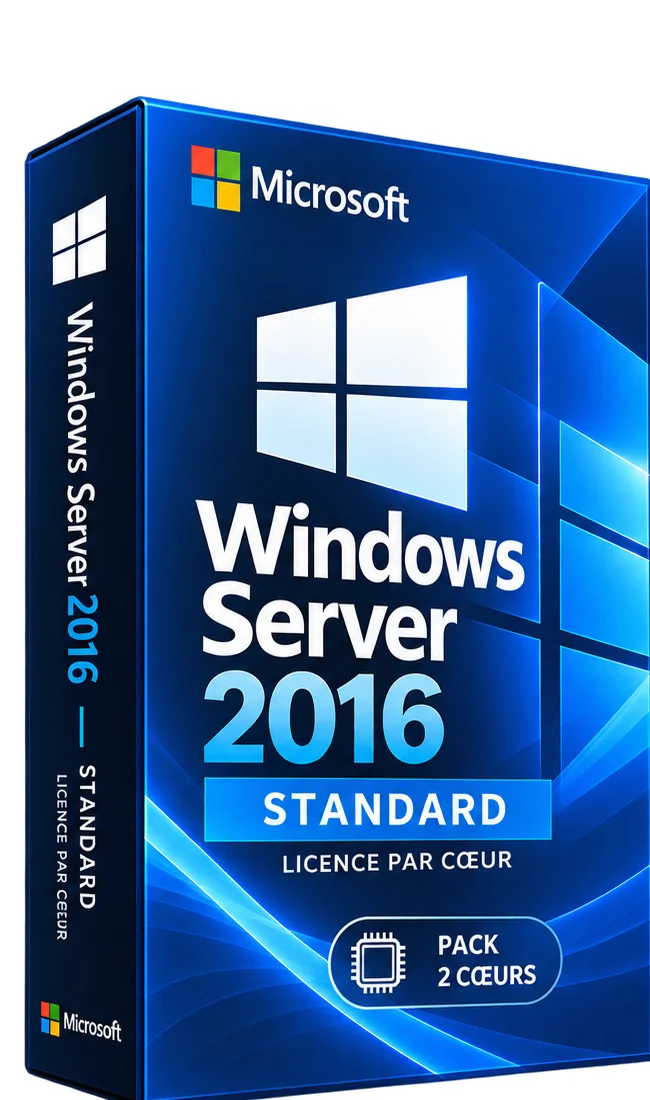
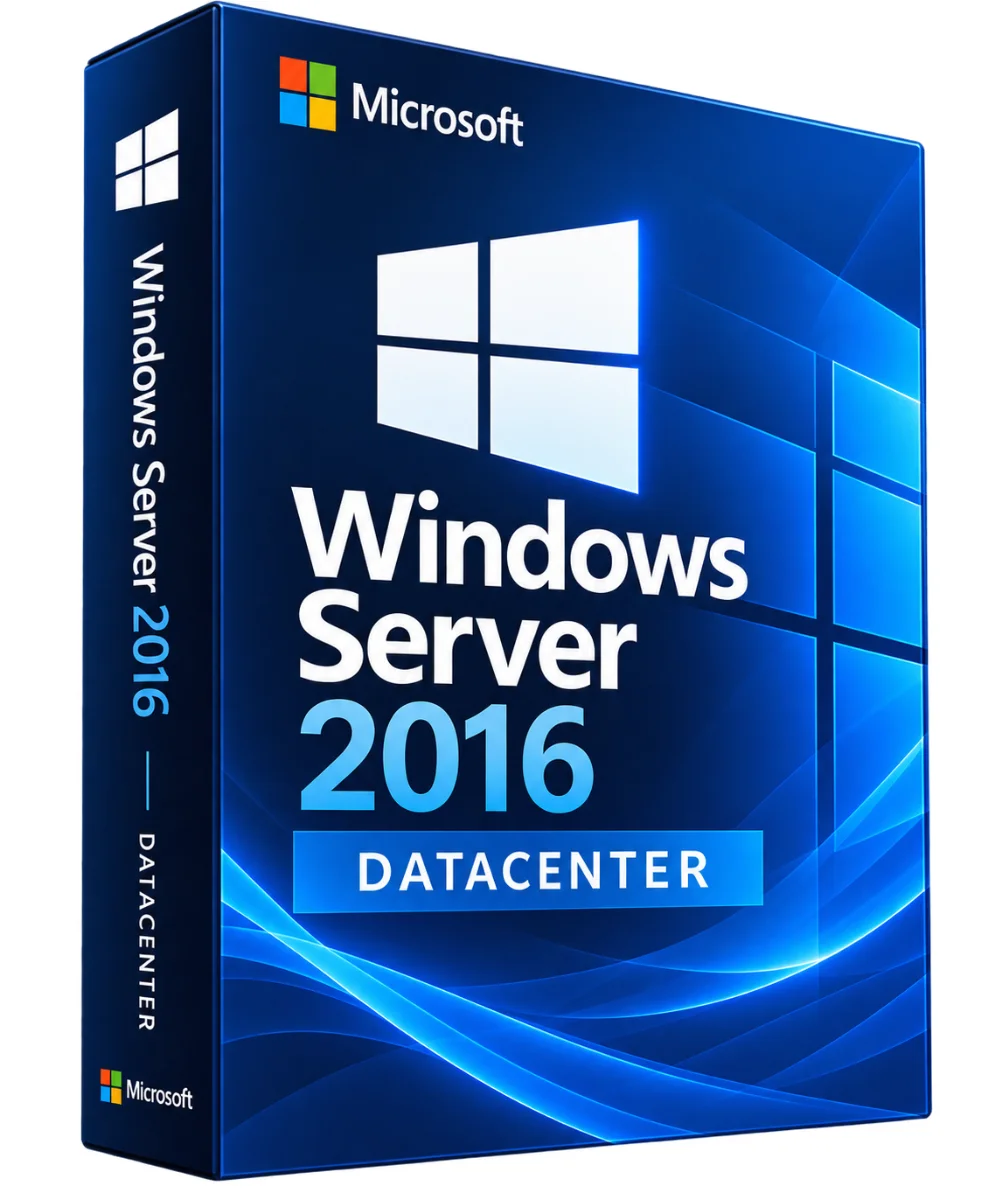
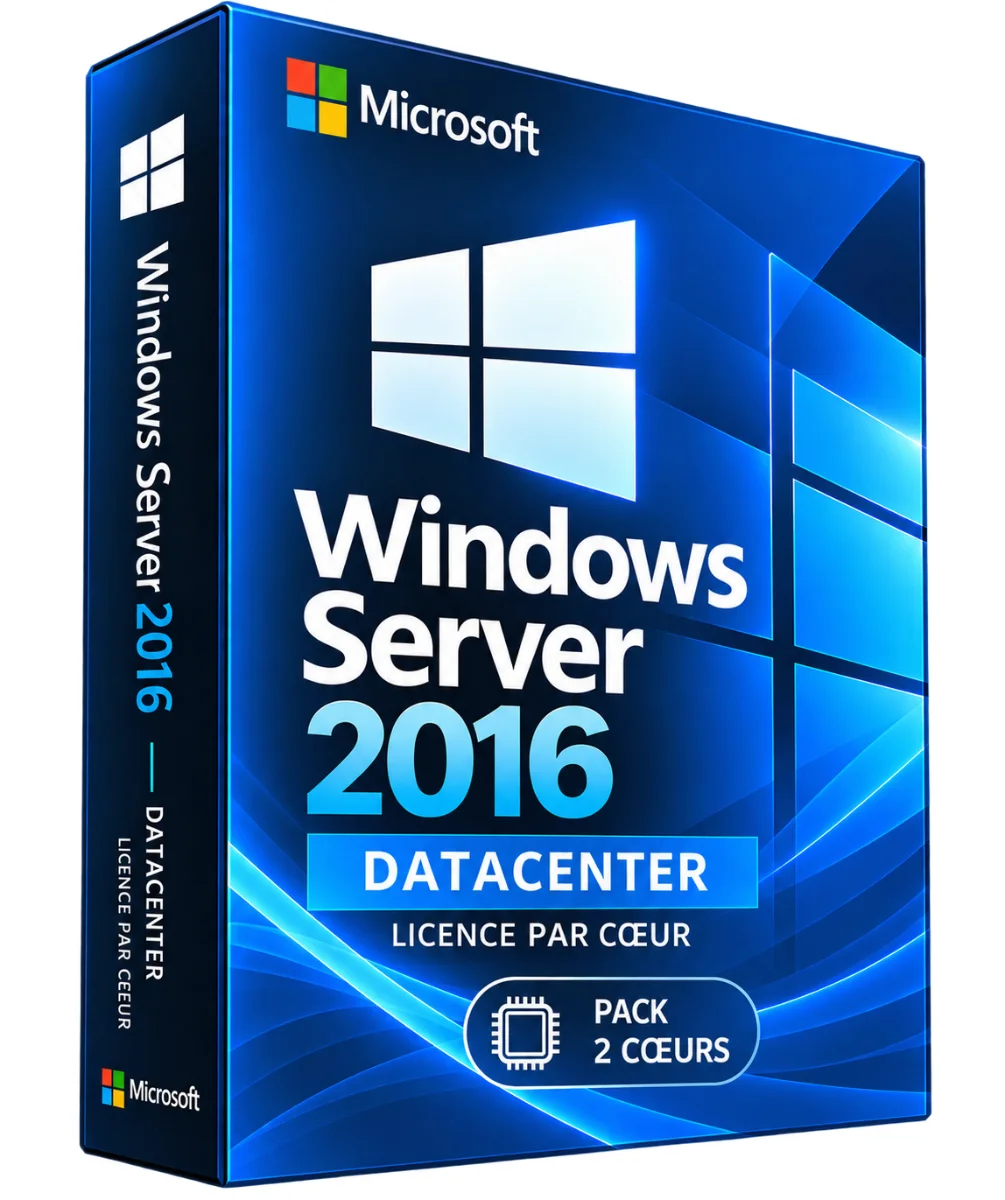
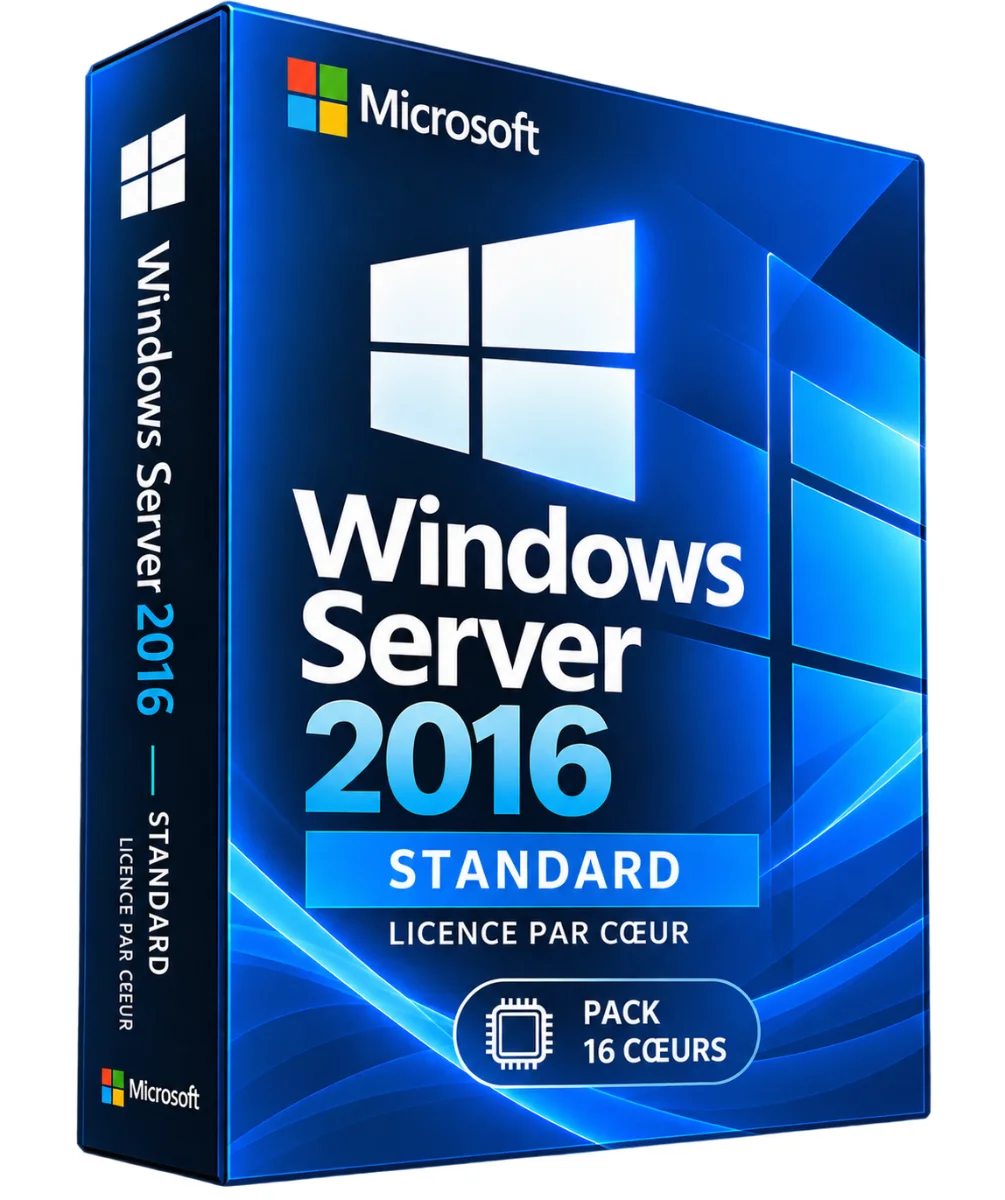
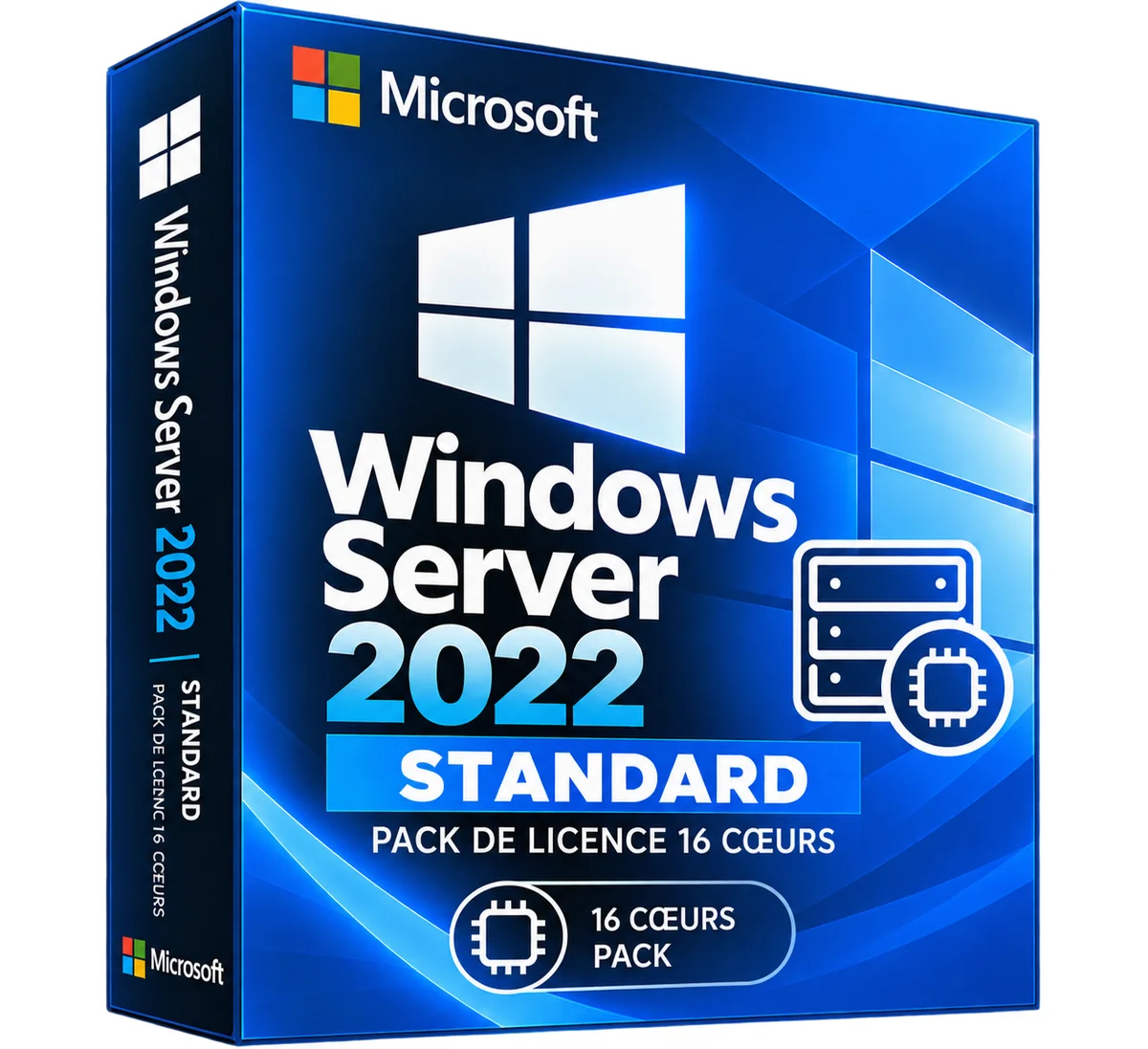
Windows Server 2016 Datacenter – 16 Heart License Pack
- Storage Spaces Direct for compatible infrastructure
- Replicata Storage and Advanced Storage Functions
- Roles Active Directory, DNS, DHCP and Network Services
- Advanced security and administration functions Windows Server
Windows Server 2016 Datacenter: a digital license with the download key and link sent by email. Order online, secure payment and support in writing if needed. The 2016 Windows Server Datacenter 16 cores pack corresponds to .. Read more
Verified sellerProtected payment30-day returns
Report this product
Description
Windows Server 2016 Datacenter: a digital license with the download key and link sent by email. Order online, secure payment and support in writing if needed. The 2016 Windows Server Datacenter 16 cores package corresponds to a physical core server license package for the Datacenter edition. It serves to cover the minimum of 16 cores per server when the hardware also meets the minimum of 8 cores per processor, and must be completed if more hearts are present. WINDOWS SERVER FUNCTIONS 2016 DATACENTER • Storage Spaces Direct for compatible infrastructure • Replicata Storage and Advanced Storage Functions • Roles Active Directory, DNS, DHCP and Network Services • Advanced security and administration functions Windows Server • Hyper-V Virtualization and Extended Rights for Windows Server Virtual Environments LICENCE BY HEART: UNDERSTANDING THE PACK 16 HEARTS Windows Server 2016 Datacenter requires coverage of all physical cores of each licensed server, with a minimum of 8 cores per physical processor and 16 cores per server. A pack of 16 cores can therefore be sufficient to cover a server of 16 cores or less when the minima per processor are respected. If the number of physical cores or minimums per processor exceeds this coverage, additional licenses are required. VIRTUALIZATION Once all the physical host cores are properly licensed with Datacenter, the running rights of Windows Server virtual environments on this host are unlimited, according to the terms of the Microsoft license program. Third-party software and other Microsoft products remain subject to their own conditions. STANDARD OR DATACENTER? • Model: Heart License / Heart License • Virtualization rights: Up to two virtual environments by full coverage, under conditions / Unlimited after full coverage, under conditions • Advanced Storage: More Limited / Additional Advanced Features • Criterion: Standard / Datacenter PREPARATION AND INSTALLATION GUIDE • Remove the processors and the number of physical cores from the server. • Calculate the number of licenses required, applying Microsoft minima. • Control the compatibility of hardware, pilots and applications. • Prepare your backups and an authorized installation support. • Install Windows Server 2016 Datacenter and configure the required roles. • Activate the system according to the license channel and keep the supporting documentation. CAL AND RDS CAL CAL Windows Server licenses are generally required for users or devices accessing server services. RDS uses may require separate RDS CAL. These rights are not automatically included in a heart pack. TECHNICAL POINTS • Publisher: Microsoft • Version : Windows Server 2016 • Edit: Datacenter • Packaging: 16 hearts • Architecture: 64 bits (x64) • Model: Physical Heart License • End of extended support: 12 January 2027 DOCUMENTATION AND VIDEO For prerequisites and administration, see Microsoft Learn – Windows Server. An integrated video can be added after the resource has been verified. QUESTIONS AND RESPONSES Is the 16 core pack enough for all servers? No. The actual number of physical hearts and minimums per processor must be checked. Does Datacenter allow unlimited virtualization? Yes for Windows Server virtual environments on a properly licensed host, subject to applicable conditions. ARE THE CALES INCLUDED? No, unless otherwise specified. Does this pack provide an activation key? The exact content and activation mechanism depend on the license channel and must be verified before marketing. DELIVERY AND ACTIVITIES Digital product: The activation and download information is sent to you by e-mail after validation of the order. Any questions during installation? Write to the seller from your customer area.
All offers (1)
Customer reviews
No reviews yet. Buyers can rate the product from their customer area after delivery.
About the seller
Sponsored products related to this item
Sponsored
MICROSOFT
1 PC - Fast delivery - Software - Windows 11 Pro - Activation key - Microsoft - Instant Delivery
€1.98€2.20
Sent under 2 j
MICROSOFT
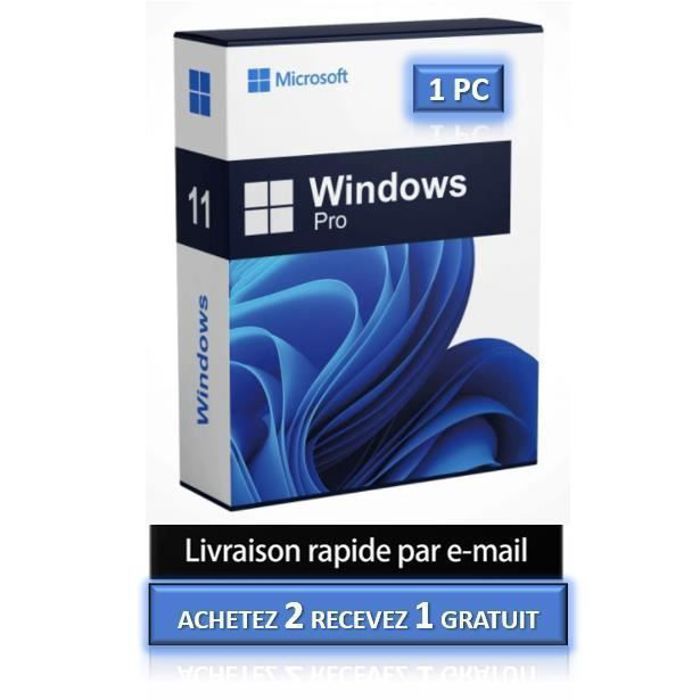
1 PC - Windows 11 Pro - Fast delivery - Software - Activation key - Microsoft - Instant Delivery
€4.32€4.80
Sent under 2 j
Complete your purchase
Accessories and small prices from the same department
MICROSOFT
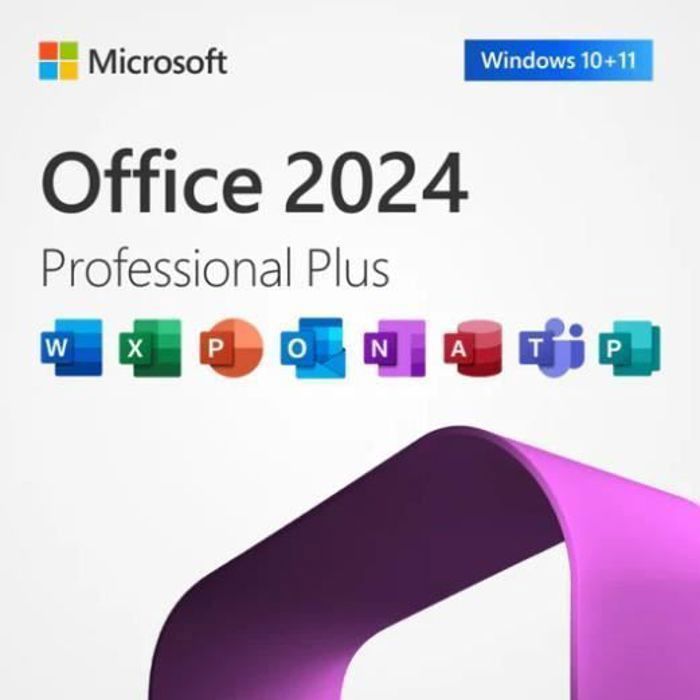
Office 2024 Pro Plus - Licence activation - Software - Immediate delivery - 1 PC
€2.00
Sent under 2 j
In the same department
More products from Lazy-cub


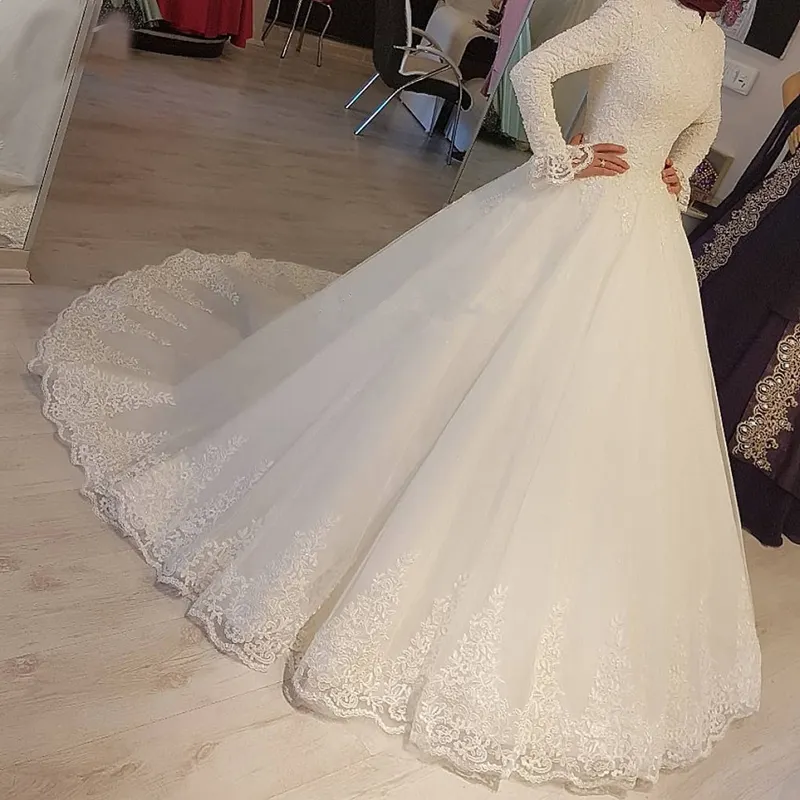





Bridal wedding dress in lace round neck with long sleeves, beads – Mid length
2 colours · 16 sizes
€461.90
Sent under 5 j

Mermaid wedding dress in lace round neck with long sleeves, beads – Long
2 colours · 14 sizes
€383.90
Sent under 5 j

Princess wedding dress in lace with 3/4 sleeves, large size – Long
4 colours · 17 sizes
€253.90
Sent under 5 j
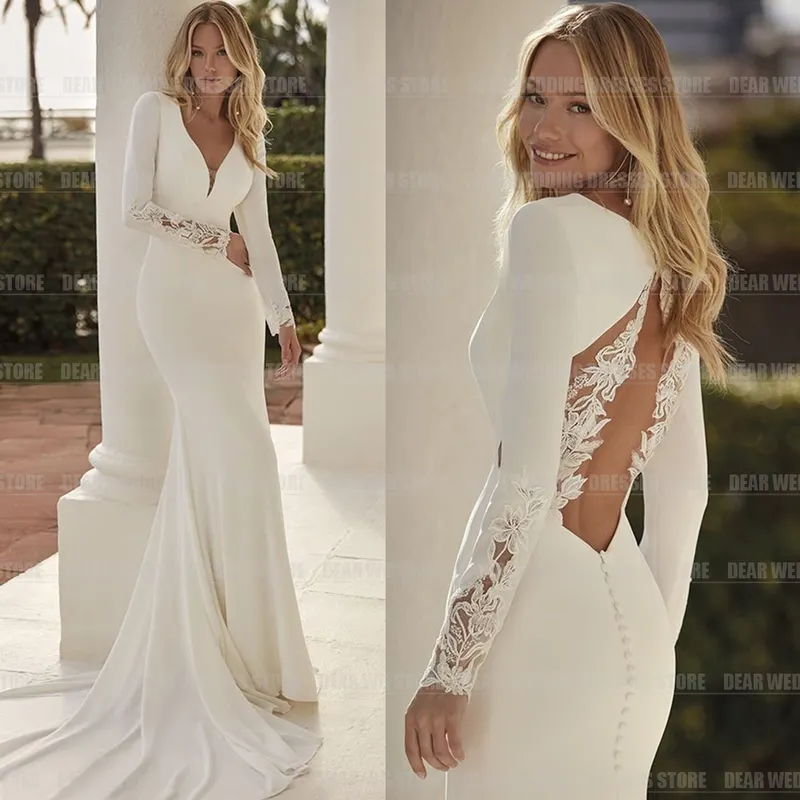
Mermaid wedding dress in satin V-neck with long sleeves, bare back – Long
2 colours · 13 sizes
€453.90
Sent under 5 j

Mermaid wedding dress in denuded shoulder lace, vintage and glittered – Long
2 colours · 14 sizes
€440.90
Sent under 5 j