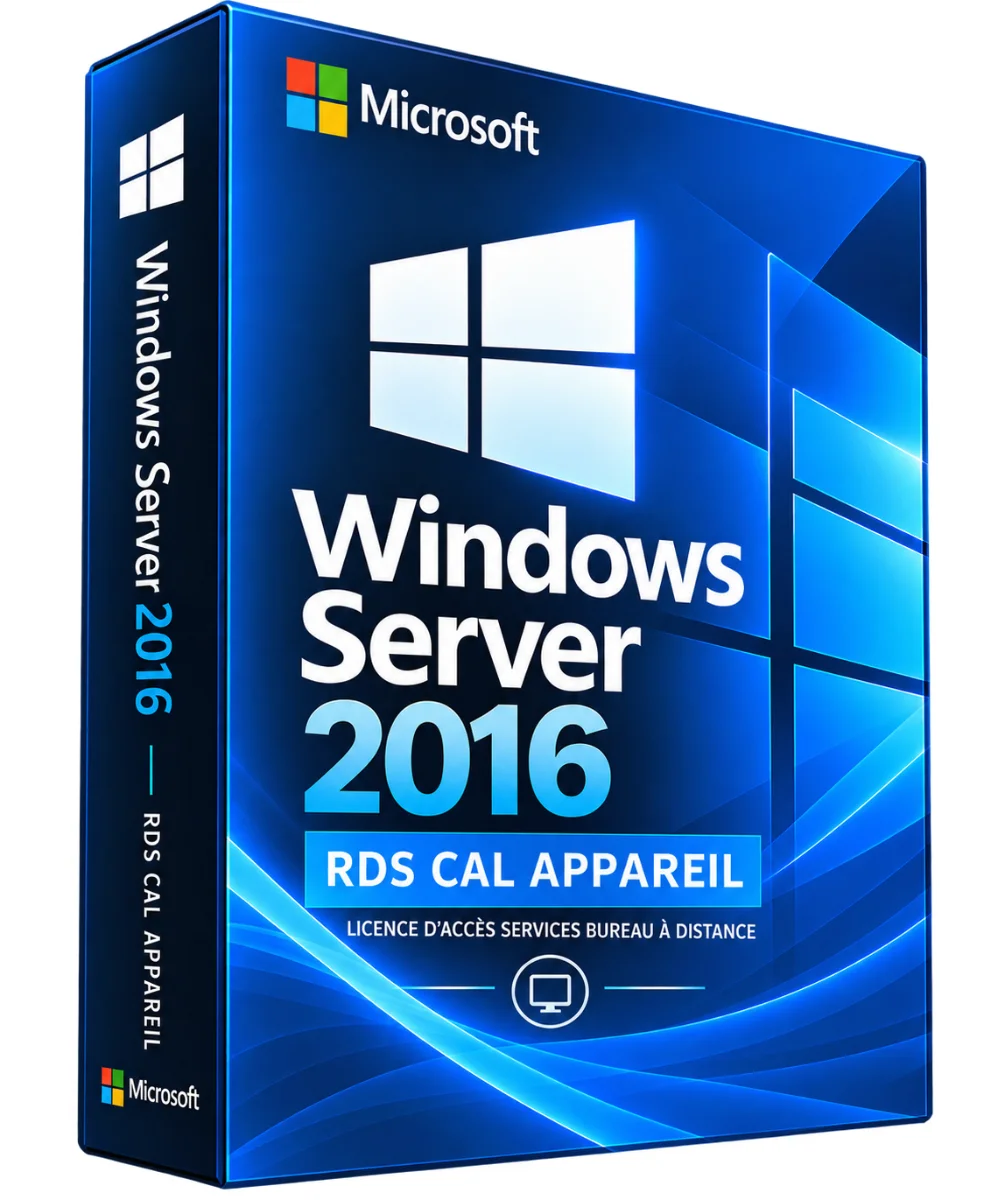
Microsoft
Windows Server 2016 RDS CAL Device – Remote Desktop License
- Suitable for shared stations, reception terminals and team environments
- Access to offices or applications published via RDS according to the infrastructure deployed
- Managing the "Per Device" License Mode in RDS Deployment
- Completes correctly licensed Windows Server infrastructure
Windows Server 2016 RDS CAL Device, offered by the shop LAZY-CUB: a customer access right for your Microsoft infrastructure. You are accompanied until the activation. The Windows Server 2016 RDS CAL Device is a client access license to the.. Read more
Verified sellerProtected payment30-day returns
Report this product
Description
Windows Server 2016 RDS CAL Device, offered by the shop LAZY-CUB: a customer access right for your Microsoft infrastructure. You are accompanied until the activation. The Windows Server 2016 RDS CAL Device is a remote desktop services customer access license assigned to a device. It allows different users to share a single post to access a Windows Server 2016 RDS environment under Microsoft license conditions. MAIN BENEFITS • Suitable for shared stations, reception terminals and team environments • Access to offices or applications published via RDS according to the infrastructure deployed • Managing the "Per Device" License Mode in RDS Deployment • Completes correctly licensed Windows Server infrastructure • RDS licence issued to a device, not a person COMPARATIVE RDS CAL • Type: Principle / Use case • RDS CAL Device: One license per device / Different people share a job • RDS CAL User: One license per user / One person uses different devices COMPATIBILITY AND CONDITIONS The RDS CAL Windows Server 2016 is suitable for Windows Server 2016 RDS deployments and previously eligible versions. It does not automatically grant access rights to RDS 2019, 2022 or 2025. A CAL RDS does not include the Windows Server operating system license or, as a general rule, the basic Windows Server CAL. INSTALLATION AND CONFIGURATION • Prepare a Remote Desktop Services deployment on a properly licensed Windows Server. • Install and activate the Remote Desktop License Manager role according to Microsoft documentation. • Configure the RDS license mode "Per device". • Add the valid RDS CAL packs via the corresponding installation channel. • Check the licensed devices, assignments and proof of purchase. TECHNICAL STATEMENT • Publisher: Microsoft • Product : Windows Server 2016 RDS CAL Device • Type: RDS device access license • Compatibility: Windows Server 2016 RDS and previous eligible versions • Windows Server license included: No • CAL Windows Server included: No, except for specific contractual rights DOCUMENTATION AND VIDEO For activation and licensing, see Microsoft Learn: RDS Access Licenses. A demonstration video can be added after checking a suitable resource. QUESTIONS AND RESPONSES Can different users access via the same post? Yes, an RDS CAL Apparatus is associated with the device concerned in accordance with the conditions of licence. Do you also need a classic CAL Windows Server? Generally yes, in addition to RDS CAL. Does this license enable Windows Server? No. It covers RDS access rights, not activation of the operating system. Is it usable on Windows Server 2022? No, you need an appropriate version RDS CAL. Non-contractual presentation visual. Packaging, distribution channel, availability and price to be confirmed before publication. DELIVERY AND ACTIVITIES Digital product: The activation and download information is sent to you by e-mail after validation of the order. Any questions during installation? Write to the seller from your customer area.
All offers (1)
Customer reviews
No reviews yet. Buyers can rate the product from their customer area after delivery.
About the seller
Sponsored products related to this item
Sponsored
MICROSOFT
1 PC - Fast delivery - Software - Windows 11 Pro - Activation key - Microsoft - Instant Delivery
€1.98€2.20
Sent under 2 j
MICROSOFT
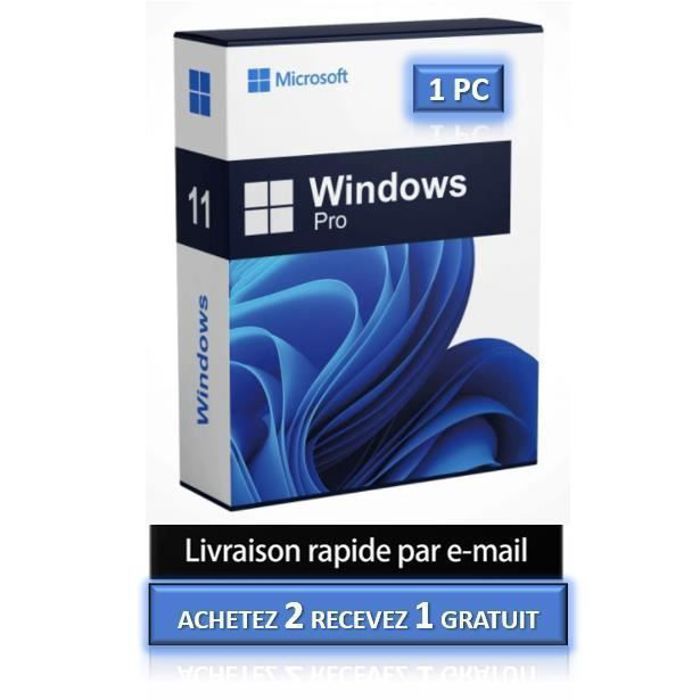
1 PC - Windows 11 Pro - Fast delivery - Software - Activation key - Microsoft - Instant Delivery
€4.32€4.80
Sent under 2 j
Complete your purchase
Accessories and small prices from the same department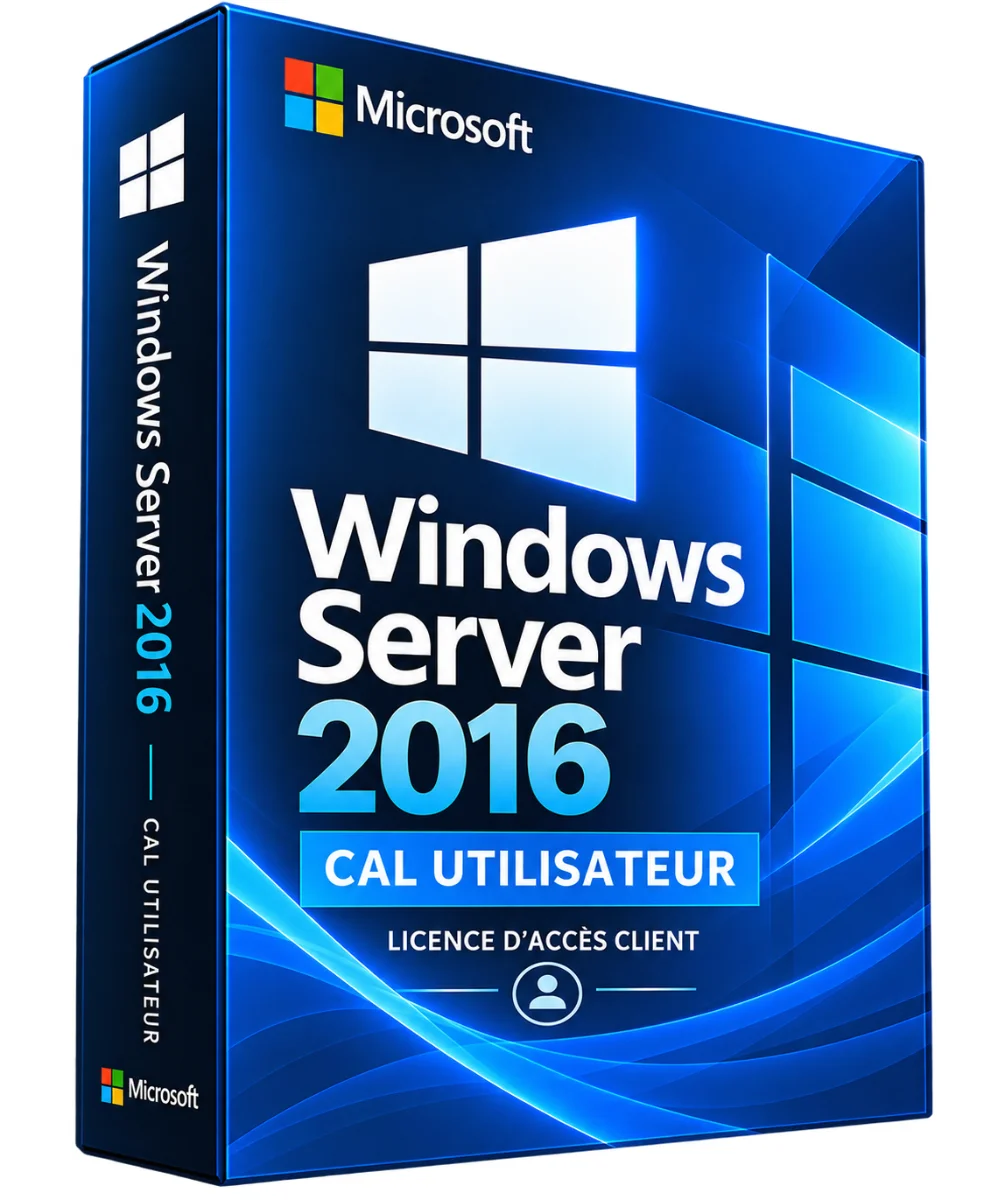

Microsoft
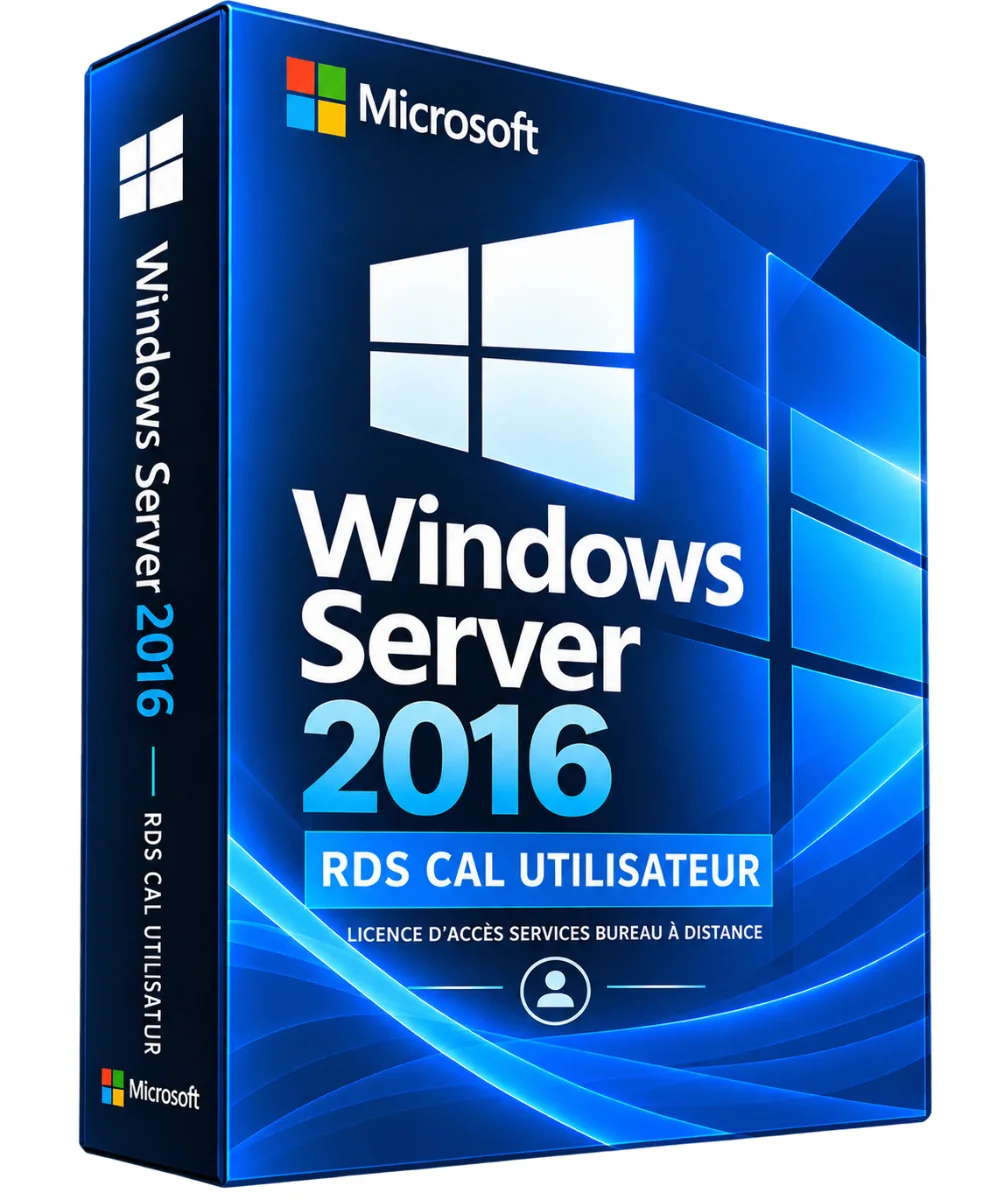
Windows Server 2016 RDS CAL User – Remote Desktop License
3 sizes
€14.90
Ships within 24 h
MICROSOFT
Microsoft Office 2021 Pro Plus Pack - Activation key - 1 PC - Windows 10 & 11 - Fast delivery
€0.05
Sent under 2 j
MICROSOFT
Software - Microsoft - Office 2021 Professional Plus - 1 license - Download - PC
€0.05
Sent under 2 j
MICROSOFT
Activation key - Microsoft Office 2021 Professional Plus - 1 PC - Windows 7 or later - Full version
€1.00
Sent under 2 j
In the same department
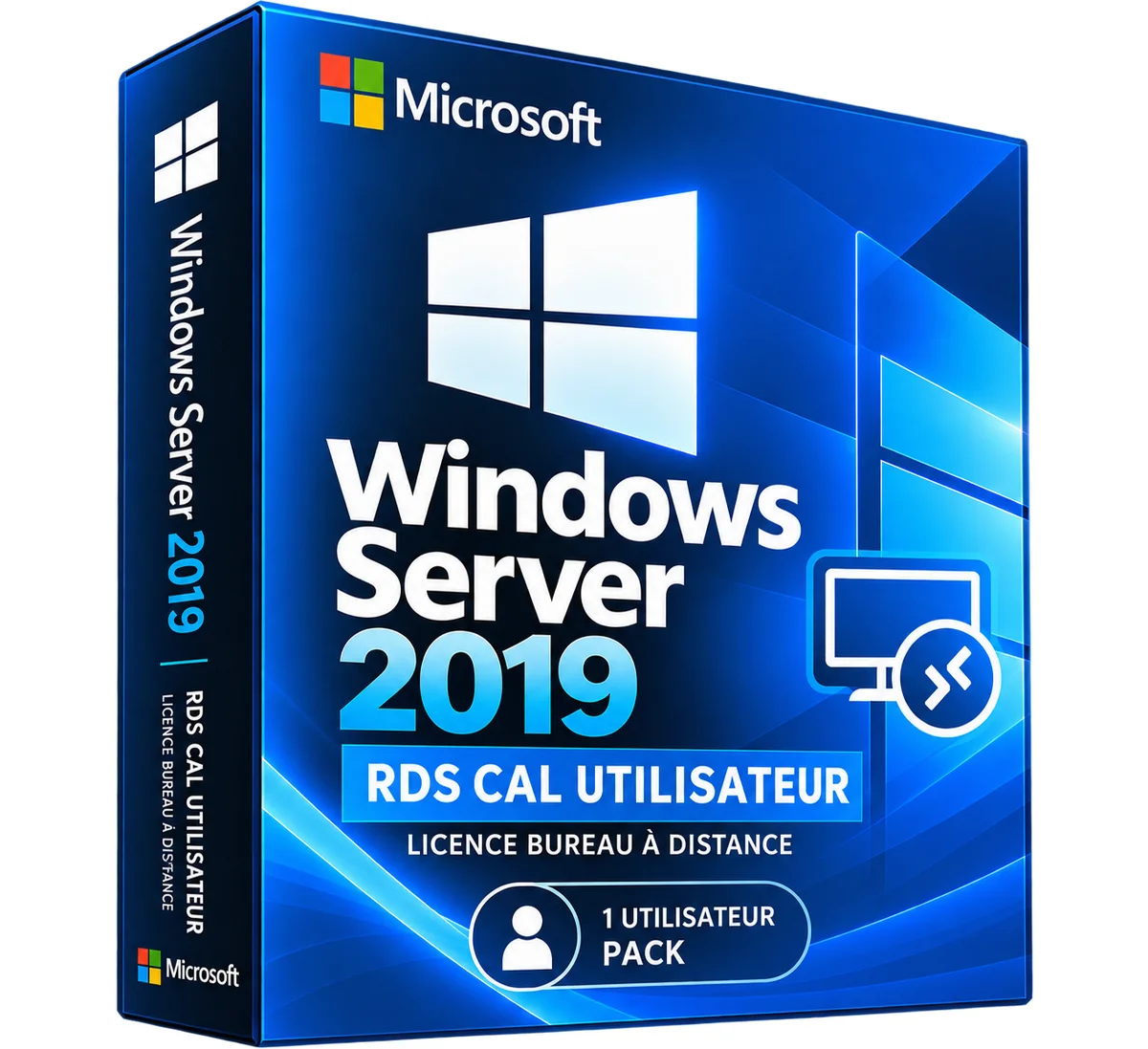
Microsoft
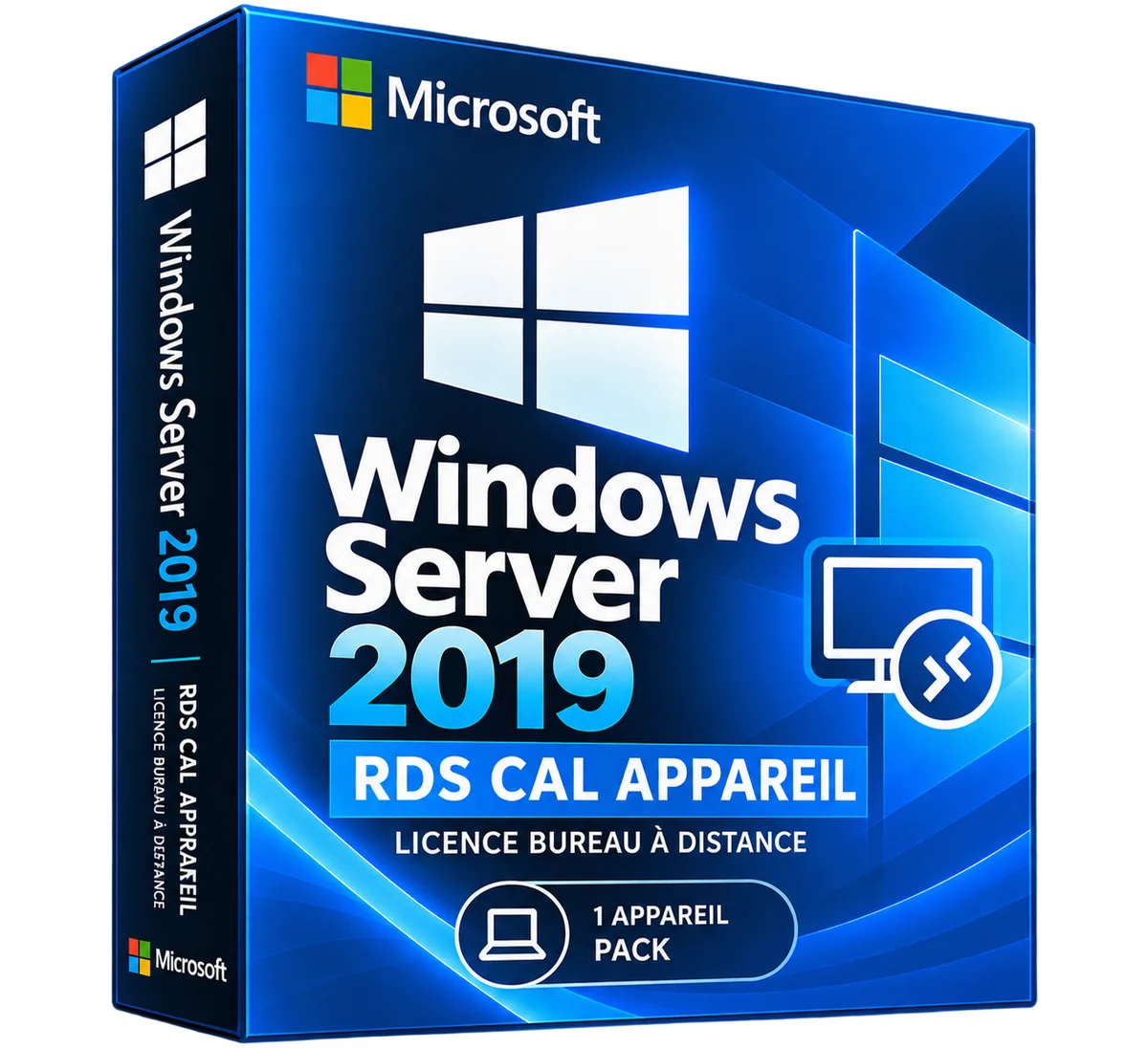
Windows Server 2019 RDS CAL Device – Remote Desktop License
3 sizes
€29.90
Ships within 24 h
Microsoft
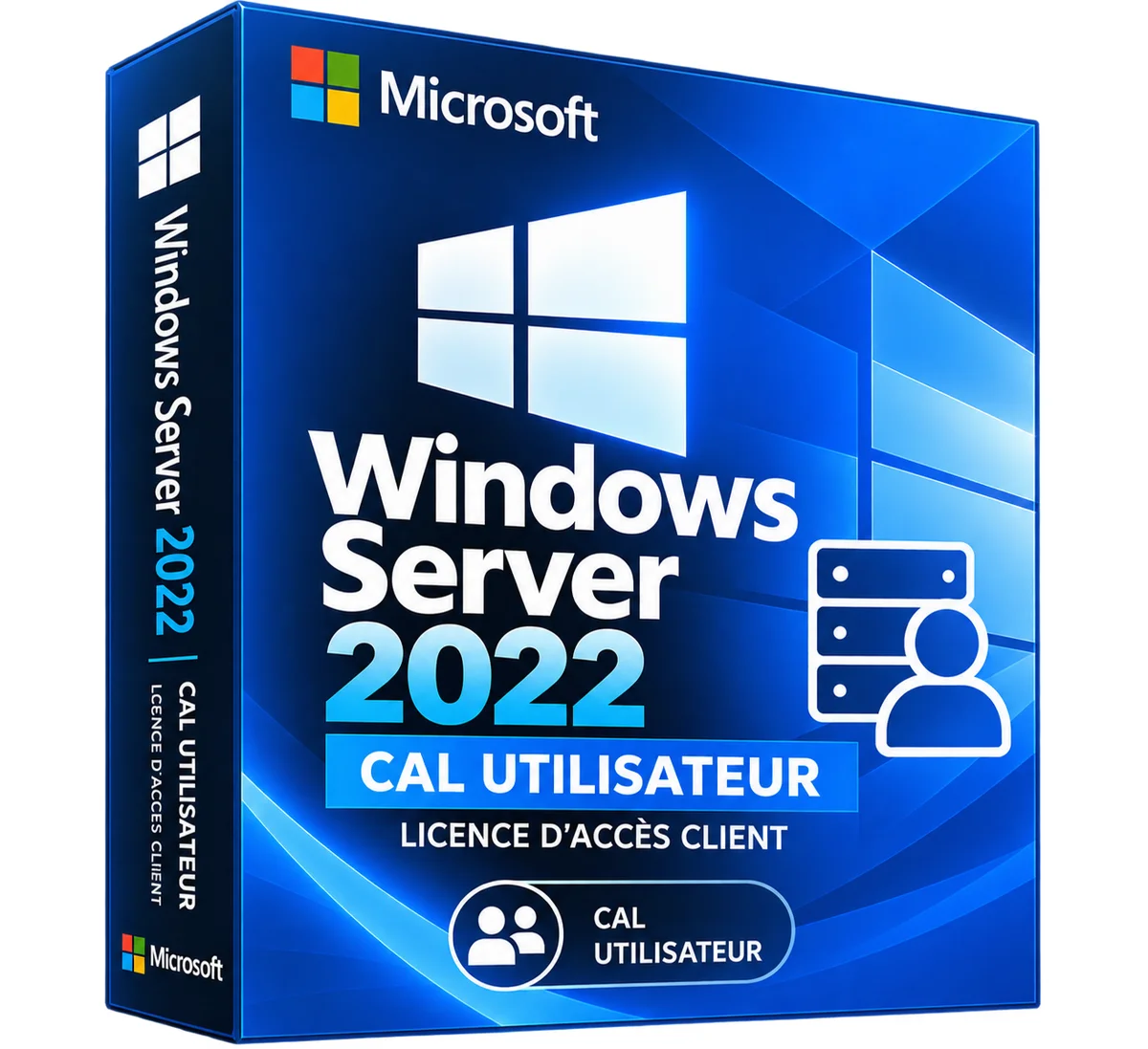
Windows Server 2019 RDS CAL User – Remote Desktop License
3 sizes
€29.90
Ships within 24 h
Microsoft
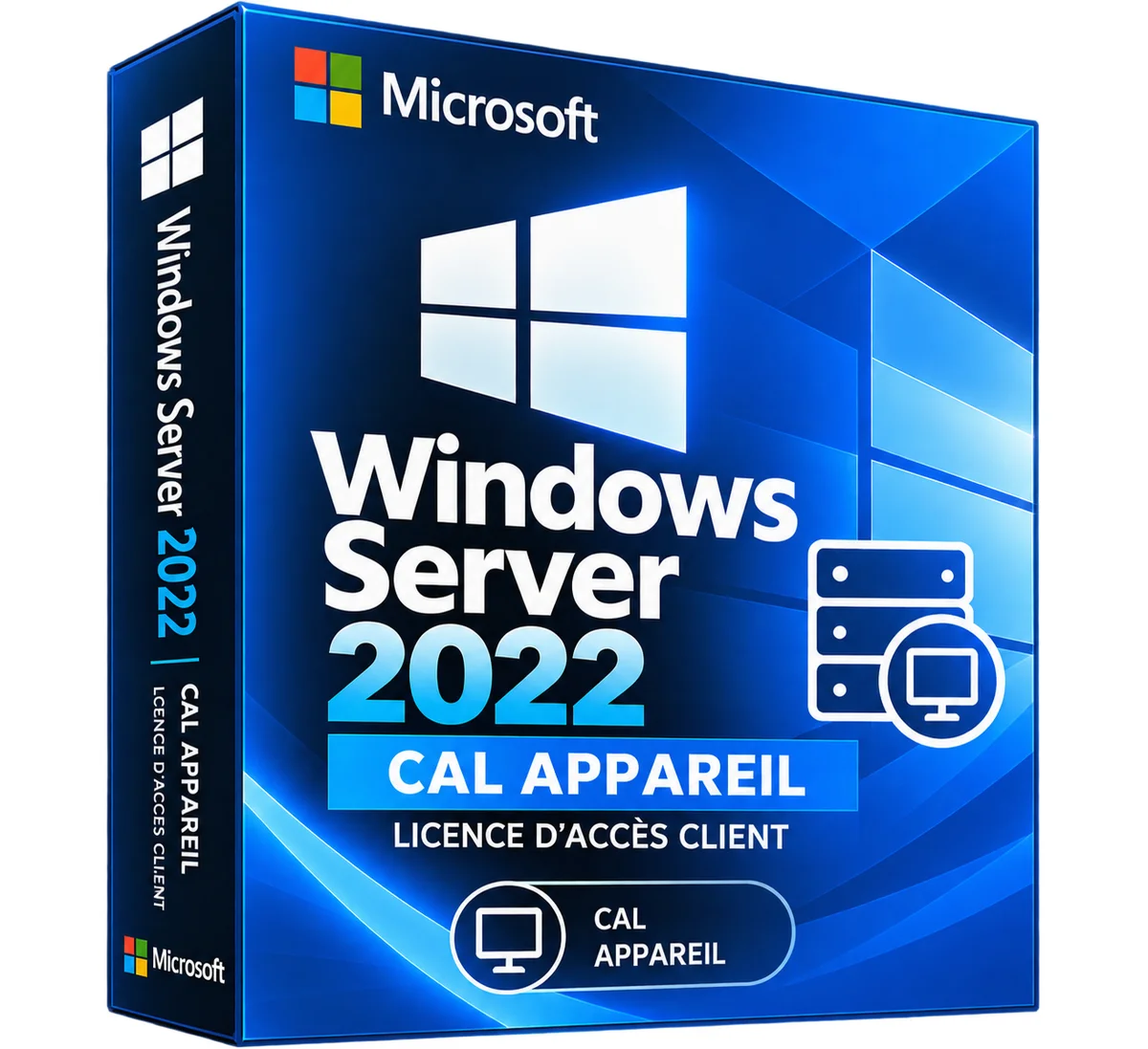
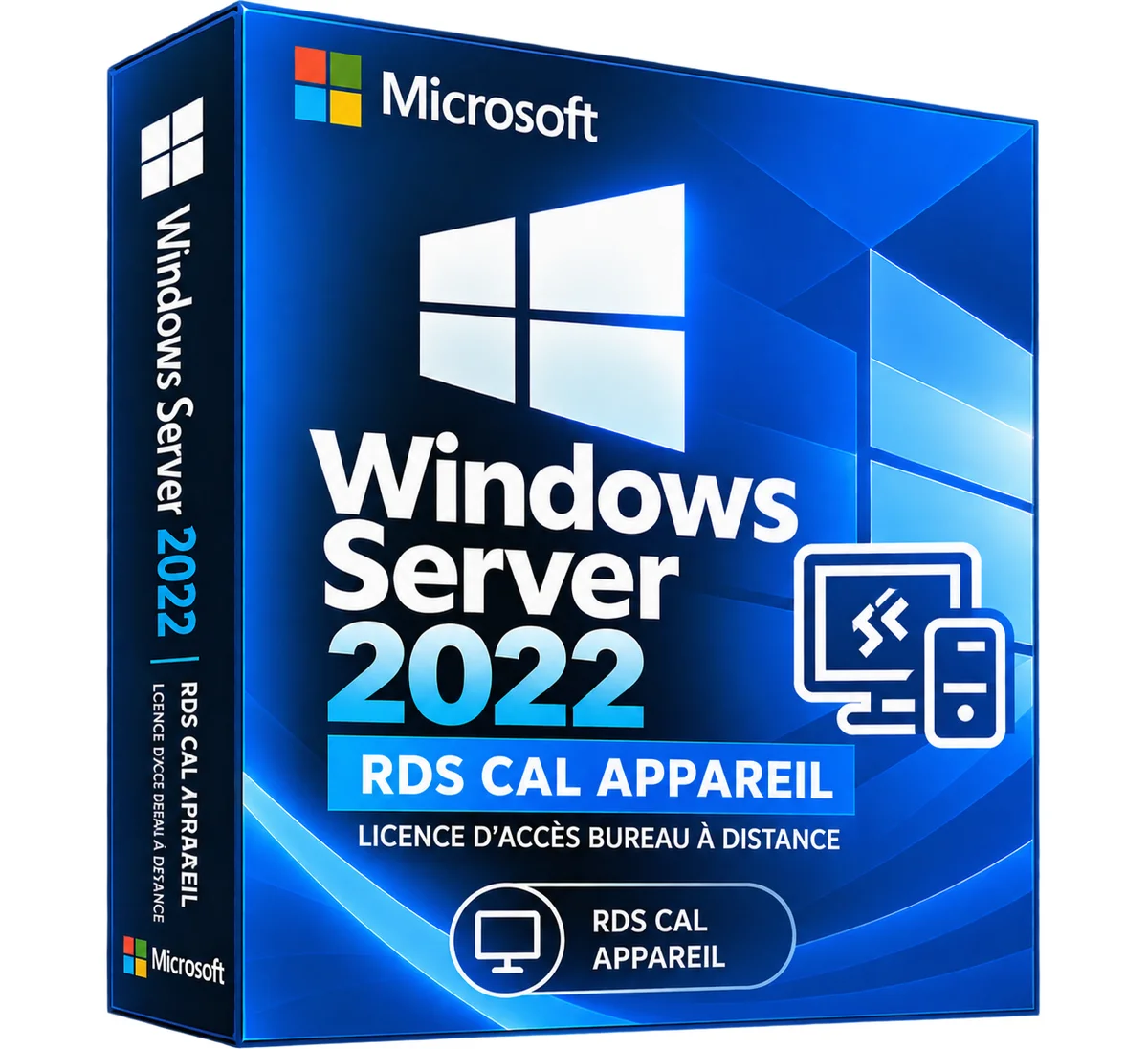
Windows Server 2022 RDS CAL Device – Remote Desktop License
3 sizes
€34.90
Ships within 24 h
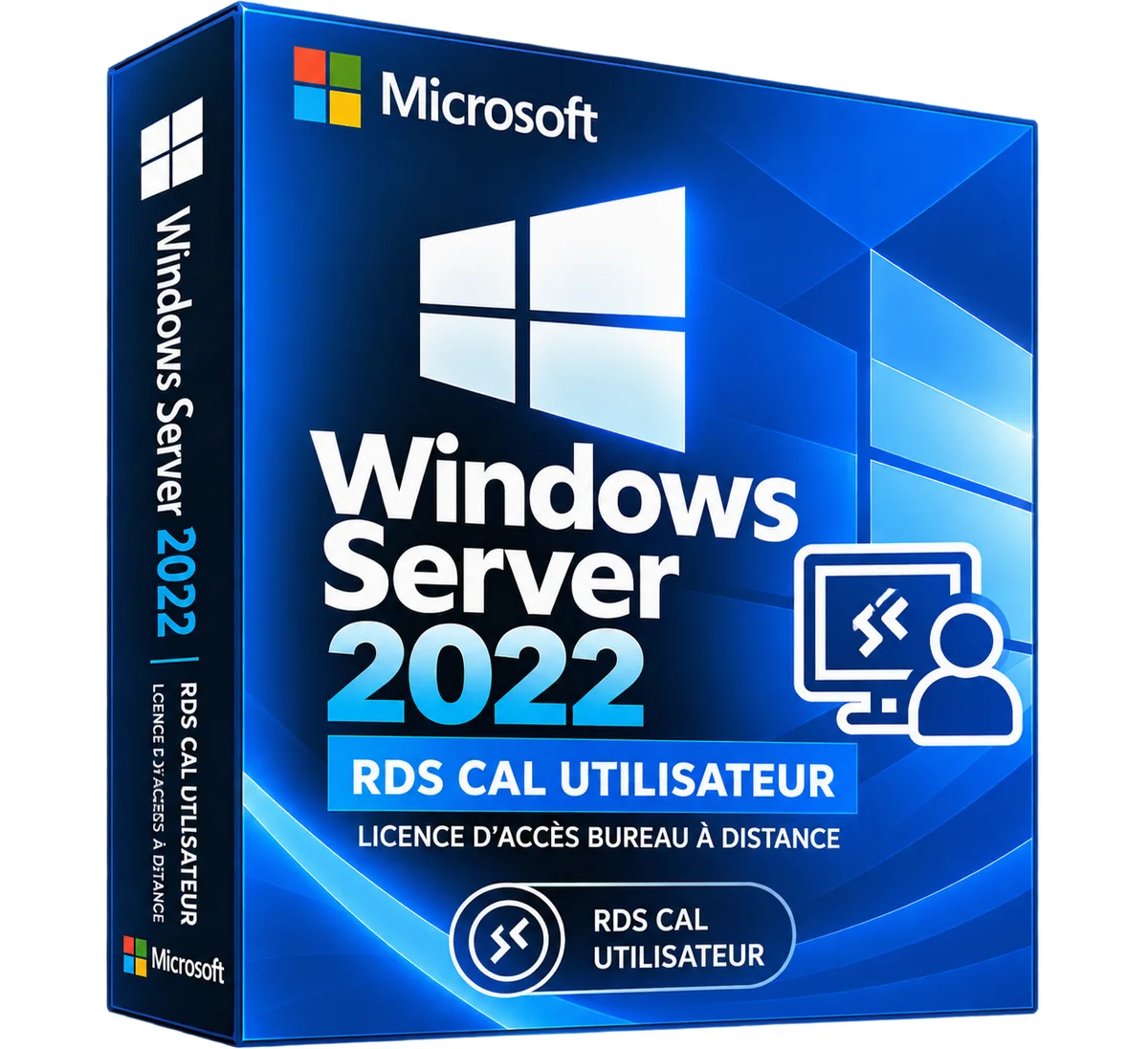
Microsoft
Windows Server 2022 RDS CAL User – Remote Desktop License
3 sizes
€34.90
Ships within 24 h
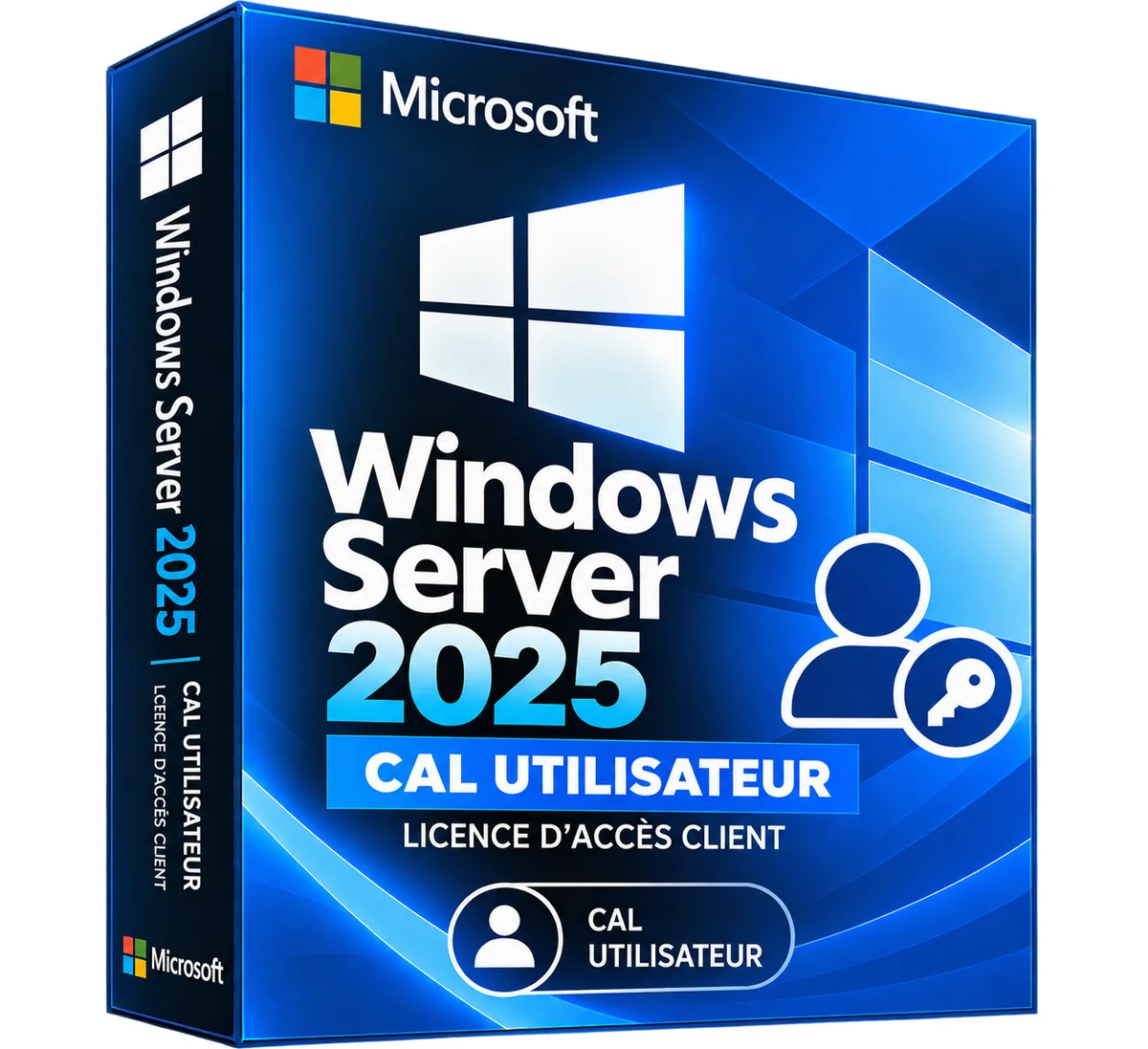
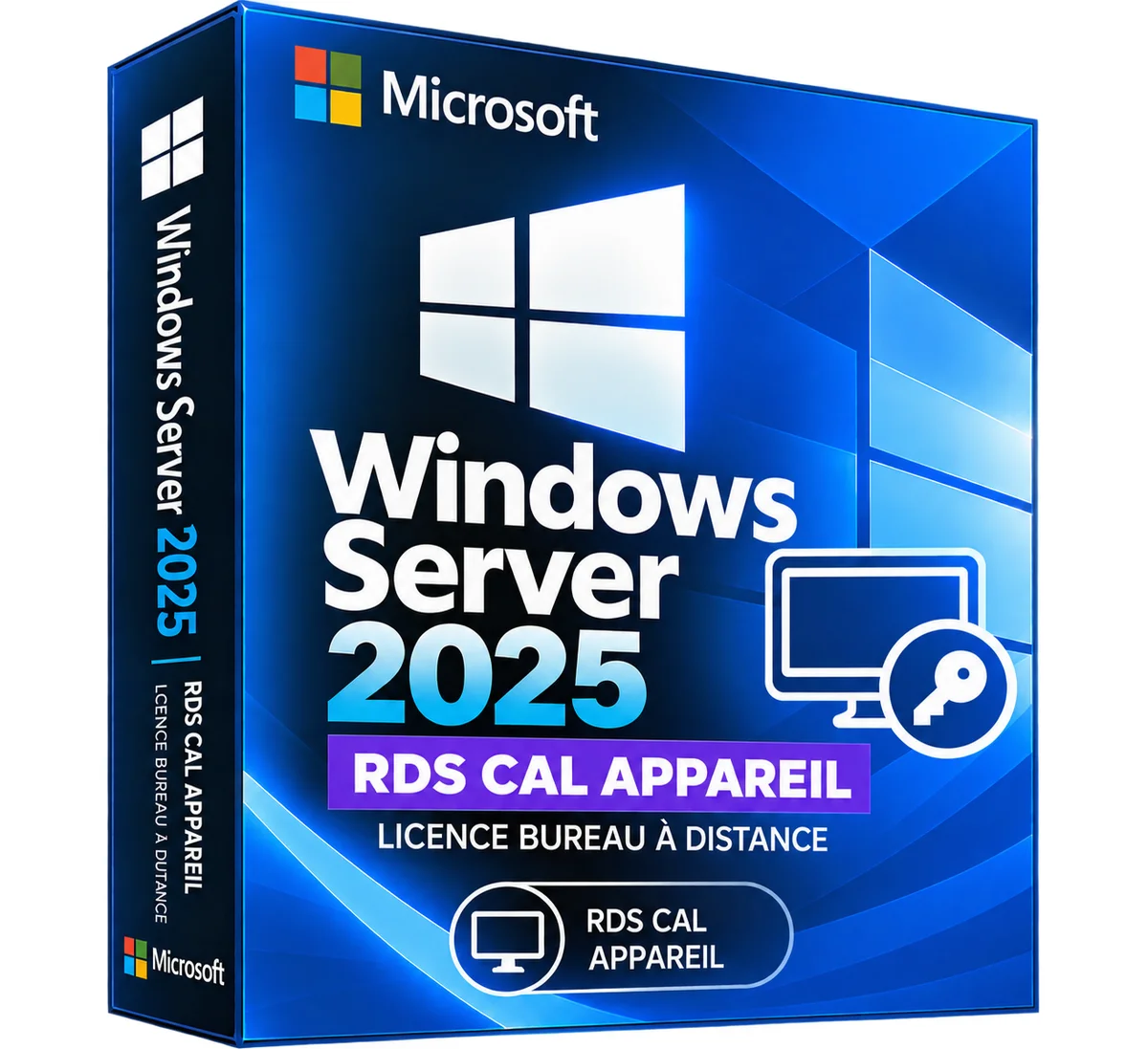
Microsoft
Windows Server 2025 RDS CAL Device – Remote Desktop License
3 sizes
€39.90
Ships within 24 h
Microsoft
Windows Server 2025 RDS CAL User – Remote Desktop License
3 sizes
€39.90
Ships within 24 h
More products from Lazy-cub








Bridal wedding dress in lace round neck with long sleeves, beads – Mid length
2 colours · 16 sizes
€461.90
Sent under 5 j

Mermaid wedding dress in lace round neck with long sleeves, beads – Long
2 colours · 14 sizes
€383.90
Sent under 5 j

Princess wedding dress in lace with 3/4 sleeves, large size – Long
4 colours · 17 sizes
€253.90
Sent under 5 j

Mermaid wedding dress in satin V-neck with long sleeves, bare back – Long
2 colours · 13 sizes
€453.90
Sent under 5 j

Mermaid wedding dress in denuded shoulder lace, vintage and glittered – Long
2 colours · 14 sizes
€440.90
Sent under 5 j