−66 %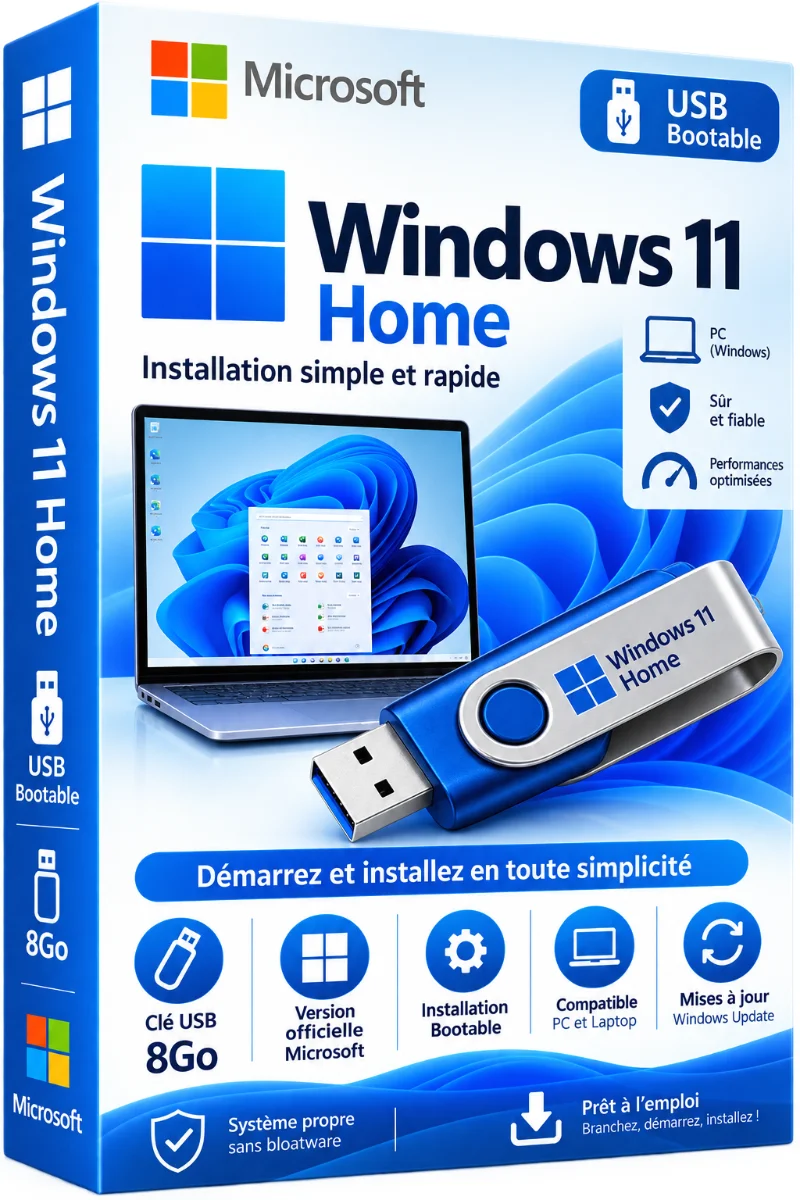
Microsoft
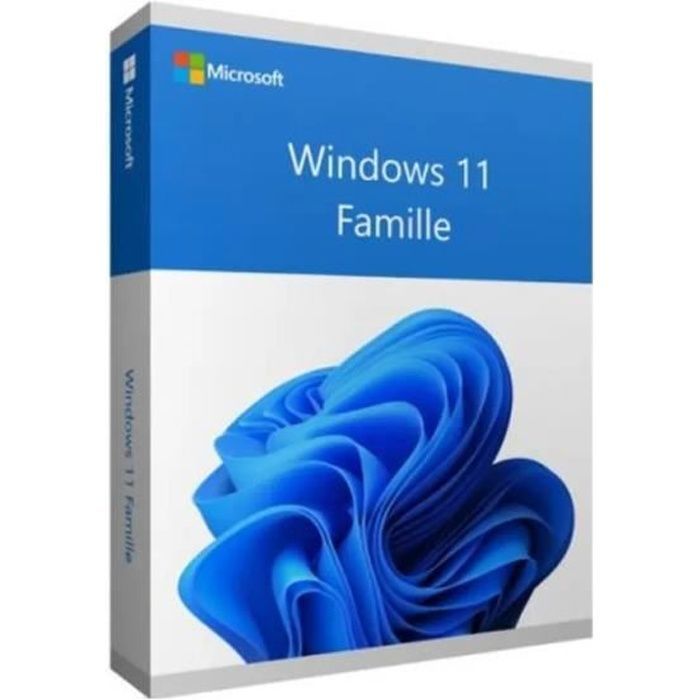
Windows 11 Family 64 Bits 8GO Bootable USB Flash Drive Version FR
- Windows 11 Family License Key
- Installation guide in French
- Follow-up home delivery
- Installation aid
Windows 11 Family 64 Bits 8GO Bootable USB Flash Drive Version FR, offered by the shop LAZY-CUB: an installation support delivered to your address. You are accompanied until the activation. An 8GB bootable USB flash drive with Windows 11 64-bit family in English .. Read more
Verified sellerProtected payment30-day returns
Report this product
Description
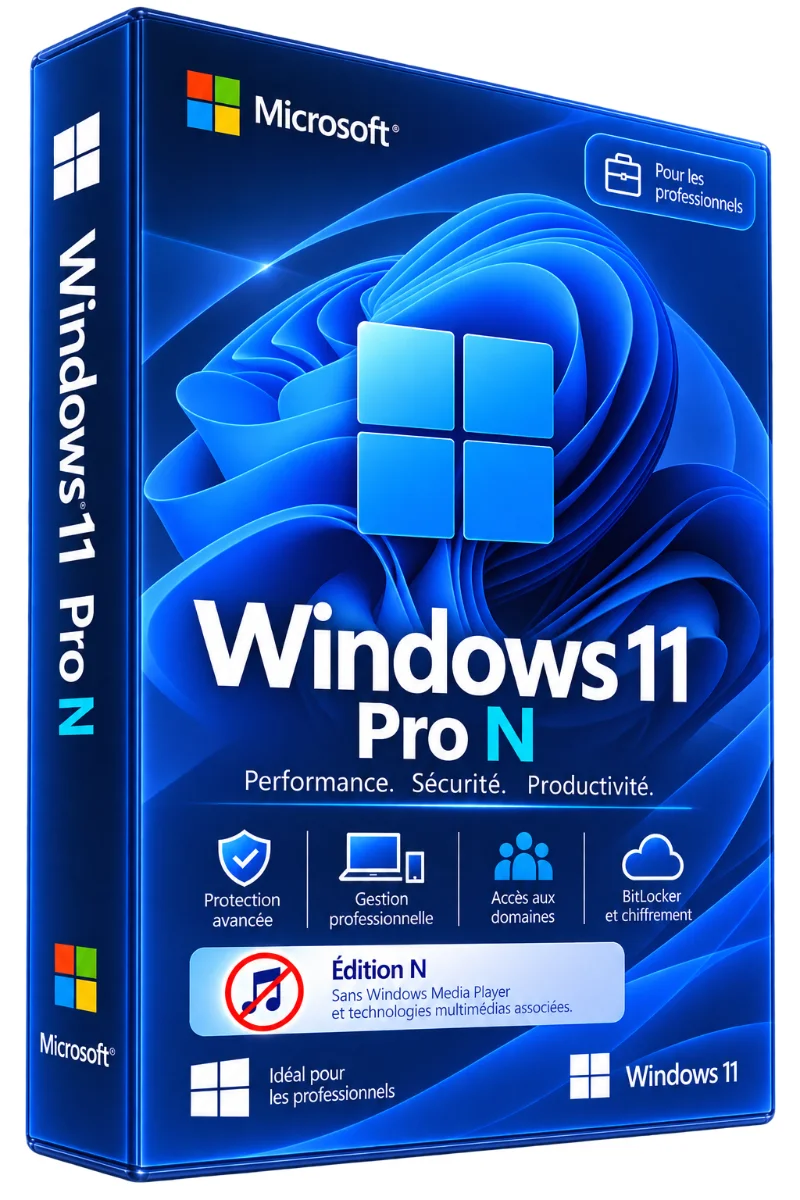
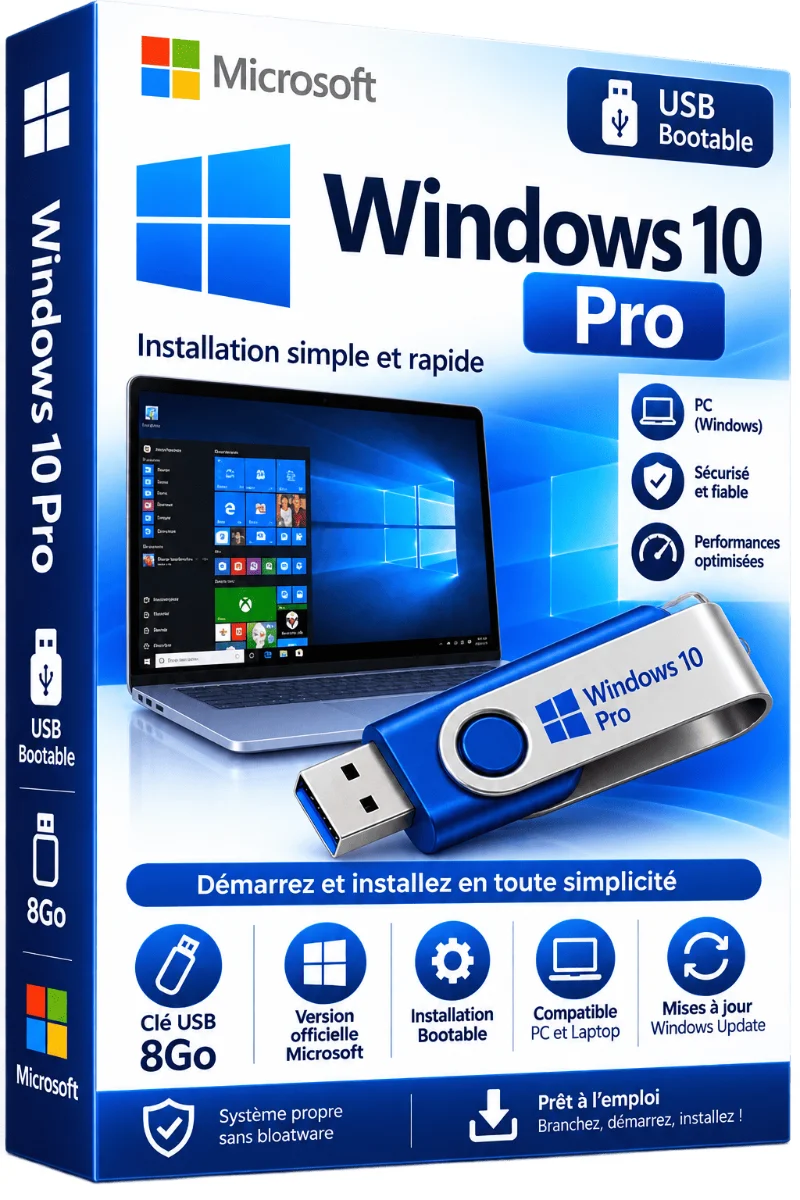
Windows 11 Family 64 Bits 8GO Bootable USB Flash Drive Version FR, offered by the shop LAZY-CUB: an installation support delivered to your address. You are accompanied until the activation. An 8GB bootable USB flash drive with Windows 11 64-bit family in French and its license key. You plug in, you start, you install. Perfect for refurbishing a family computer, installing Windows on a self-mounted PC or troubleshooting a laptop that no longer starts without downloading the 6GB of installation files. • Windows 11 Family License Key • Installation guide in French • Follow-up home delivery • Installation aid • 8 GB bootable USB flash drive • Support : USB 8GB bootable, ready to install • License: Included 1 PC, lifetime • Language: French • Delivery : Followed delivery 3 to 7 working days KEY WINDOWS 11 FAMILY, LICENCE AND ACTIVATION: THE ESSENTIAL TO KNOW When looking for a Windows 11 Family key, a Windows 11 license or an activation key, these are actually three related things. This is what distinguishes them. License: The right to use Windows 11 Family on a computer. It is valid for life on the PC where it is activated. The product key: A 25 character code (5 blocks of 5) that proves your license. That's what you get. Activation: Windows checks the key with Microsoft and unlocks all functions. It takes a few seconds. WHAT YOU PROPOSED WINDOWS 11 FAMILY Everything necessary for the house, without complicated adjustment. Start centered menu, Snap Layouts, virtual offices. Microsoft Defender, Windows Hello and TPM 2.0 active from installation. DirectX 12 Ultimate, Auto HDR and DirectStorage. Microsoft Family Safety to frame children's screen time. INSTALLER WINDOWS 11 FAMILY SINCE THE USB KEY Save your files before a clean installation: the selected disk is deleted. TECHNICAL STATEMENT PRODUCT • System: Windows 11 64-bit family License key included, without subscription • Posts: 1 PC Followed delivery to home, 3 to 7 working days MINIMUM CONFIGURATION • Processor: 1 GHz, 2 cores, 64 bits, Windows 11 compatible • RAM: 4 GB • Storage: 64 GB • Software : UEFI with secure start • Security : TPM 2.0 • Port: Free USB port WINDOWS LIFE CYCLE: WHAT VERSION ARE SUPPORTED? Windows 11 is the only version of Windows still updated for free by Microsoft for the general public. WHAT WINDOWS 11 EDITION CHOOSE? Compare our Windows 11 licenses: digital key transmitted via e-mail or physical support ready to install. • Windows 11 Pro N Windows 11 Pro without multimedia players, European edition. See the sheet • Windows 11 Family N For home, without pre-installed media players. See the sheet • Windows 11 Pro on USB stick Ready to install, license included, forwarding followed. See the sheet • Windows 11 Pro For work: BitLocker, Remote desk, Hyper-V. See the sheet Windows 11 Family on USB Drive For a family PC, without downloading anything. You're on this sheet • Windows 11 Family on DVD For PCs equipped with a DVD player. See the sheet • All Windows 11 licenses Compare all editions and media. See collection YOUR QUESTIONS, OUR ANSWERS Is the license key understood? Yes, you get the USB drive and license key to activate Windows 11 Family on 1 PC. How long will I receive it? By subsequent shipment, in 3 to 7 working days in France. My PC doesn't start on the key, what to do? Enter the BIOS (often F2 or Suppr) and place the USB drive first in the start order. Our support can guide you. Can I switch to Windows 11 Pro later? Yes, without reinstalling, entering a Pro key in Settings, System, Activation. Where to find the Windows 11 product key of my PC? On a PC delivered with Windows, the key is often saved in BIOS. Open PowerShell and type (Get-CimForum SoftwareLicensingService).OA3xOriginalProductKey. If nothing appears, your PC has no built-in key and you need a license. What happens if Windows 11 is not enabled? A "Enable Windows" watermark remains displayed, customization (screenboard, colors, themes) is blocked and reminders appear regularly. How to check that Windows is enabled? Open Settings and then Activation: the words "Windows is enabled" must appear. You can also type slmgr /xpr in the Run window (Windows + R keys). DELIVERY Shipped from France with follow-up. Returns accepted for 30 days, complete product and in its original packaging.
All offers (1)
Best offer
€9.99€28.99+ €4.99 of port
New
Lazy-cub★★★★★ 0 sales
Ships within 24 hours · port €4.99
From France · 48 h
From France · 48 h
Customer reviews
No reviews yet. Buyers can rate the product from their customer area after delivery.
About the seller
Sponsored products related to this item
Sponsored
MICROSOFT
1 PC - Fast delivery - Software - Windows 11 Pro - Activation key - Microsoft - Instant Delivery
€1.98€2.20
Sent under 2 j
MICROSOFT
1 PC - Windows 11 Pro - Fast delivery - Software - Activation key - Microsoft - Instant Delivery
€4.32€4.80
Sent under 2 j
Complete your purchase
Accessories and small prices from the same department
MICROSOFT
Windows 11 Pro activation key - Utilities - 32/64 bits - Fast delivery - Support 7j/7
€2.40
Sent under 2 j
MICROSOFT
Windows 11 PRO - Last version 2026 - Sending Immediately Dematerialized (Model 4)
€3.16
Sent under 2 j
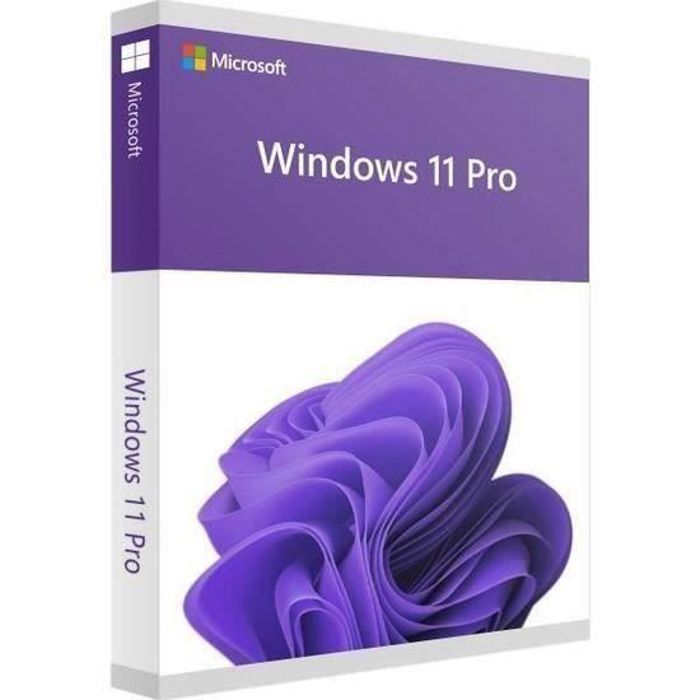
MICROSOFT
Windows 11 Pro ( Windows 10 Pro compatible ) (NEW) - Delivery 2H by email - Download.
€3.80
Sent under 2 j
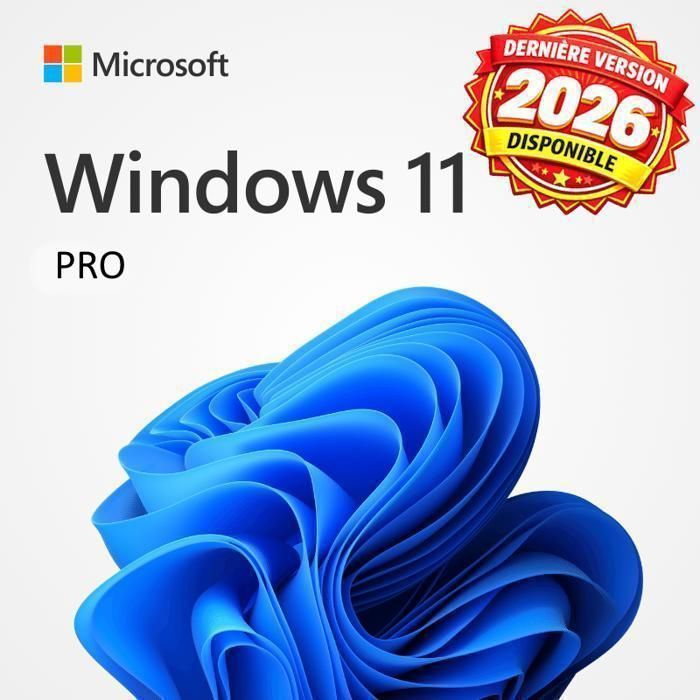
MICROSOFT
Windows 11 PRO - Last version 2026 - Dematerialized immediate shipment (model 2)
€3.80
Sent under 2 j
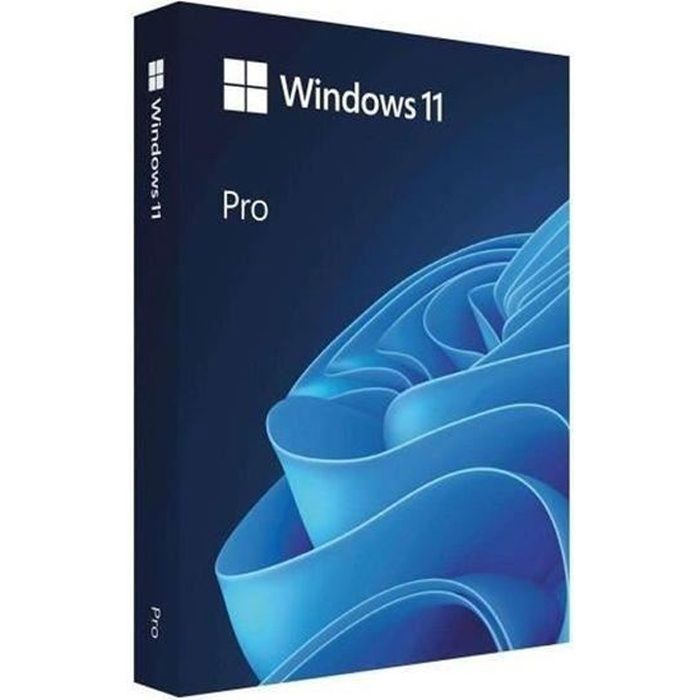
In the same department
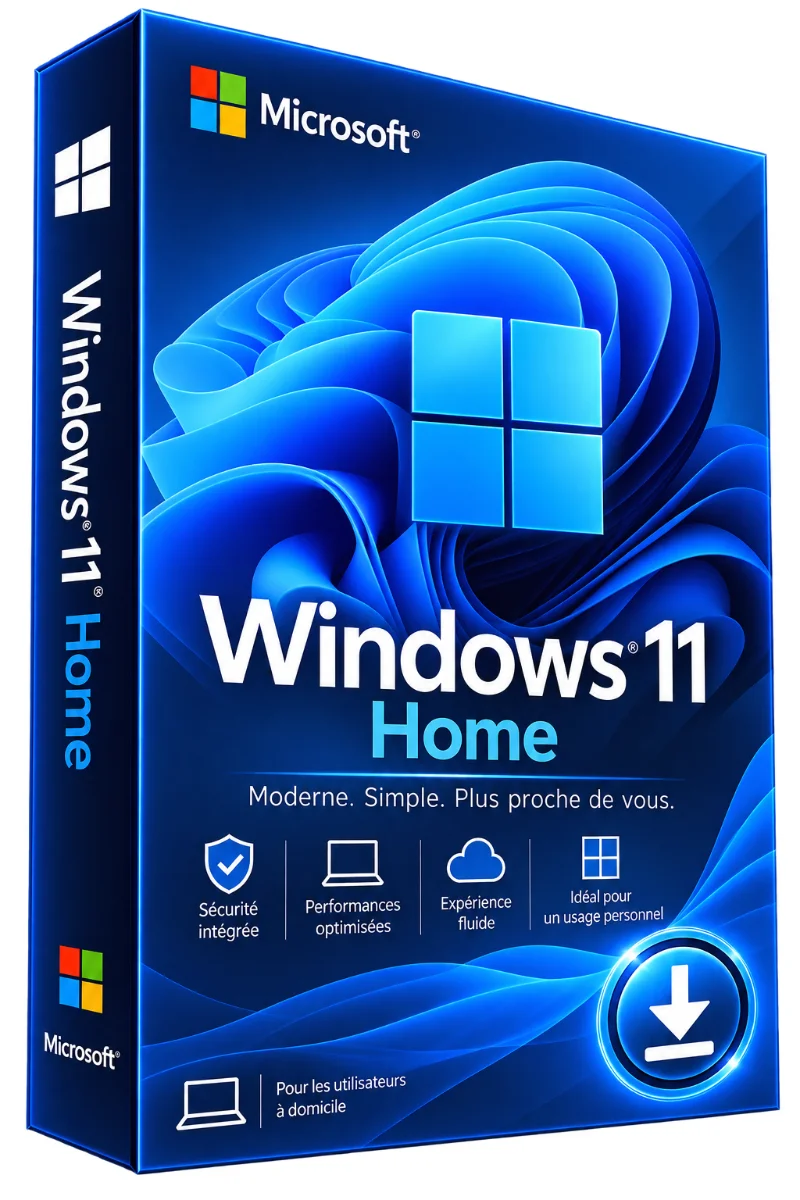
More products from Lazy-cub
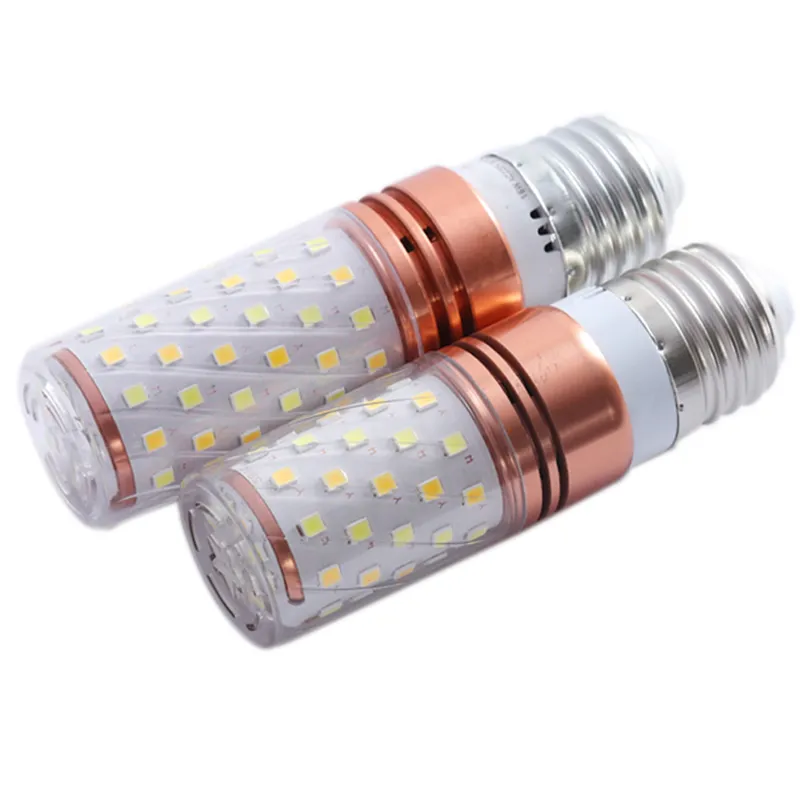
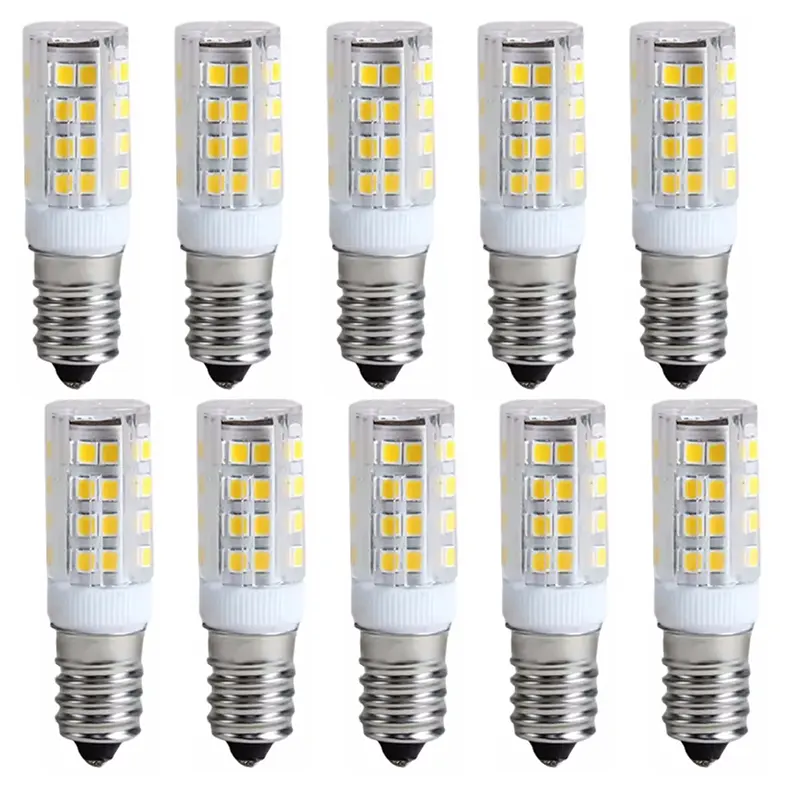
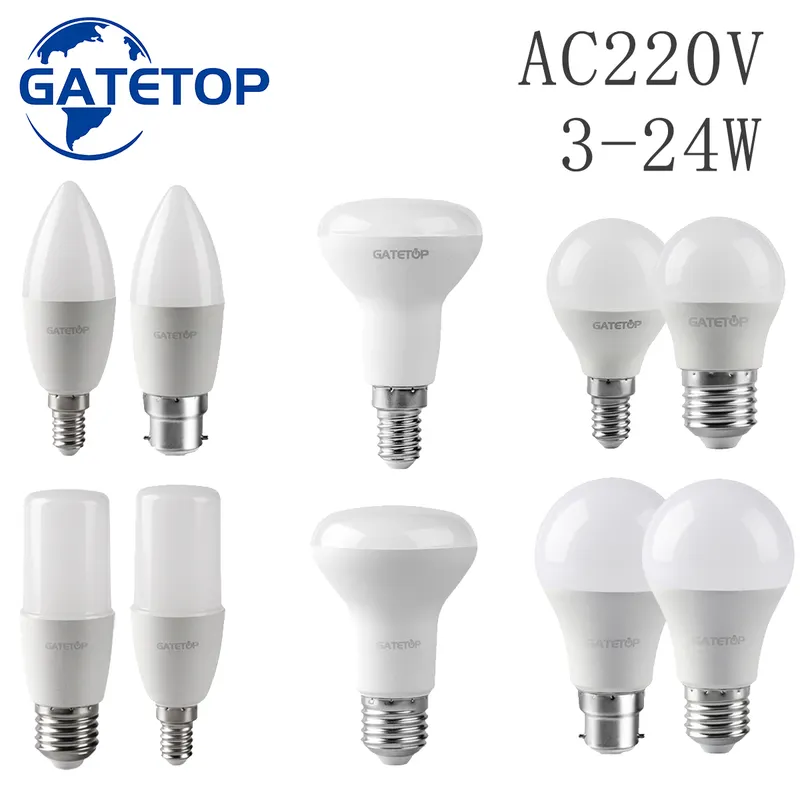
LED bulb, cap E14 or E27 or B22 or GU10, warm or cold white, individually or by batch
3 colours · 16 sizes
€10.90
Sent under 2 j
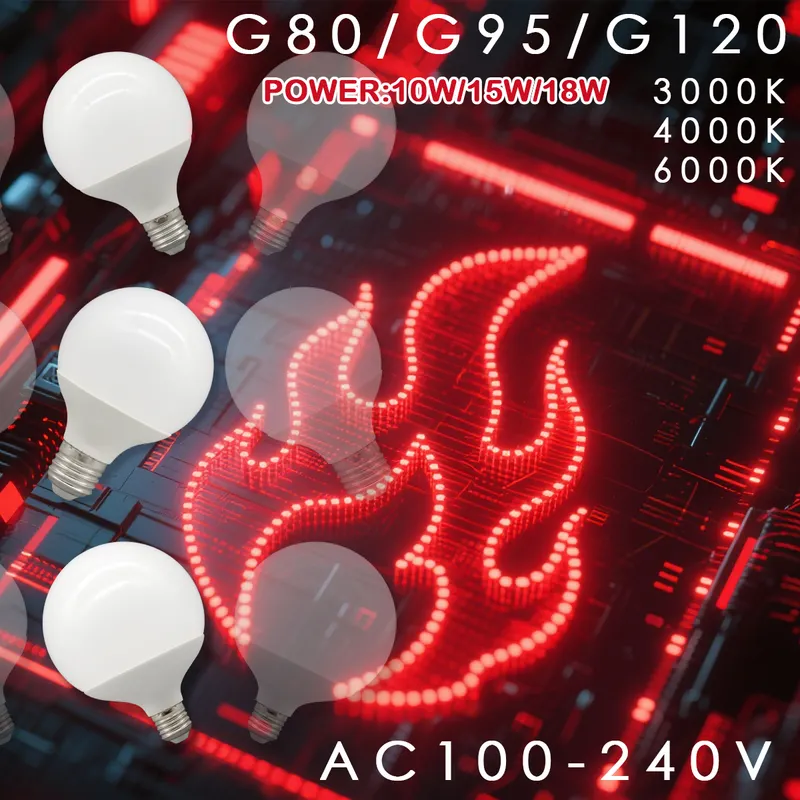
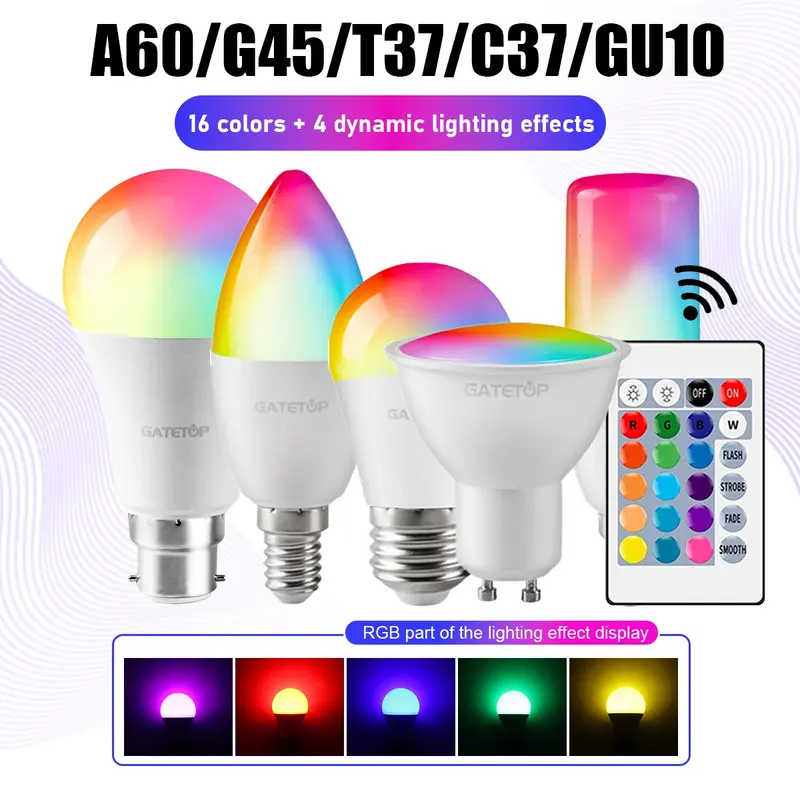
Connected LED bulb, cap E27 or B22 or E14 or GU10, RGB, with remote control, unit or batch
28 sizes
€16.90
Sent under 2 j
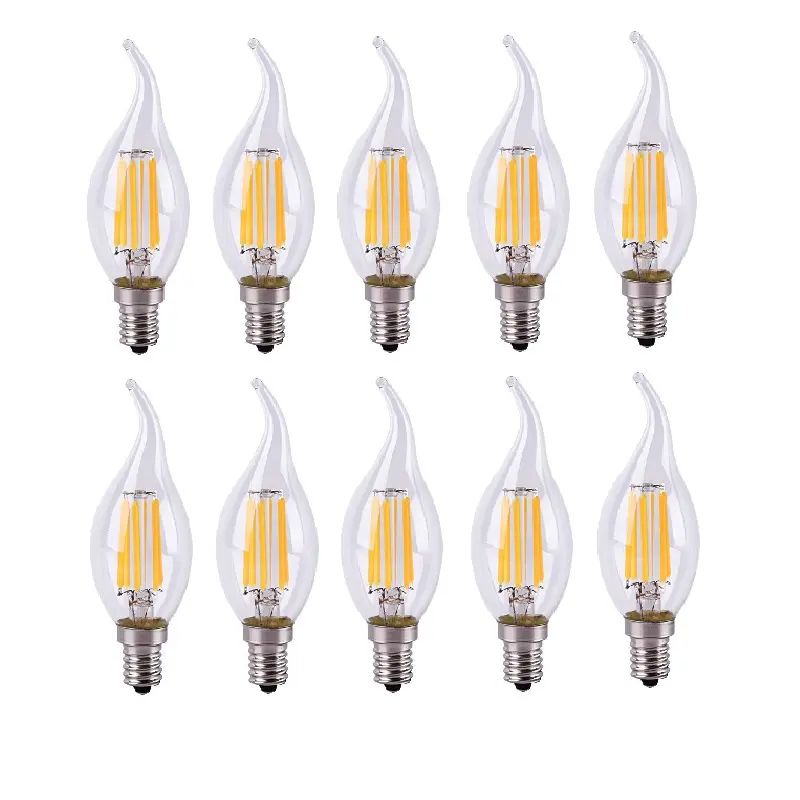
LED filament lamp E14, 2 to 12 W, warm or cold white (model 3)
2 colours · 4 sizes
€55.90
Sent under 2 j