−9 %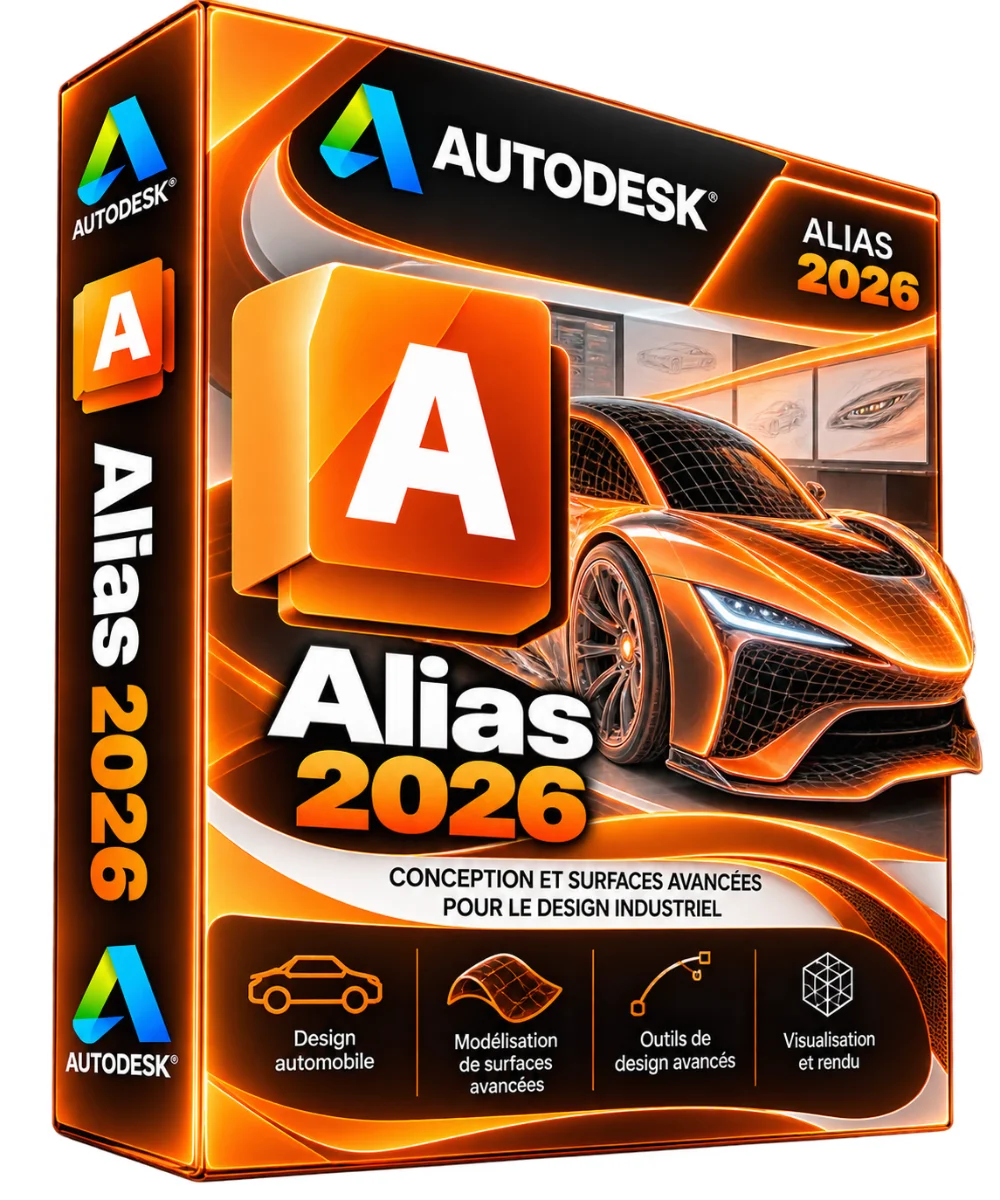
Autodesk
Autodesk Alias 2026 – Subscription 3 years
- Class A surfaces
- Sketch and design
- Access information by e-mail
- Activation guide in French
Looking for Autodesk Alias 2026? An official subscription with access information sent by e-mail. Simple order, secure payment and activation help if necessary. Alias 2026 is the essential software of aut.. Read more
Verified sellerProtected payment30-day returns
Report this product
Description
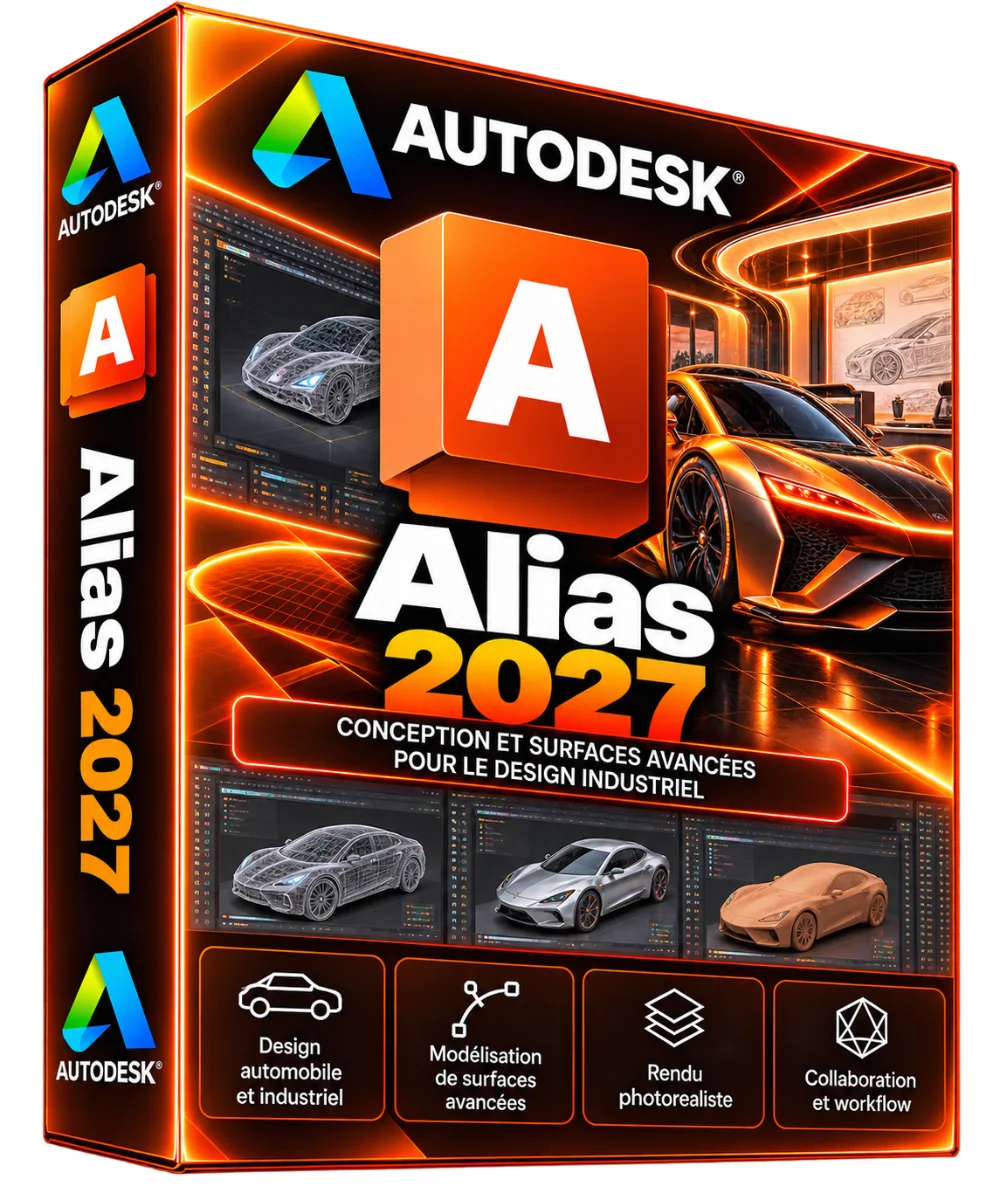
Looking for Autodesk Alias 2026? An official subscription with access information sent by e-mail. Simple order, secure payment and activation help if necessary. Alias 2026 is the essential software for automotive and industrial design studios. Digital designers and models move from sketch to class A surfaces ready for engineering. NURBS curves, continuity and reflection analyses, and direct link to VRED visualization: every detail of the shape is controlled with precision. • Class A surfaces • Sketch and design • Access information by e-mail • Activation guide in French • Help from our support to activation • Alias 2026, subscription 3 years • Duration: 3 years subscription • Platforms: Windows 64 bits • Delivery : By e-mail access and guide • Formats : WIRE STEP, IGES NOTE: ALIAS IS A SUBSCRIMINATION Autodesk no longer sells Alias under perpetual license. Here you buy a 3 year license, with updates published by Autodesk for the entire duration. By the end of the year, access to the software stops if the subscription is not renewed, but your files and your folders and projects remain yours. THE INTERFACE OF ALIAS 2026 The shape of the vehicle in the centre, the green curve control points and the reflections to judge the continuity of the surfaces. WHAT YOU DO WITH ALIAS 2026 The tools you will use every day. • Digital sketch: Sketches and layers without intermediate on the 3D form. • Concept modeling: Rapid volumes to explore proportions. High quality NURBS for production. • Analysis: Shades, curvature and continuity G0 to G3. • Subdivision: SubD modeling for organic forms. • Made: Realistic visualization for design reviews. • VRED link: Dynamic references to VRED visualization. • Engineering Exchange: Export STEP, IGES and link with CAD software. WHAT YOU DO WITH VERSION 2026 The right reasons to choose Alias 2026. • Updates included: fixes and improvements published by Autodesk for 3 years. • Compatibility 2026: Works with other Autodesk software from the same year. • Previous versions: Under Autodesk conditions, the subscription also gives access to some previous versions. • Autodesk account: installation, updates and subscription management at the same location. • VRED dynamic references: shape changes are reflected in visualization. ALIAS 2026 OR FUSION 2026? Fusion is suitable for product design and manufacturing. Alias remains the studio tool for really high quality surfaces. • Class A surfaces: Yes / Limited • G3 continuity analyses and reflections: Yes / Basic • Integrated digital sketch: Yes / No • Parametric mechanical CAD: Limited / Yes • Integrated FAO: No / Yes • Link VRED: Yes / No • Criterion: Alias 2026 / Fusion 2026 ACTIVATING YOUR ALIAS SUBSTANTION 2026 • You order Secure payment on the shop. • You get your access via e-mail, with the activation guide in French. • You install Download from your Autodesk account, then connect to Alias. An Internet connection is required for activation, then from time to time to check the subscription. In case of concern, our support helps you with your order number. TECHNICAL STATEMENT PRODUCT • Software : Autodesk Alias 2026 • Type: Subscription • 3 ans • Platform: Windows • Languages: English, French and others WIRE, STEP, IGES, CATIA, FBX By e-mail: access and activation guide COUNCIL CONFIGURATION • System: Windows 11 or Windows 10, 64 bits • Processor: Intel or AMD multicore 3 GHz and more • Memory: 16 GB minimum, 32 GB recommended • Graphic card : NVIDIA business card recommended • Storage: 15 GB, SSD recommended • Screen : 1920 × 1080 or more, calibrated For work on large screens and virtual reality, a professional graphics card is highly recommended. Check the official Autodesk configuration for Alias 2026 before installation. WHAT AUTODESK SOFTWARE? Other versions of Alias and software often used with. Alias 2026 Industrial design and surfaces class A. You are on this sheet • Alias 2027 A more recent version. See the sheet • Fusion 360 2026 Design, simulation and machining in the cloud. See the sheet • Inventor Pro 2026 The parametric 3D mechanical CAD. See the sheet • 3ds Max 2026 Modeling, animation and rendering 3D. See the sheet • Maya 2026 3D animation and visual effects. See the sheet • Arnold 2026 Photorealistic CPU and GPU. See the sheet • All Autodesk software Compare the entire range. See collection • Alias 2025 The previous version. See the sheet YOUR QUESTIONS, OUR ANSWERS ON ALIAS 2026 Is Alias 2026 a lifetime license? No. Autodesk sells Alias only on subscription. This Offer gives you 3 years of use, including updates. In the end, you need to renew to continue using the software. How will I receive my subscription? By e-mail, with your access information and an activation guide in French. There is no postal mail. Think about looking in your unwanted mails. WHERE TO DO ALIAS 2026? Only from your Autodesk account (manage.autodesk.com) or Autodesk Access app. Avoid installers on other sites. Is Alias suitable for non-automotive product design? Yes: appliances, furniture, consumer and aeronautical products also use it. Does Alias work on Mac? No, Alias is Windows software. Can we transfer surfaces to engineering? Yes, via STEP, IGES or translators to CAD software. How many computers can I install it on? Subscription is assigned to a user. You can install Alias on different posts, but only one person uses it, by logging in with his Autodesk account. DELIVERY AND ACTIVITIES Digital product: The activation and download information is sent to you by e-mail after validation of the order. Any questions during installation? Write to the seller from your customer area.
All offers (1)
Customer reviews
No reviews yet. Buyers can rate the product from their customer area after delivery.
About the seller
Sponsored products related to this item
Sponsored
MICROSOFT
1 PC - Fast delivery - Software - Windows 11 Pro - Activation key - Microsoft - Instant Delivery
€1.98€2.20
Sent under 2 j
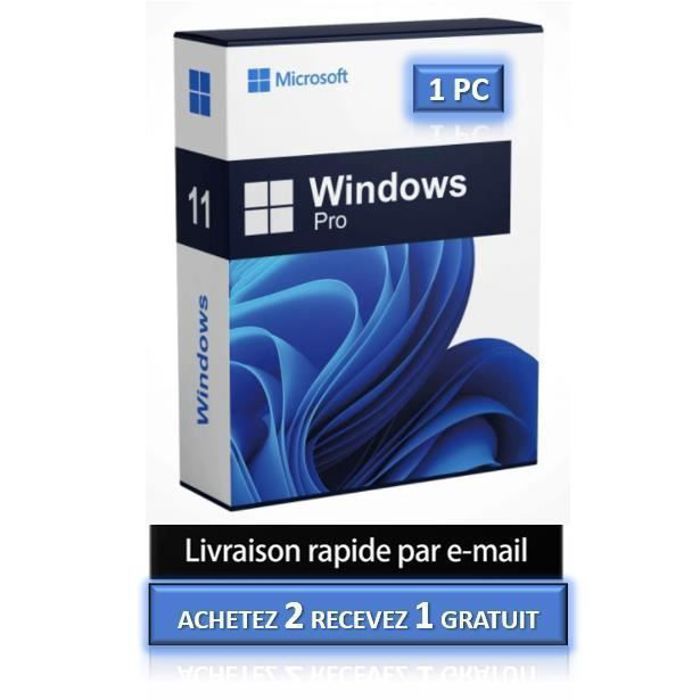
MICROSOFT
1 PC - Windows 11 Pro - Fast delivery - Software - Activation key - Microsoft - Instant Delivery
€4.32€4.80
Sent under 2 j
Complete your purchase
Accessories and small prices from the same department
MICROSOFT
Software - Microsoft - Office 2021 Professional Plus - 1 license - Download - PC
€0.05
Sent under 2 j
MICROSOFT
Office 365 Microsoft – Essential Office Suite – Digital License – 5 Devices
€1.74
Sent under 2 j
In the same department
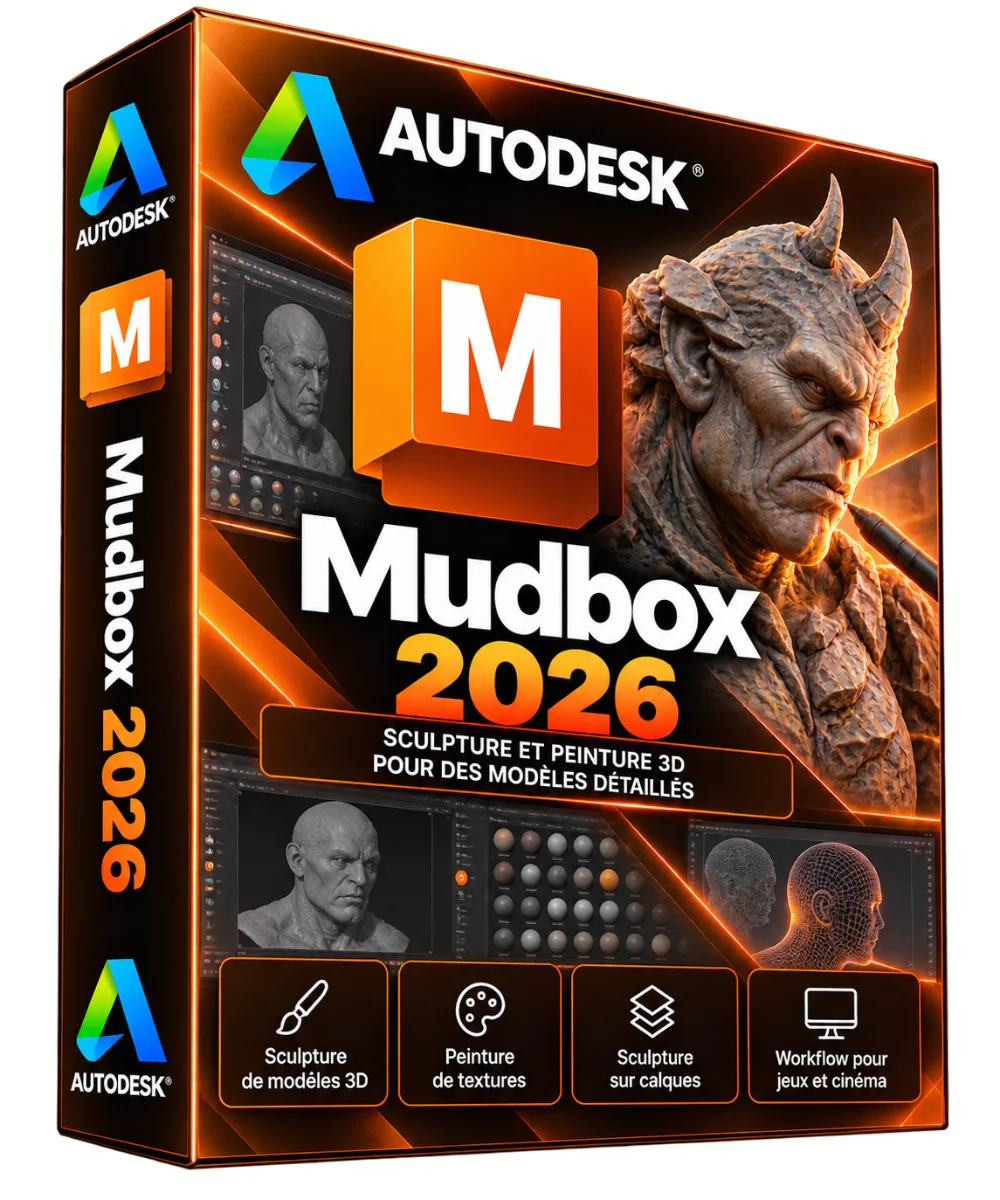
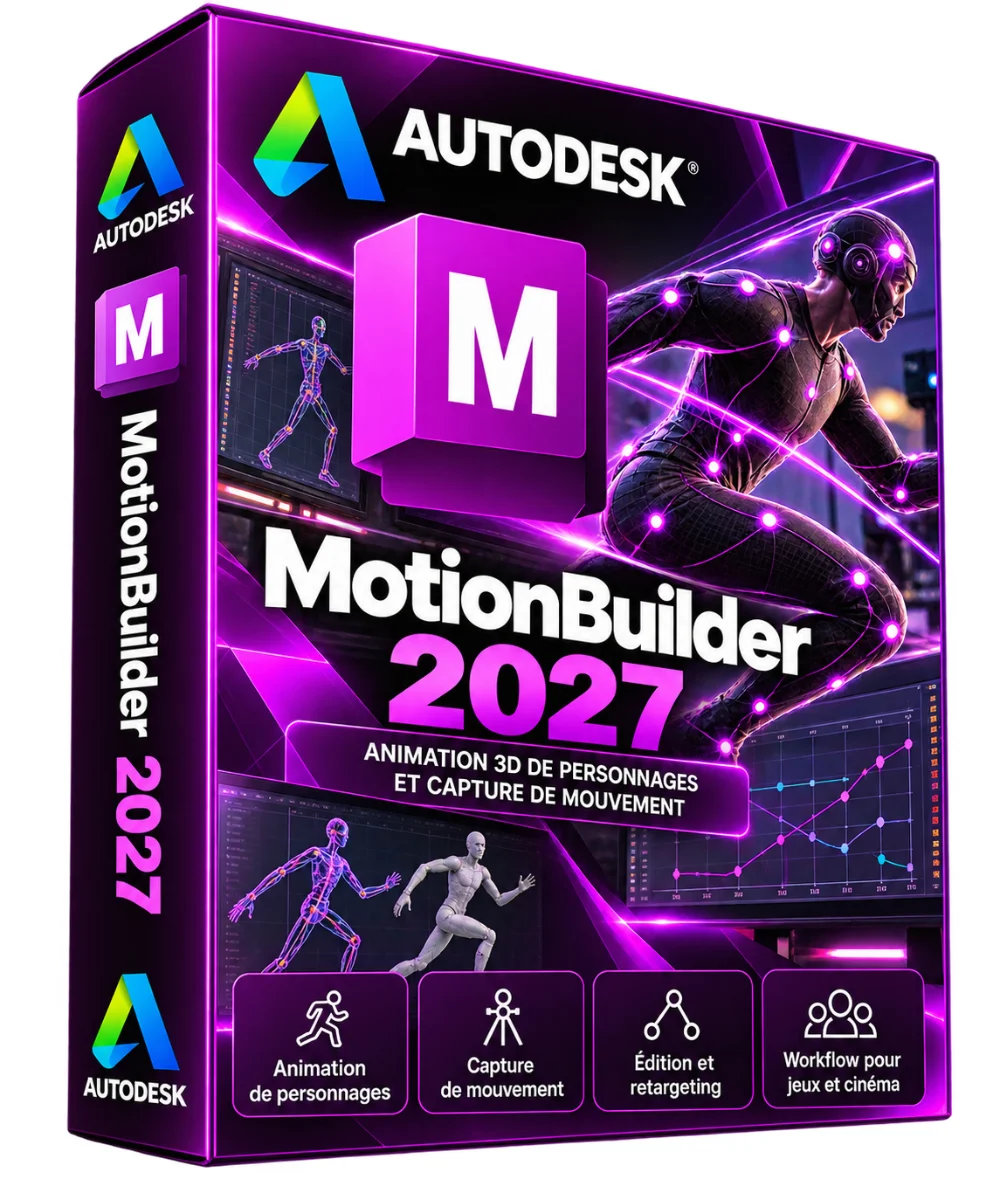
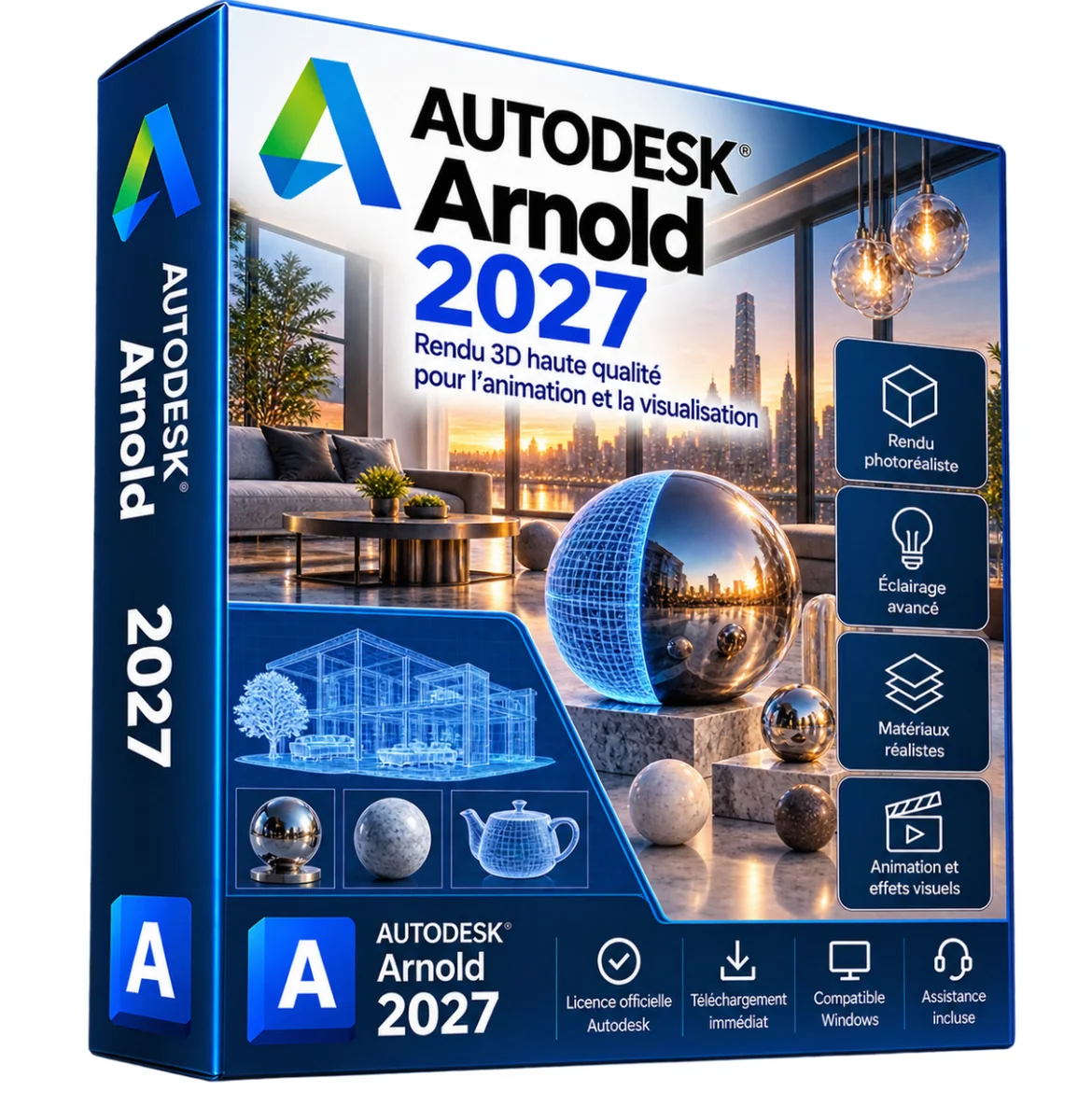
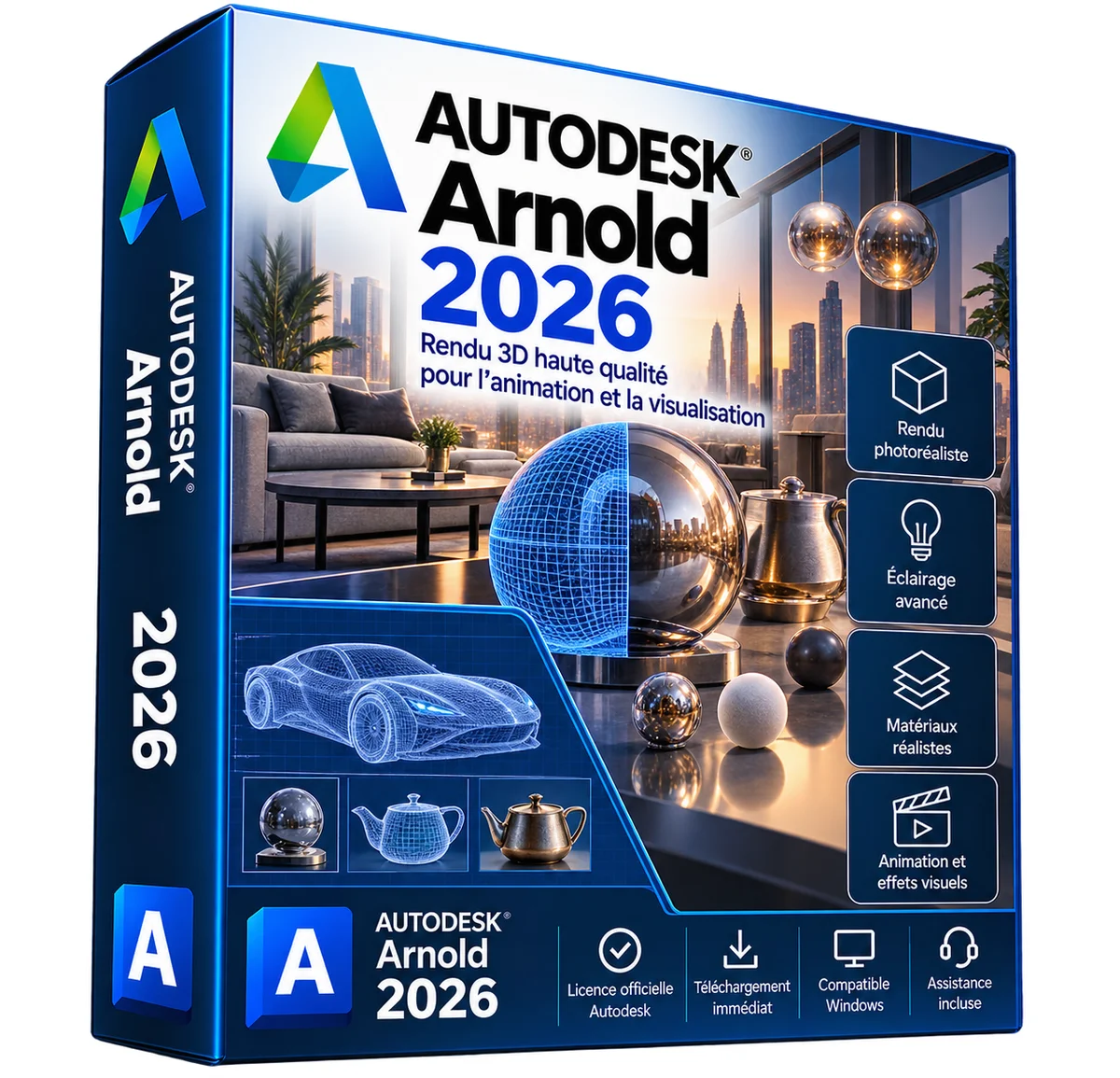
More products from Lazy-cub








Bridal wedding dress in lace round neck with long sleeves, beads – Mid length
2 colours · 16 sizes
€461.90
Sent under 5 j

Mermaid wedding dress in lace round neck with long sleeves, beads – Long
2 colours · 14 sizes
€383.90
Sent under 5 j

Princess wedding dress in lace with 3/4 sleeves, large size – Long
4 colours · 17 sizes
€253.90
Sent under 5 j
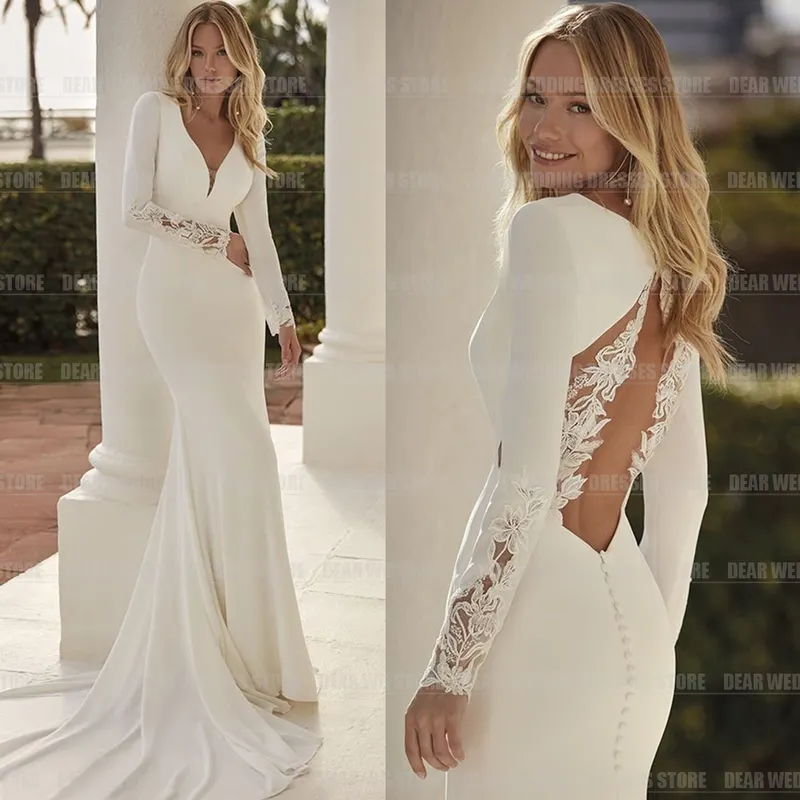
Mermaid wedding dress in satin V-neck with long sleeves, bare back – Long
2 colours · 13 sizes
€453.90
Sent under 5 j

Mermaid wedding dress in denuded shoulder lace, vintage and glittered – Long
2 colours · 14 sizes
€440.90
Sent under 5 j