Microsoft
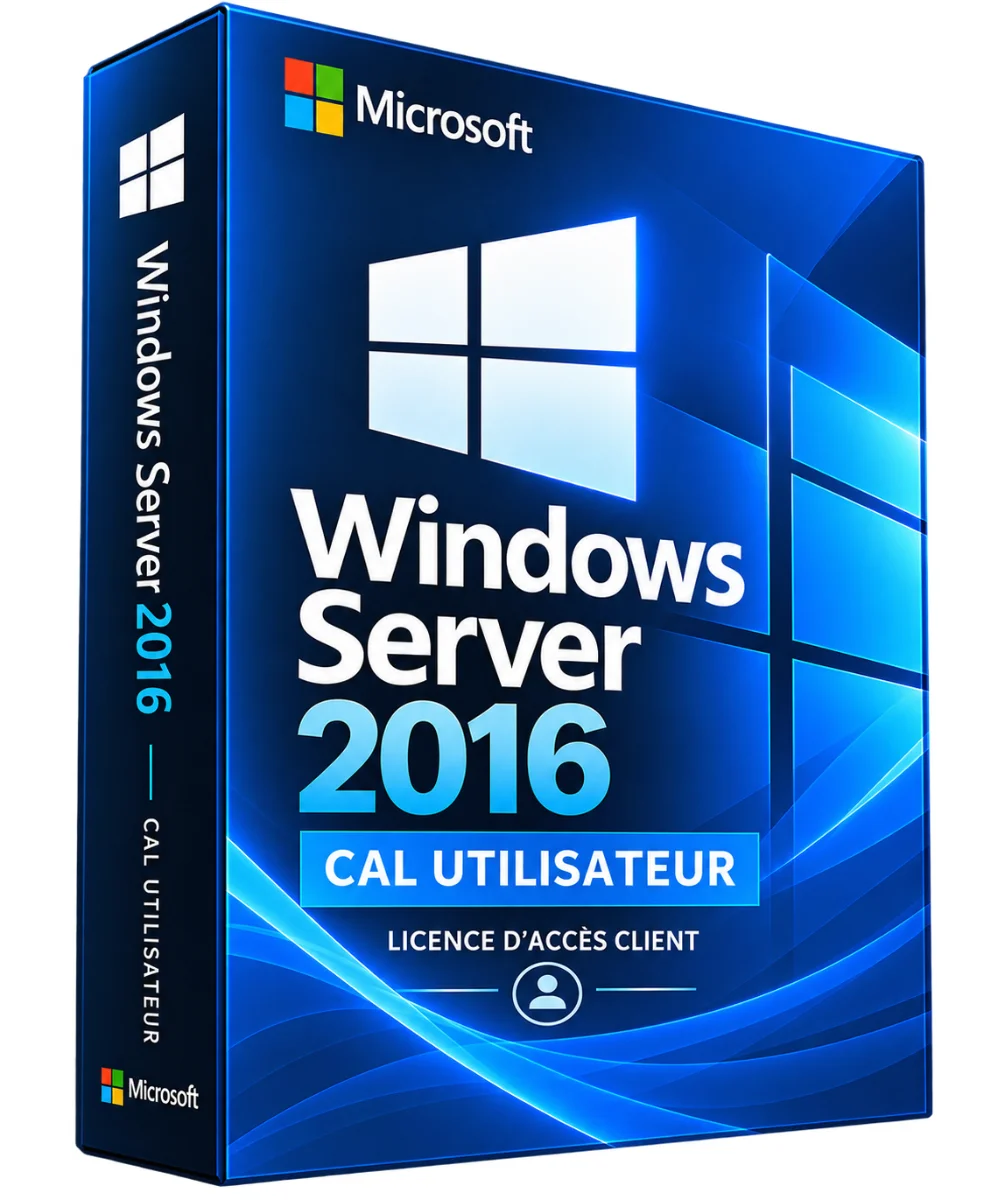
Windows Server 2016 CAL User – Client Access License
- Facilitate access from different stations and devices for the same user
- Complete a properly licensed Windows Server Standard or Datacenter infrastructure
- Meet Microsoft client access requirements according to context
- Allow user access to covered Windows Server services
Windows Server 2016 CAL User: a customer access right for your Microsoft infrastructure. Order online, secure payment and support in writing if needed. A 2016 Windows Server User CAL (Client Access License) grants a user access to a .. Read more
Verified sellerProtected payment30-day returns
Report this product
Description
Windows Server 2016 CAL User: a customer access right for your Microsoft infrastructure. Order online, secure payment and support in writing if needed. A 2016 Windows Server User CAL (Client Access License) grants a named user the right to access the services of Windows Server 2016 Standard or Datacenter, and previous compatible versions from different devices, in accordance with Microsoft terms. This is an access right, not a server operating system license or a Windows activation key. WHAT DO YOU WANT THIS LICENCE? • Facilitate access from different stations and devices for the same user • Complete a properly licensed Windows Server Standard or Datacenter infrastructure • Meet Microsoft client access requirements according to context • Allow user access to covered Windows Server services CAL USER OR CAL APPARATUS? • Type: Principle / Use • CAL User: One license per user / Person using different devices • CAL Device: One license per device / Post shared by different people COMPATIBILITY The 2016 CAL Windows Server allows access to Windows Server 2016 and earlier versions covered. They do not grant access rights to Windows Server 2019, 2022 or 2025. Remote desktop services typically require separate RDS CAL, in addition to the Windows Server CAL. LICENCE CONDITIONS CAL's rights depend on the licence channel and contractual conditions. The number of users covered, the mode of delivery, eligibility and possible reassignment possibilities must be confirmed. A CAL does not replace a Windows Server license or RDS CAL. IMPLEMENTATION • Control the Windows Server version and existing access rights. • Acquire the appropriate number of CAL User from an authorized channel. • Keep proof of licence and contractual documentation. • For RDS access, also plan the necessary RDS licenses. • Identify users to access the server. RESOURCES AND VIDEO Consult the Microsoft licensing rules and documentation of CAL RDS. No integrated video tutorial is provided as long as a suitable source has not been verified. TECHNICAL POINTS • Product : Windows Server 2016 CAL User • Publisher: Microsoft • Type: Customer access license per user 2016 Windows Server and previous eligible versions • Software installation: None: right of access, non-self-contained software • RDS included: No QUESTIONS AND RESPONSES Does a CAL install Windows Server? No, it only covers certain customer access rights. Can a User CAL be used on different computers? It is attributed to a user, who can access servers from different devices under the conditions provided. Does it work with Windows Server 2022? No, you need an appropriate version CAL. HOW BAD IS IT? The number depends on the users accessing the servers and the applicable contractual exceptions. DELIVERY AND ACTIVITIES Digital product: The activation and download information is sent to you by e-mail after validation of the order. Any questions during installation? Write to the seller from your customer area.
All offers (1)
Customer reviews
No reviews yet. Buyers can rate the product from their customer area after delivery.
About the seller
Sponsored products related to this item
Sponsored
MICROSOFT
1 PC - Fast delivery - Software - Windows 11 Pro - Activation key - Microsoft - Instant Delivery
€1.98€2.20
Sent under 2 j
MICROSOFT
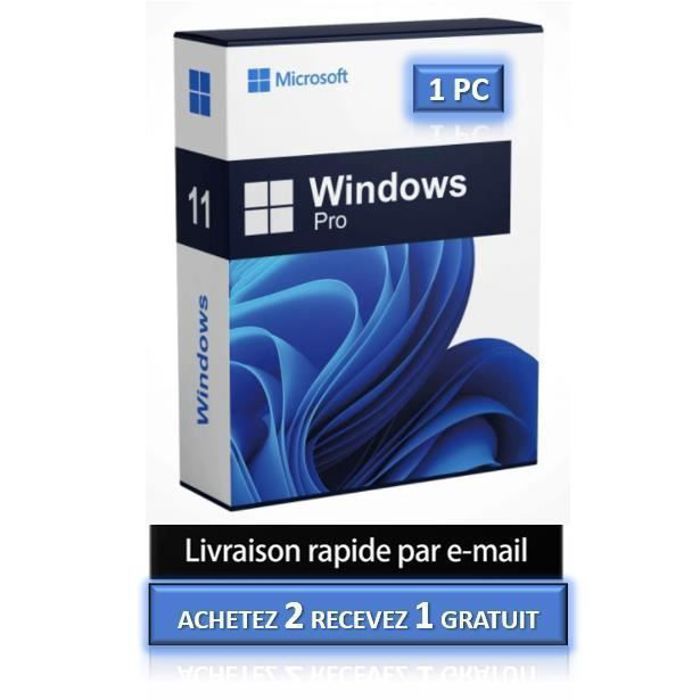
1 PC - Windows 11 Pro - Fast delivery - Software - Activation key - Microsoft - Instant Delivery
€4.32€4.80
Sent under 2 j
Complete your purchase
Accessories and small prices from the same department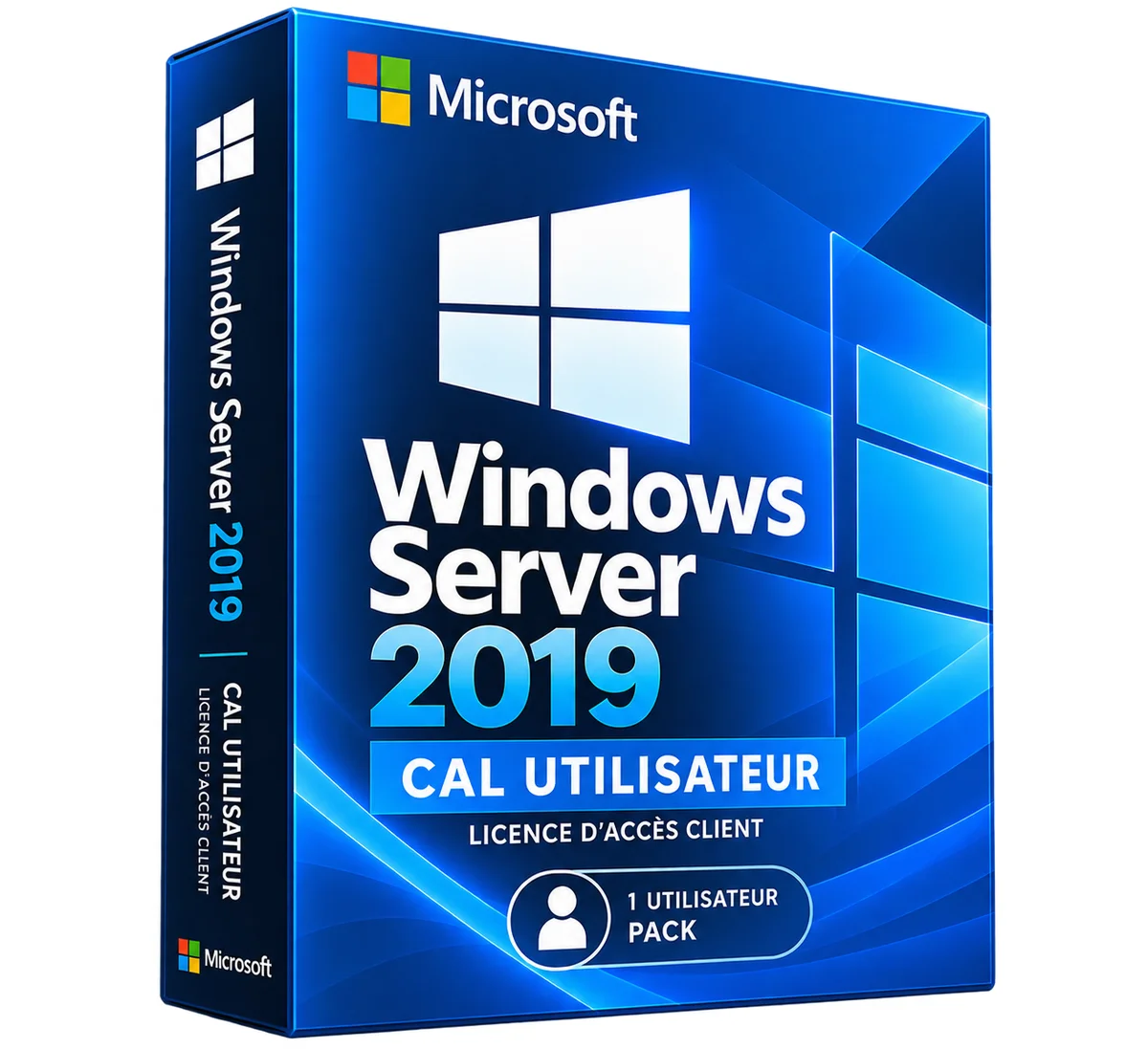

Microsoft
Windows Server 2016 RDS CAL User – Remote Desktop License
3 sizes
€14.90
Ships within 24 h
Microsoft
Windows Server 2016 RDS CAL Device – Remote Desktop License
3 sizes
€14.90
Ships within 24 h
MICROSOFT
Microsoft Office 2021 Pro Plus Pack - Activation key - 1 PC - Windows 10 & 11 - Fast delivery
€0.05
Sent under 2 j
MICROSOFT
Software - Microsoft - Office 2021 Professional Plus - 1 license - Download - PC
€0.05
Sent under 2 j
MICROSOFT
Activation key - Microsoft Office 2021 Professional Plus - 1 PC - Windows 7 or later - Full version
€1.00
Sent under 2 j
In the same department
Microsoft
Windows Server 2019 RDS CAL Device – Remote Desktop License
3 sizes
€29.90
Ships within 24 h
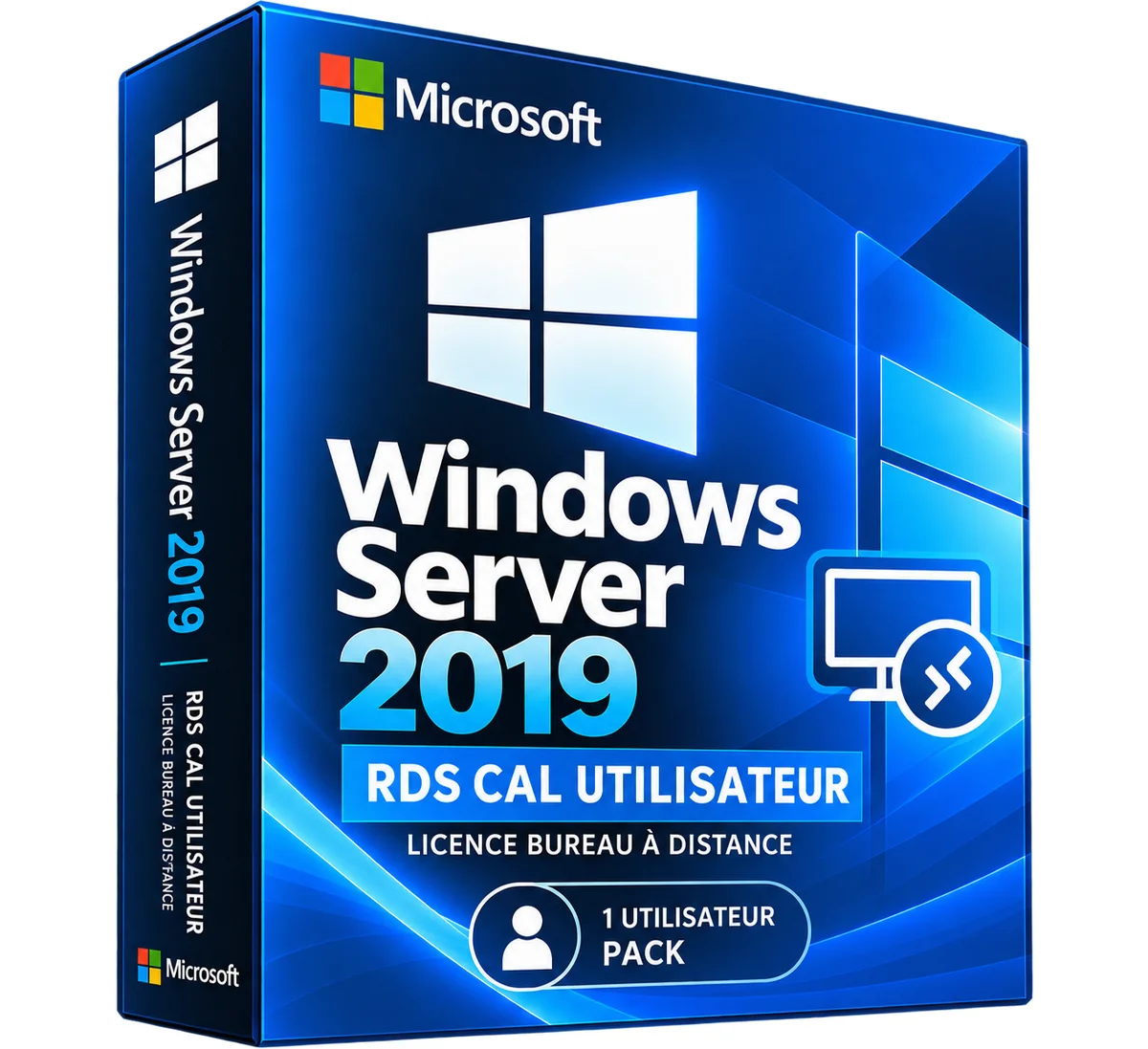
Microsoft
Windows Server 2019 RDS CAL User – Remote Desktop License
3 sizes
€29.90
Ships within 24 h
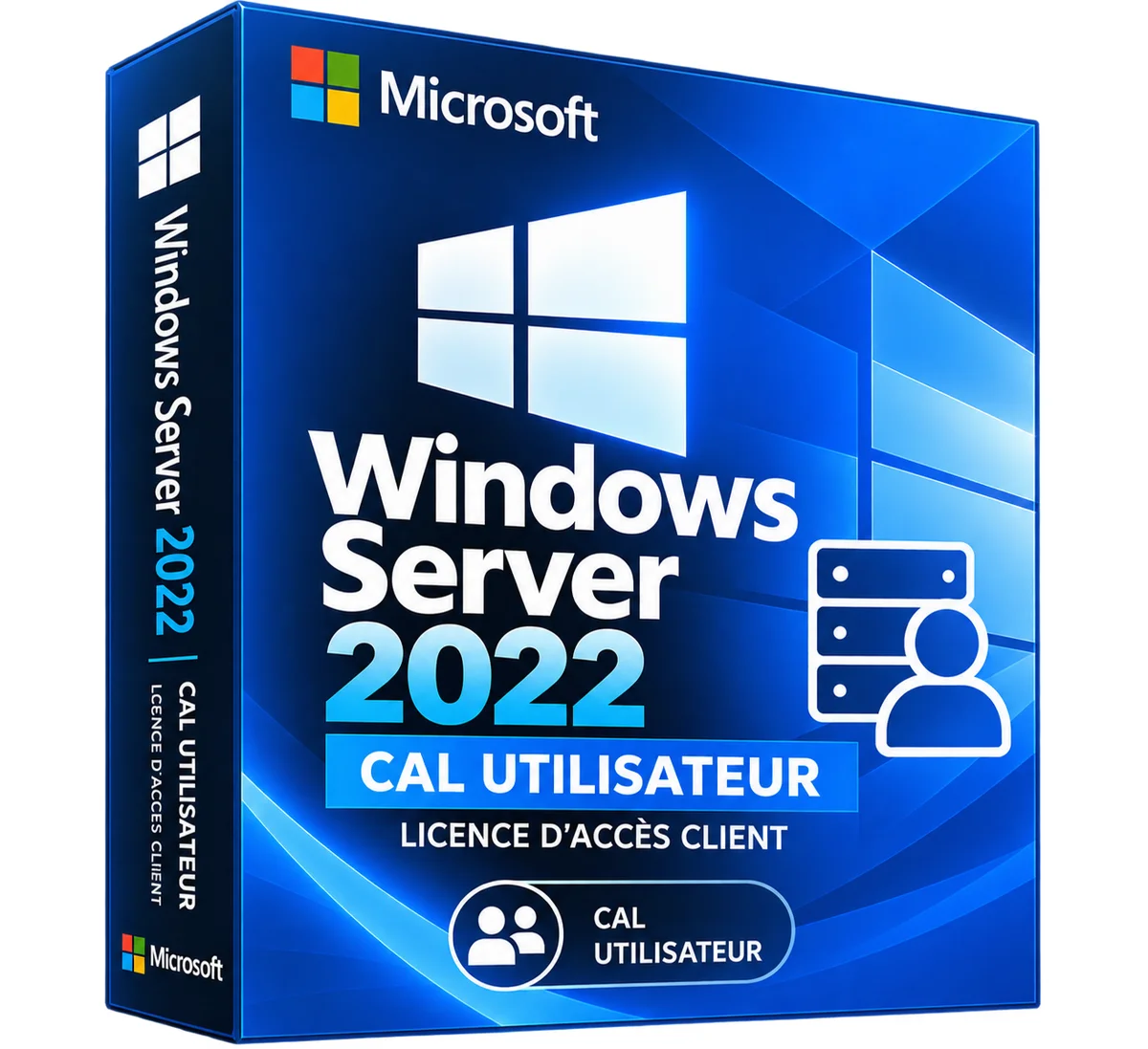
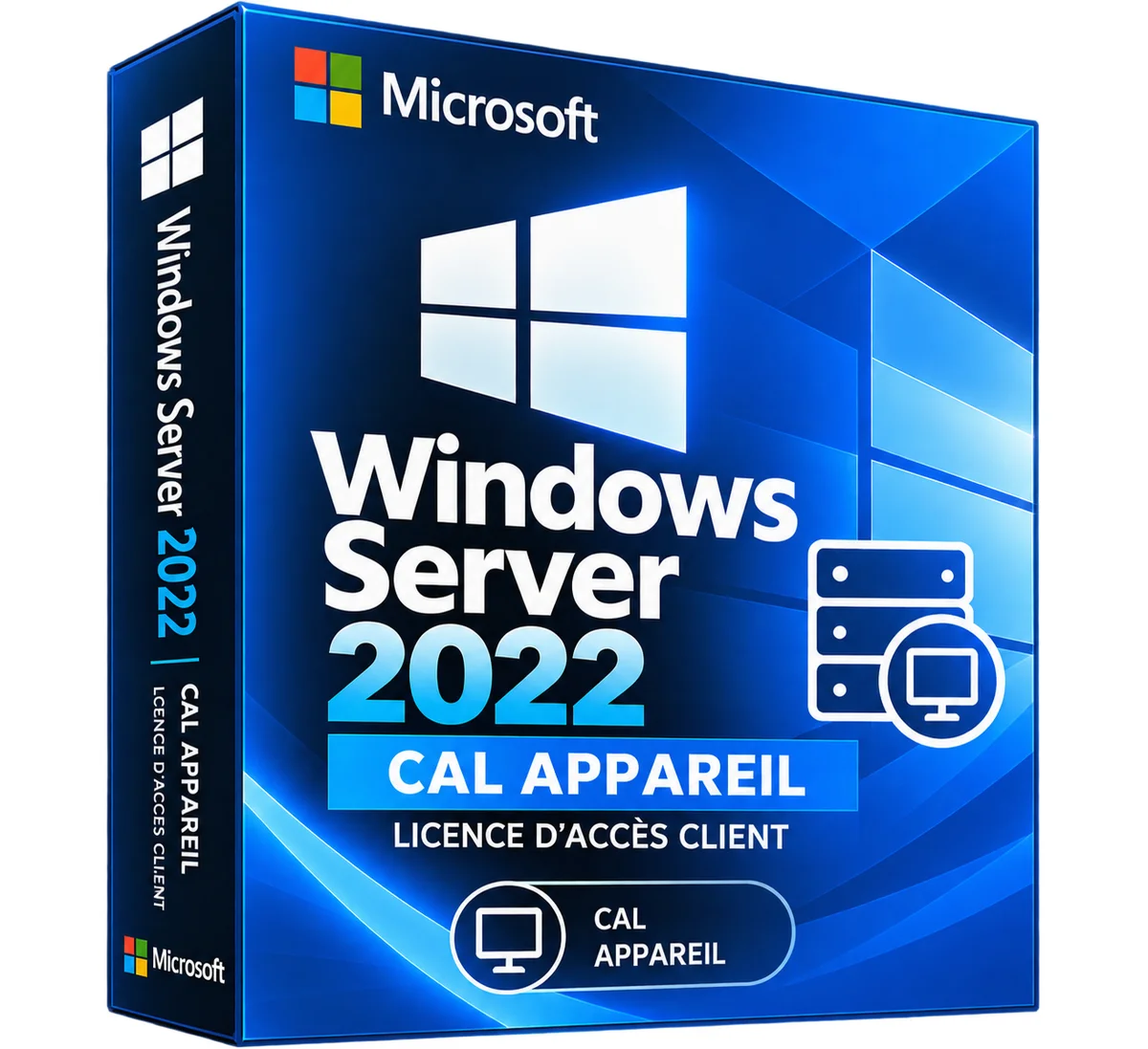
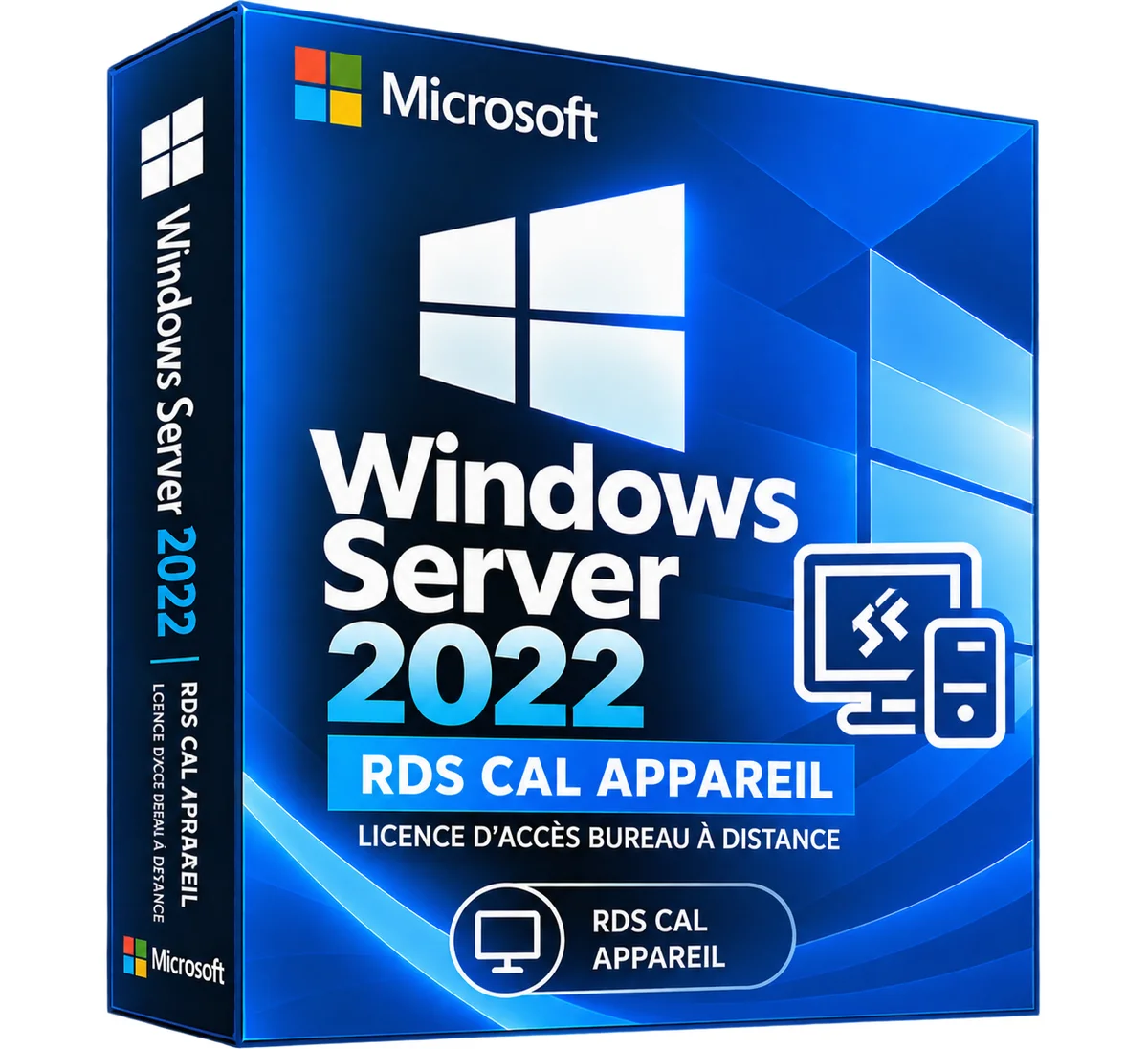
Microsoft
Windows Server 2022 RDS CAL Device – Remote Desktop License
3 sizes
€34.90
Ships within 24 h
Microsoft
Windows Server 2022 RDS CAL User – Remote Desktop License
3 sizes
€34.90
Ships within 24 h
Microsoft
Windows Server 2025 RDS CAL Device – Remote Desktop License
3 sizes
€39.90
Ships within 24 h
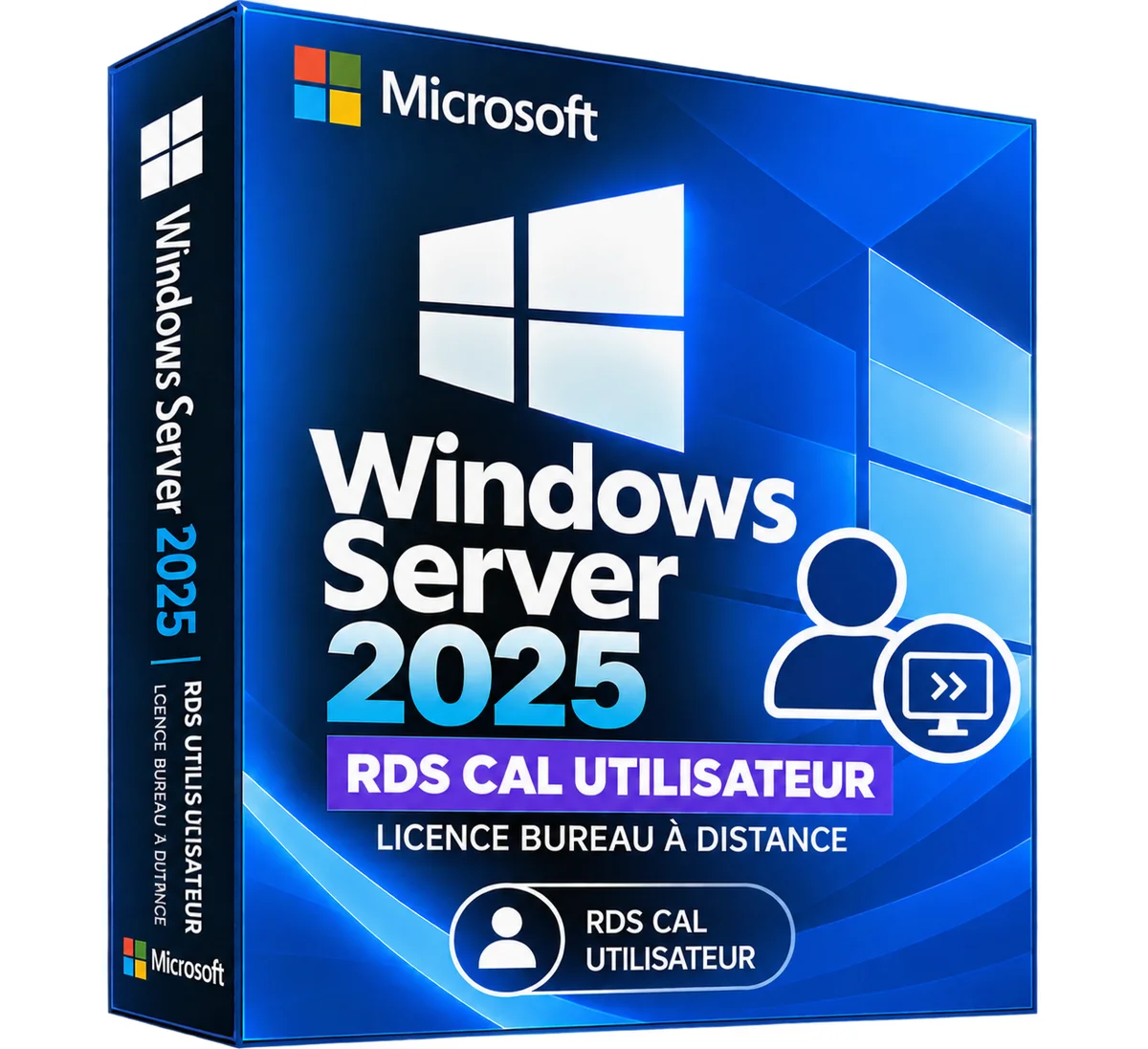
Microsoft
Windows Server 2025 RDS CAL User – Remote Desktop License
3 sizes
€39.90
Ships within 24 h
More products from Lazy-cub


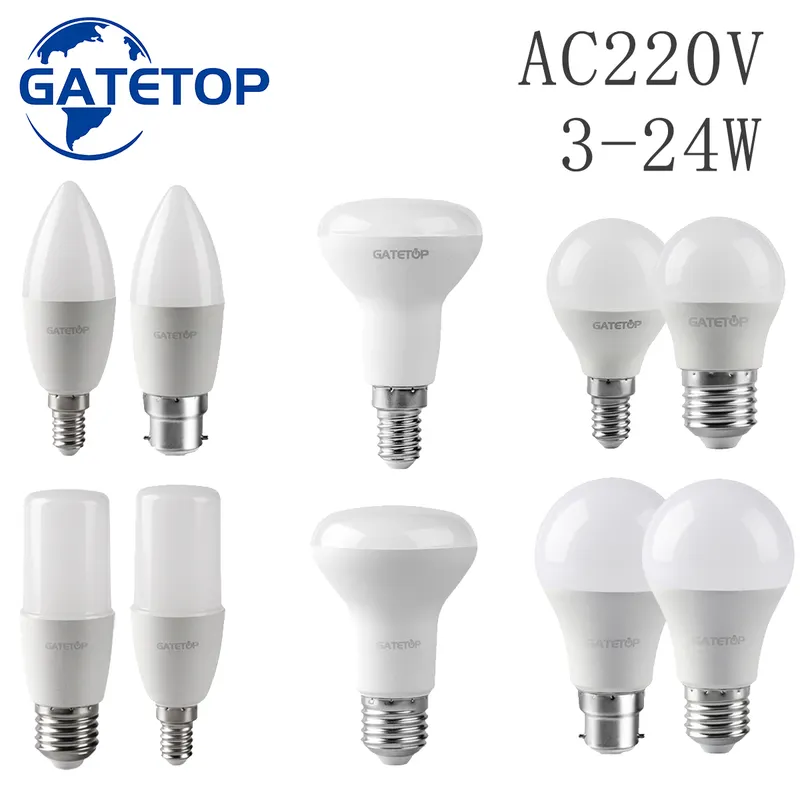
LED bulb, cap E14 or E27 or B22 or GU10, warm or cold white, individually or by batch
3 colours · 16 sizes
€10.90
Sent under 2 j

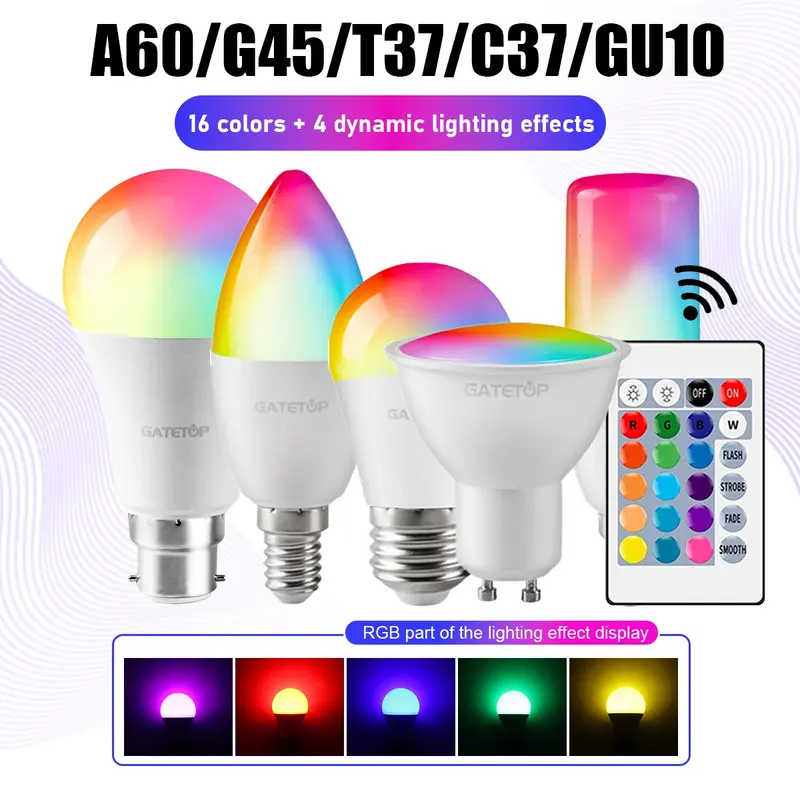
Connected LED bulb, cap E27 or B22 or E14 or GU10, RGB, with remote control, unit or batch
28 sizes
€16.90
Sent under 2 j
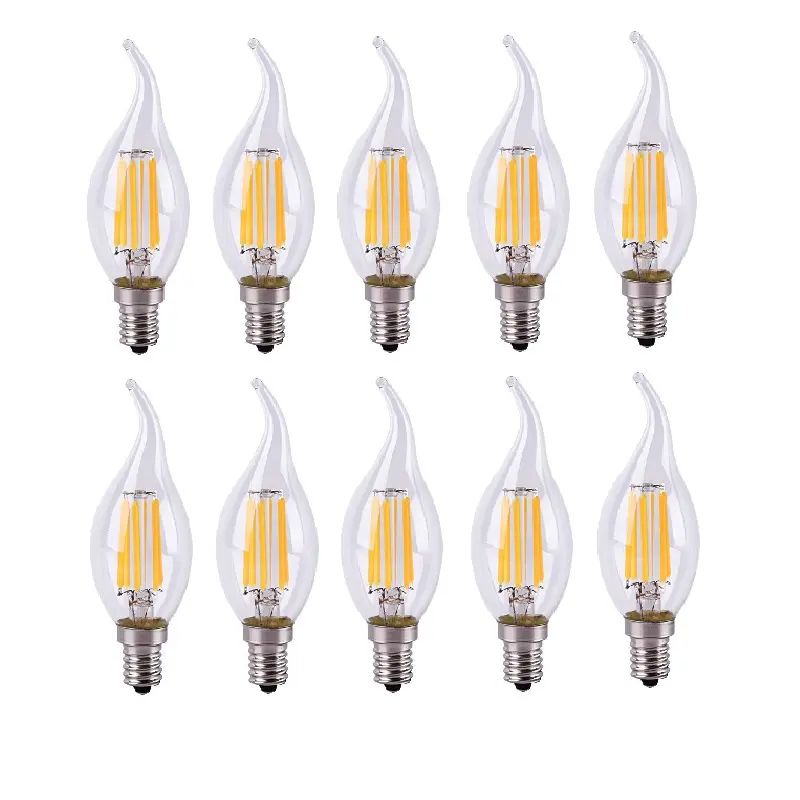
LED filament lamp E14, 2 to 12 W, warm or cold white (model 3)
2 colours · 4 sizes
€55.90
Sent under 2 j