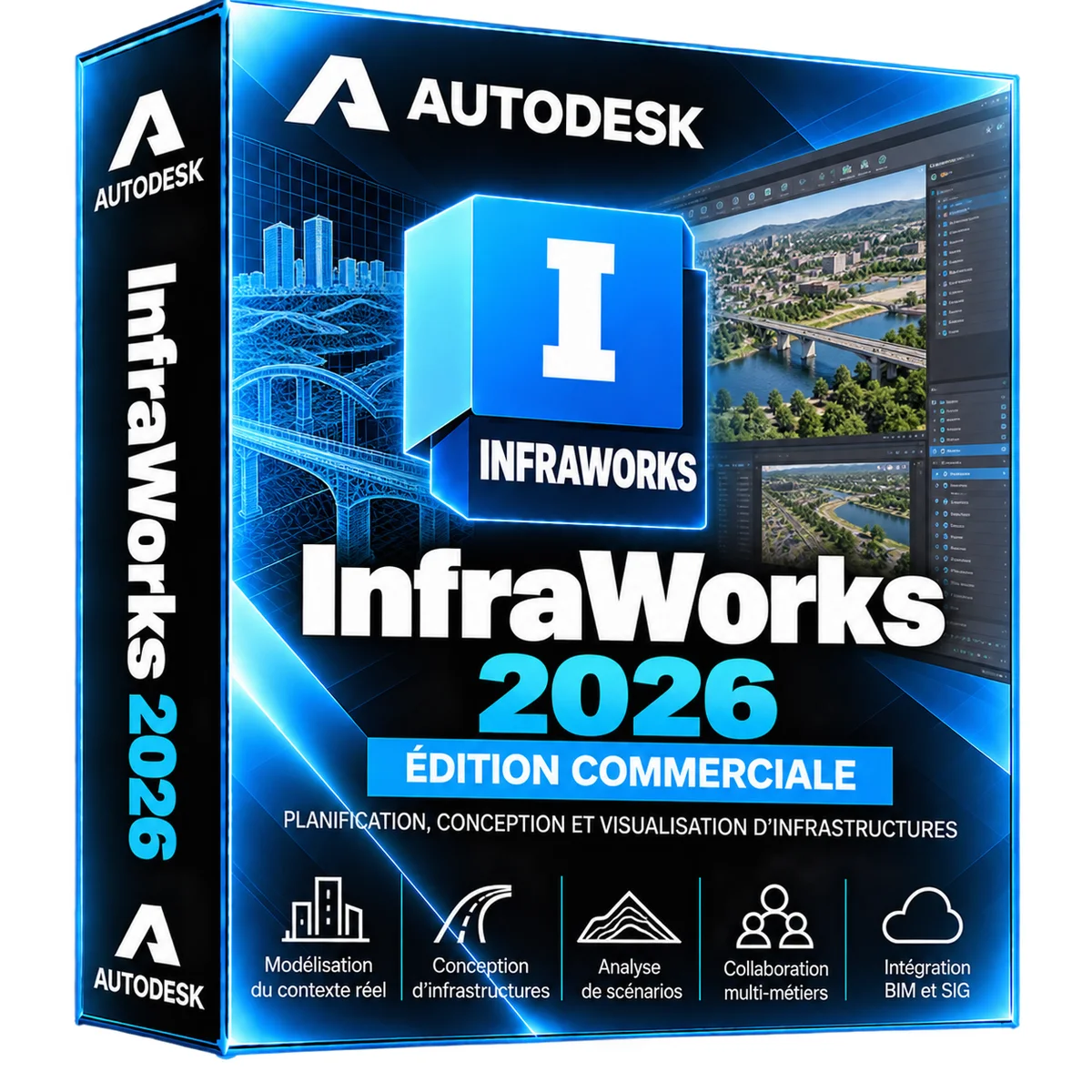
Autodesk InfraWorks 2026 – Subscription 3 years
- Model Builder intégré
- Routes, ponts et tunnels
- Access information by e-mail
- Activation guide in French
Autodesk InfraWorks 2026, proposé par la boutique LAZY-CUB : un abonnement officiel avec les informations d'accès envoyées par e-mail. You are accompanied until the activation. InfraWorks 2026 crée en quelques instants un modèle 3D du territoire (terrain, bât… Read more
Description
Autodesk InfraWorks 2026, proposé par la boutique LAZY-CUB : un abonnement officiel avec les informations d'accès envoyées par e-mail. You are accompanied until the activation. InfraWorks 2026 crée en quelques instants un modèle 3D du territoire (terrain, bâtiments, routes) puis permet d'y esquisser routes, ponts, tunnels et aménagements pour comparer les variantes. Urbanistes, ingénieurs et collectivités l'utilisent pour les études préliminaires, la concertation et la présentation des projets, avant la conception détaillée dans Civil 3D. • Model Builder intégré • Routes, ponts et tunnels • Access information by e-mail • Activation guide in French • Help from our support to activation • InfraWorks 2026, abonnement 3 ans • Duration: 3 years subscription • Platforms: Windows 64 bits • Delivery : By e-mail access and guide • Formats : SQLite / IMX SIG, LandXML À NOTER : INFRAWORKS EST UN ABONNEMENT Autodesk ne vend plus InfraWorks en licence perpétuelle. Here you buy a 3 year license, with updates published by Autodesk for the entire duration. By the end of the year, access to the software stops if the subscription is not renewed, but your files and your folders and projects remain yours. L'INTERFACE D'INFRAWORKS 2026 Le modèle de territoire au centre, la route esquissée et ses propriétés : changez le tracé, la vue 3D et les quantités se mettent à jour. CE QUE VOUS FAITES AVEC INFRAWORKS 2026 The tools you will use every day. • Model Builder : Génère le modèle 3D d'une zone à partir de données ouvertes. • Esquisse de routes : Tracés, profils types et carrefours en quelques gestes. • Ponts et tunnels : Ouvrages paramétriques adaptés au terrain. • Drainage : Bassins versants et ouvrages hydrauliques préliminaires. • Variantes : Comparez différents propositions dans le même modèle. • Analyses : Pentes, visibilité, ombres et quantités indicatives. • Présentation : Storyboards et vidéos pour la concertation. • Lien avec Civil 3D : Exportez le projet pour la conception détaillée. WHAT YOU DO WITH VERSION 2026 Les bonnes raisons de choisir InfraWorks 2026. • Compatibility 2026: Works with other Autodesk software from the same year. • Previous versions: Under Autodesk conditions, the subscription also gives access to some previous versions. • Autodesk account: installation, updates and subscription management at the same location. • Updates included: fixes and improvements published by Autodesk for 3 years. INFRAWORKS 2026 OU CIVIL 3D 2026 ? InfraWorks esquisse et présente le projet dans son contexte; Civil 3D en réalise la conception détaillée et les plans d'exécution. • Modèle de territoire automatique : Oui / Non • Esquisse rapide de variantes : Oui / Limité • Visualisation immersive : Oui / Limité • Conception détaillée et plans : Simplifiée / Oui • Calculs de cubatures précis : Indicatifs / Oui • Base AutoCAD : Non / Oui • Critère : InfraWorks 2026 / Civil 3D 2026 ACTIVER VOTRE ABONNEMENT INFRAWORKS 2026 • You order Secure payment on the shop. • You get your access via e-mail, with the activation guide in French. • Vous installez Téléchargement depuis votre compte Autodesk, puis connexion dans InfraWorks. An Internet connection is required for activation, then from time to time to check the subscription. In case of concern, our support helps you with your order number. TECHNICAL STATEMENT PRODUCT • Logiciel : Autodesk InfraWorks 2026 • Type: Subscription • 3 ans • Platform: Windows • Languages: Multilingual, French included SIG (SHP), LandXML, IMX, FBX, IFC By e-mail: access and activation guide COUNCIL CONFIGURATION • System: Windows 11 or Windows 10, 64 bits • Processeur : Multicœur 3 GHz et plus conseillé • Mémoire : 16 Go conseillés • Carte graphique : 4 Go DirectX 11 conseillé • Stockage : 16 Go, SSD conseillé • Connexion : Internet pour Model Builder et le cloud Model Builder télécharge les données de la zone choisie : une bonne connexion accélère la création du modèle. Contrôlez la configuration officielle d'Autodesk pour InfraWorks 2026 avant l'installation. WHAT AUTODESK SOFTWARE? Les autres versions d'InfraWorks et les logiciels souvent utilisés avec. InfraWorks 2026 Projets d'infrastructure en contexte réel. Vous êtes sur cette fiche • InfraWorks 2027 Une version plus récente. Voir la fiche • Civil 3D 2026 Routes, réseaux et terrassements. Voir la fiche • Vehicle Tracking 2026 Girations, giratoires et parkings. Voir la fiche • Revit 2026 La maquette BIM du bâtiment. Voir la fiche • AutoCAD 2026 2D, 3D et jeux d'outils métier. Voir la fiche • Navisworks 2026 Coordination BIM et détection de conflits. Voir la fiche • All Autodesk software Compare the entire range. See collection • InfraWorks 2025 La version précédente. Voir la fiche VOS QUESTIONS, NOS RÉPONSES SUR INFRAWORKS 2026 InfraWorks 2026 est-il une licence à vie ? No. Autodesk ne vend plus InfraWorks qu'en abonnement. This Offer gives you 3 years of use, including updates. In the end, you need to renew to continue using the software. How will I receive my subscription? By e-mail, with your access information and an activation guide in French. There is no postal mail. Think about looking in your unwanted mails. Où télécharger InfraWorks 2026 ? Only from your Autodesk account (manage.autodesk.com) or Autodesk Access app. Avoid installers on other sites. InfraWorks remplace-t-il Civil 3D ? Non, il le complète : il sert aux études préliminaires et à la présentation. Quelles données utilise Model Builder ? Des données ouvertes comme le terrain, l'imagerie aérienne, les routes et les bâtiments de la zone choisie. Peut-on importer ses propres données SIG ? Oui, InfraWorks importe les fichiers SIG, LandXML et de nombreux formats 3D. How many computers can I install it on? DELIVERY AND ACTIVITIES Digital product: The activation and download information is sent to you by e-mail after validation of the order. Any questions during installation? Write to the seller from your customer area.
All offers (1)
Customer reviews
No reviews yet. Buyers can rate the product from their customer area after delivery.