Microsoft
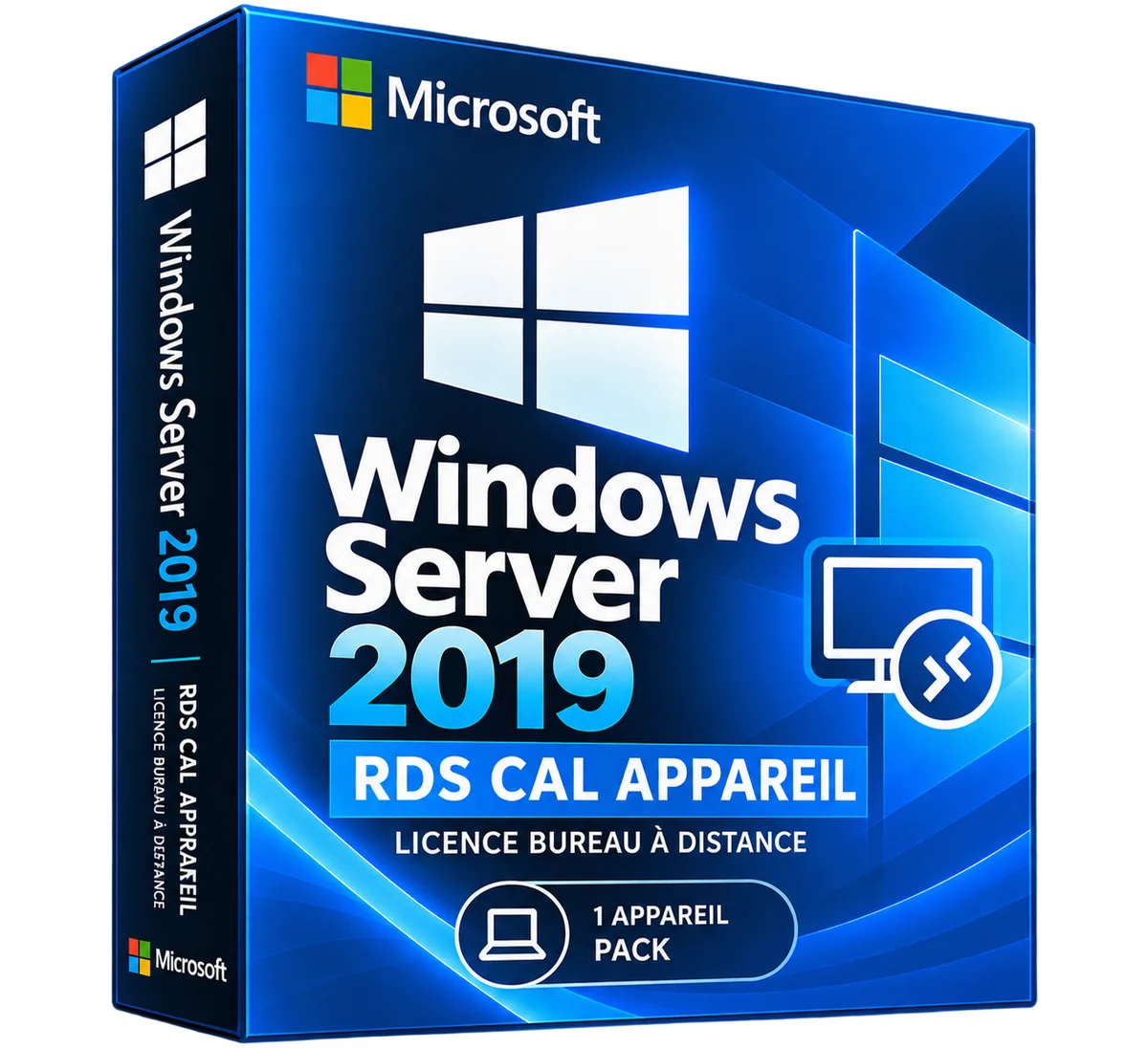
Windows Server 2019 RDS CAL Device – Remote Desktop License
- Suitable for shared computers and rotating teams
- Access to remote offices or applications published via a configured RDS infrastructure
- License management in "Per device" mode
- Completes correctly licensed Windows Server infrastructure
Windows Server 2019 RDS CAL Device: a customer access right for your Microsoft infrastructure. Order online, secure payment and support in writing if needed. The 2019 RDS CAL Windows Server Device is a client access license for the Windows Server.. Read more
Verified sellerProtected payment30-day returns
Report this product
Sellers and offers (1)
Description
Windows Server 2019 RDS CAL Device: a customer access right for your Microsoft infrastructure. Order online, secure payment and support in writing if needed.
The RDS CAL Windows Server 2019 device is a customer access license for Remote Desktop Services (Remote Desktop Services), assigned to a device. It allows different people using the same terminal to connect to a Windows Server 2019 RDS infrastructure, in accordance with the Microsoft license conditions.
MAIN BENEFITS
• Suitable for shared computers and rotating teams
• Access to remote offices or applications published via a configured RDS infrastructure
• License management in "Per device" mode
• Completes correctly licensed Windows Server infrastructure
• Right of access RDS assigned to a post or terminal
COMPARATIVE RDS CAL APPARATUS AND USER
• License : Attribution / Adapted use
• RDS CAL Device: By device / Post shared between different people
• RDS CAL User : Per user / One person uses different devices
COMPATIBILITY AND REQUIRED RIGHTS
The 2019 RDS CAL Windows Server covers Windows Server 2019 RDS deployments and previously eligible versions, in Microsoft terms. They do not automatically cover RDS 2022 or 2025. A Windows Server system license and, generally, a classic Windows Server CAL are required in addition. An RDS CAL is not a key to activation of the operating system.
INSTALLATION AND CONFIGURATION
• Deploy the necessary RDS roles on a properly licensed Windows Server server.
• Install and activate the Remote Desktop License Server.
• Configure the RDS license mode Per device.
• Add valid RDS CAL packs with authorized tools and channels.
• Control the licensing of devices and keep supporting documents.
TECHNICAL STATEMENT
• Publisher: Microsoft
• Product: Windows Server 2019 RDS CAL Device
• Type: Remote Desktop Access License Device Services
• Target version: Windows Server 2019 RDS
• Windows Server license included: No
• CAL Windows Server included: No, except for specific contractual conditions
DOCUMENTATION AND VIDEO
Official guide: Microsoft Learn – RDS access licenses. A configuration video will be integrated after checking a suitable resource.
QUESTIONS AND RESPONSES
Can different people share the same device?
Yes, the RDS CAL Apparatus is associated with the terminal, within the limits of licence fees.
Does this license enable Windows Server?
No, it provides RDS access rights.
Do you need a classic Windows Server CAL?
Generally yes, in addition to RDS CAL.
Is it working with Windows Server 2022 RDS?
No, except for specific contractual rights: an appropriate version RDS CAL is required.
How to choose between Device and User?
The Device model is suitable for shared positions; The User model is suitable for people using different positions.
Non-contractual marketing visual. Packaging, licensing channel, availability and price to be confirmed before publication.
DELIVERY AND ACTIVITIES
Digital product: The activation and download information is sent to you by e-mail after validation of the order. Any questions during installation? Write to the seller from your customer area.
Customer reviews
No reviews yet. Buyers can rate the product from their customer area after delivery.
About the seller
Sponsored products related to this item
Sponsored
MICROSOFT
1 PC - Fast delivery - Software - Windows 11 Pro - Activation key - Microsoft - Instant Delivery
€1.98€2.20
Sent under 2 j
MICROSOFT
1 PC - Windows 11 Pro - Fast delivery - Software - Activation key - Microsoft - Instant Delivery
€4.32€4.80
Sent under 2 j
Complete your purchase
Accessories and small prices from the same department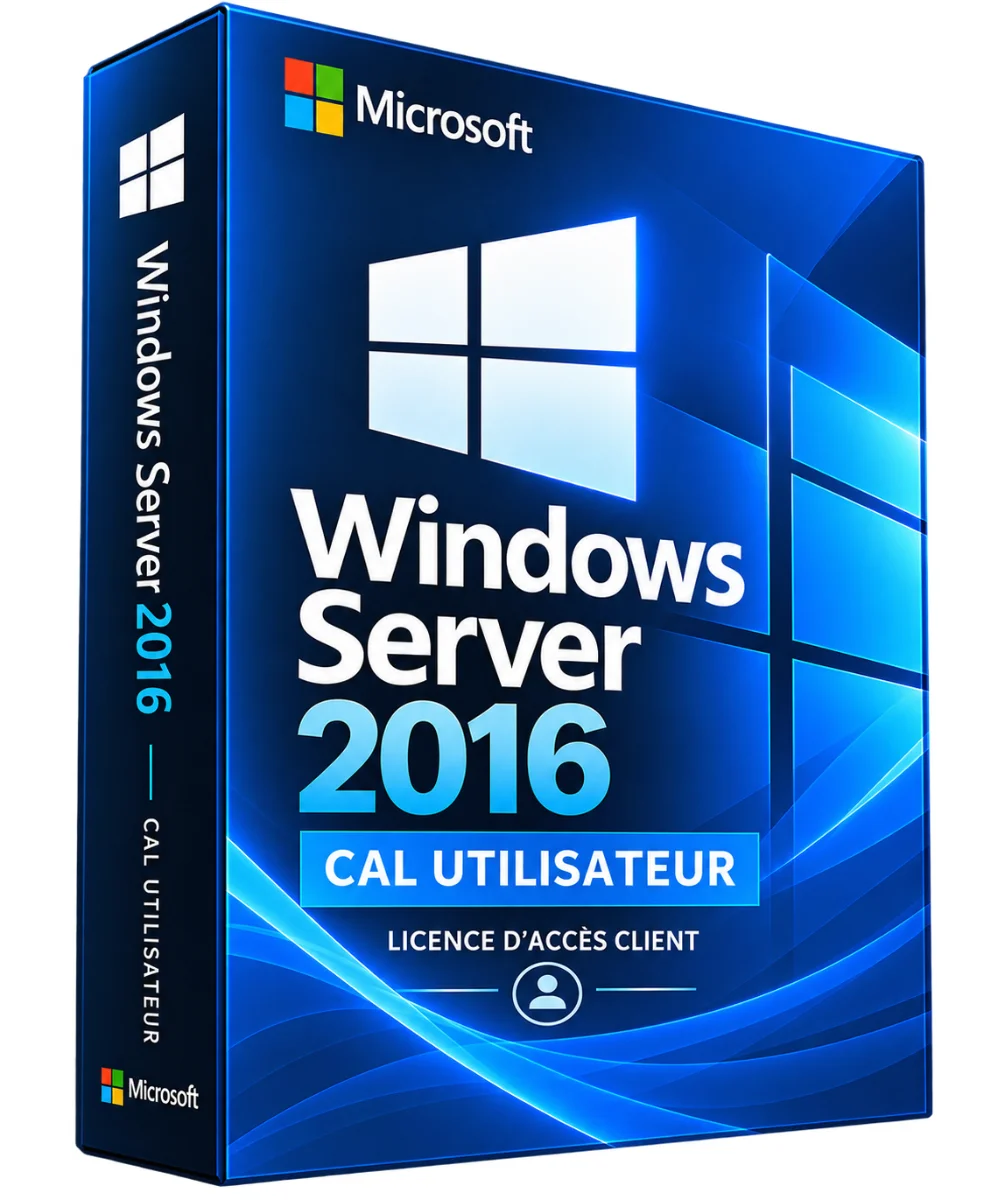

Microsoft
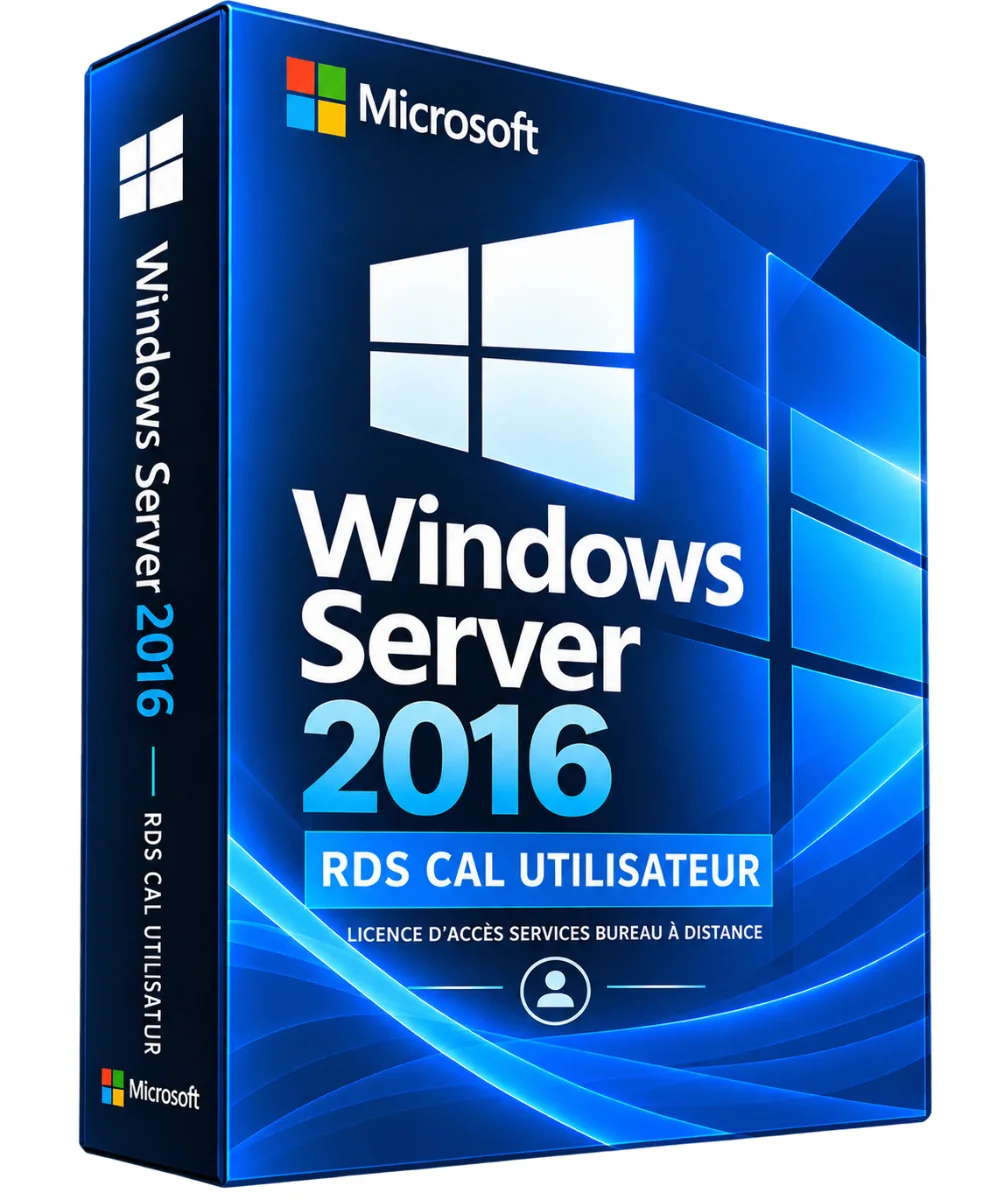
Windows Server 2016 RDS CAL User – Remote Desktop License
3 sizes
€14.90
Ships within 24 h
Microsoft
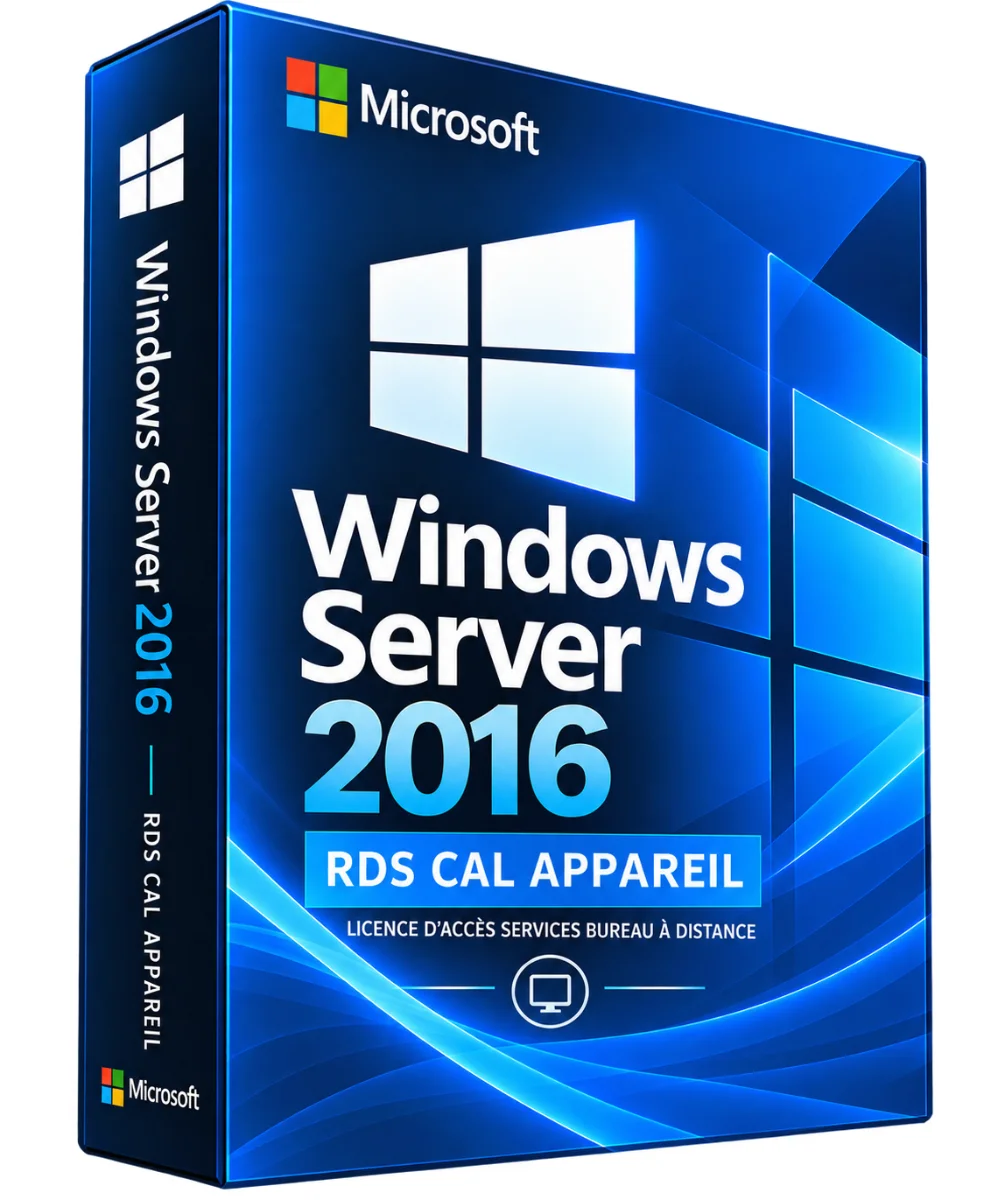
Windows Server 2016 RDS CAL Device – Remote Desktop License
3 sizes
€14.90
Ships within 24 h
MICROSOFT
Microsoft Office 2021 Pro Plus Pack - Activation key - 1 PC - Windows 10 & 11 - Fast delivery
€0.05
Sent under 2 j
MICROSOFT
Software - Microsoft - Office 2021 Professional Plus - 1 license - Download - PC
€0.05
Sent under 2 j
MICROSOFT
Activation key - Microsoft Office 2021 Professional Plus - 1 PC - Windows 7 or later - Full version
€1.00
Sent under 2 j
In the same department
Microsoft
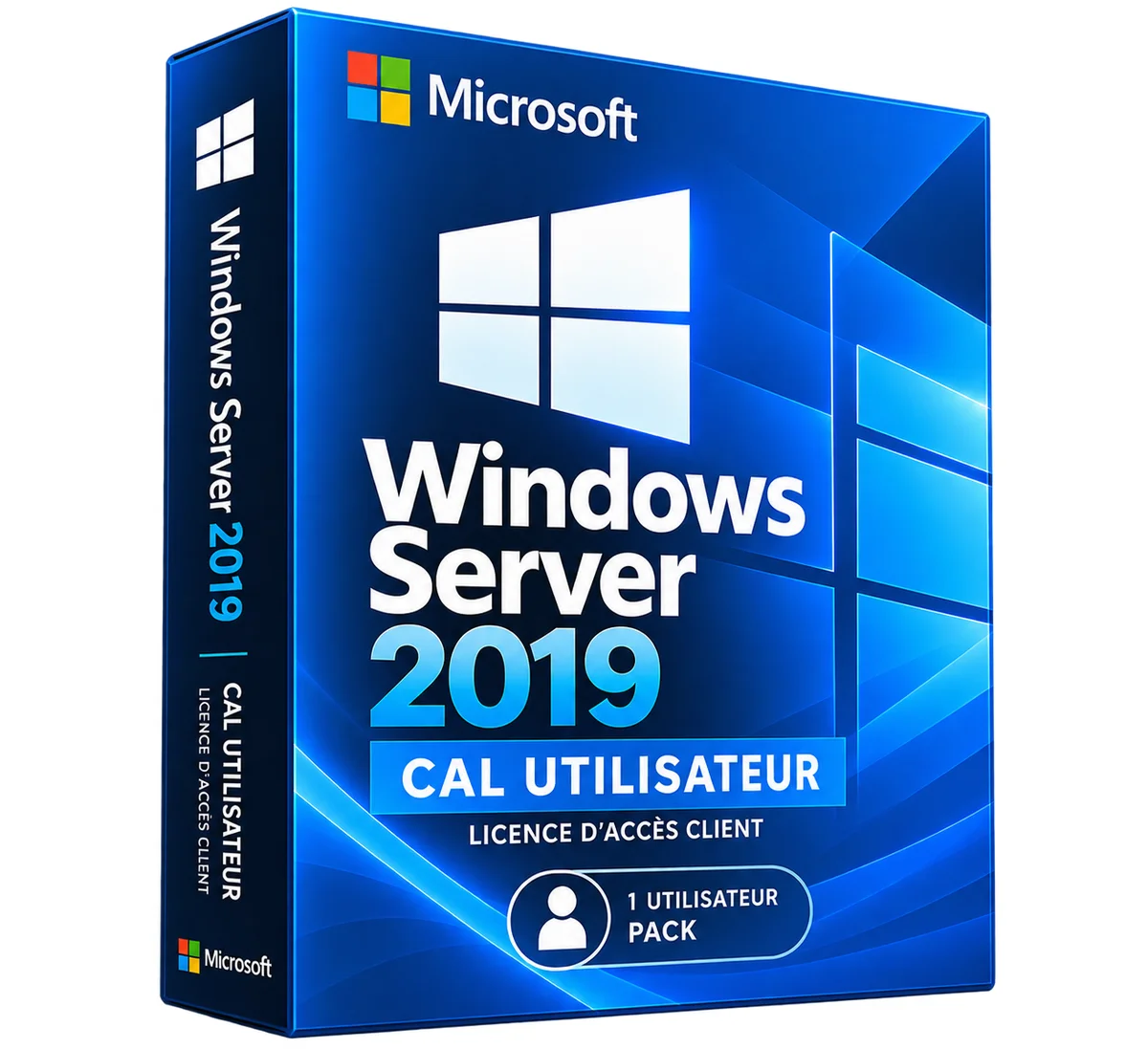
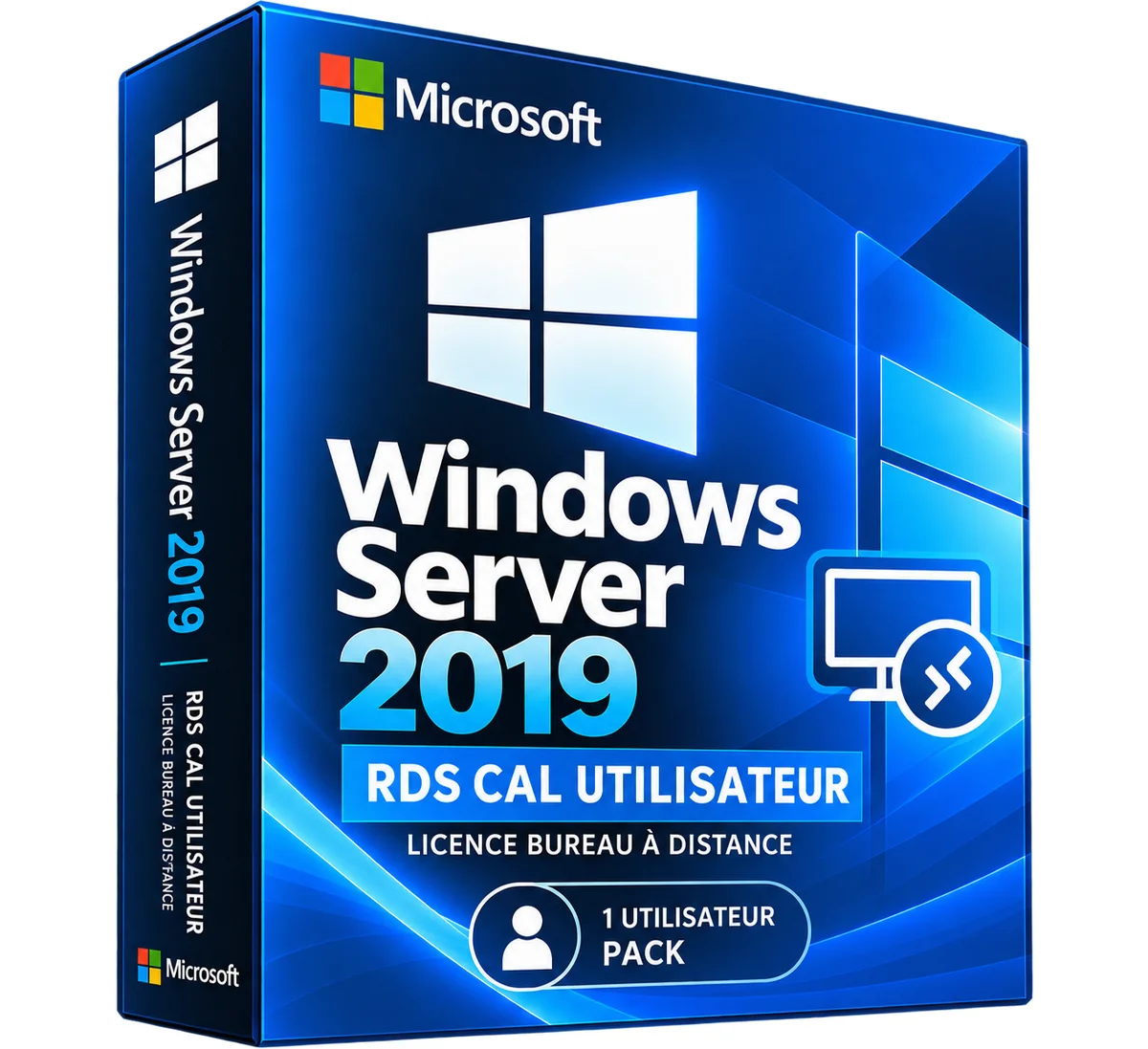
Windows Server 2019 RDS CAL User – Remote Desktop License
3 sizes
€29.90
Ships within 24 h
Microsoft
Windows Server 2022 RDS CAL Device – Remote Desktop License
3 sizes
€34.90
Ships within 24 h
Microsoft
Windows Server 2022 RDS CAL User – Remote Desktop License
3 sizes
€34.90
Ships within 24 h

Microsoft
Windows Server 2025 RDS CAL Device – Remote Desktop License
3 sizes
€39.90
Ships within 24 h
Microsoft
Windows Server 2025 RDS CAL User – Remote Desktop License
3 sizes
€39.90
Ships within 24 h

More products from Lazy-cub

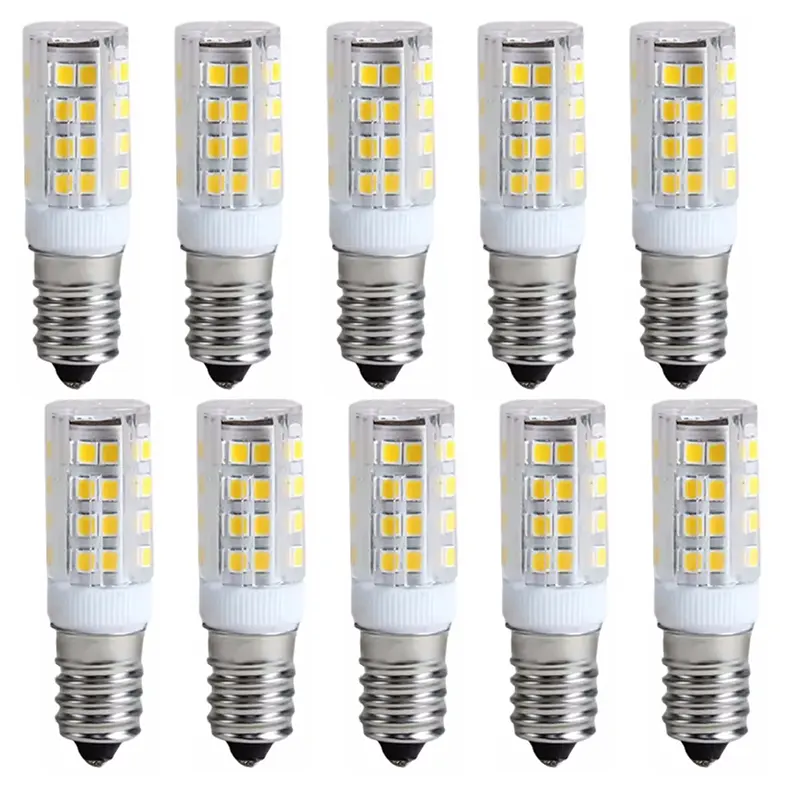
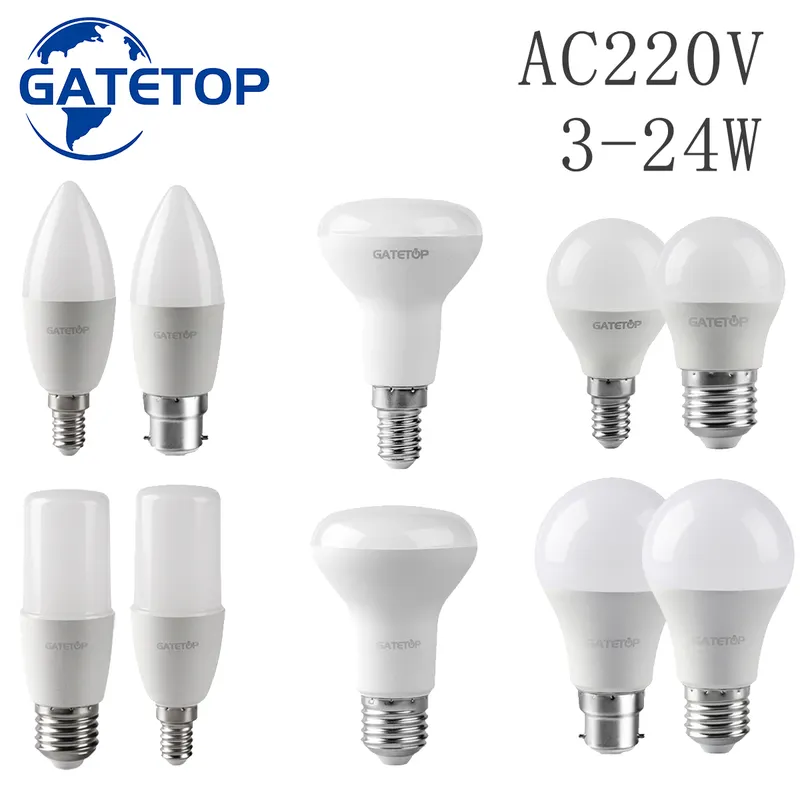
LED bulb, cap E14 or E27 or B22 or GU10, warm or cold white, individually or by batch
3 colours · 16 sizes
€10.90
Sent under 2 j

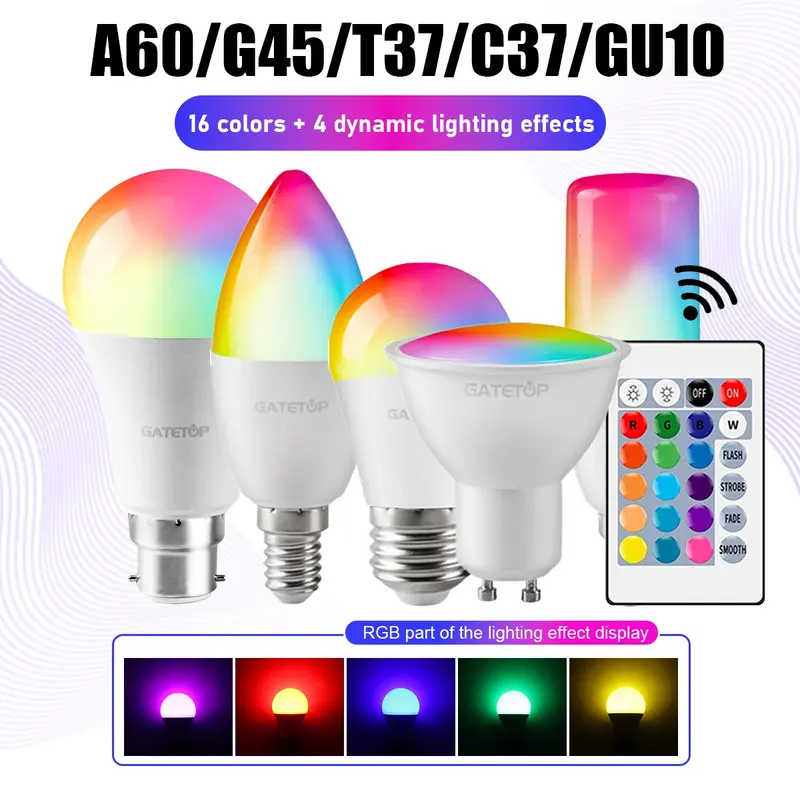
Connected LED bulb, cap E27 or B22 or E14 or GU10, RGB, with remote control, unit or batch
28 sizes
€16.90
Sent under 2 j
LED filament lamp E14, 2 to 12 W, warm or cold white (model 3)
2 colours · 4 sizes
€55.90
Sent under 2 j