Microsoft
Windows Server 2016 CAL User – Client Access License
3 sizes
€12.90
Shipped within 24 hours
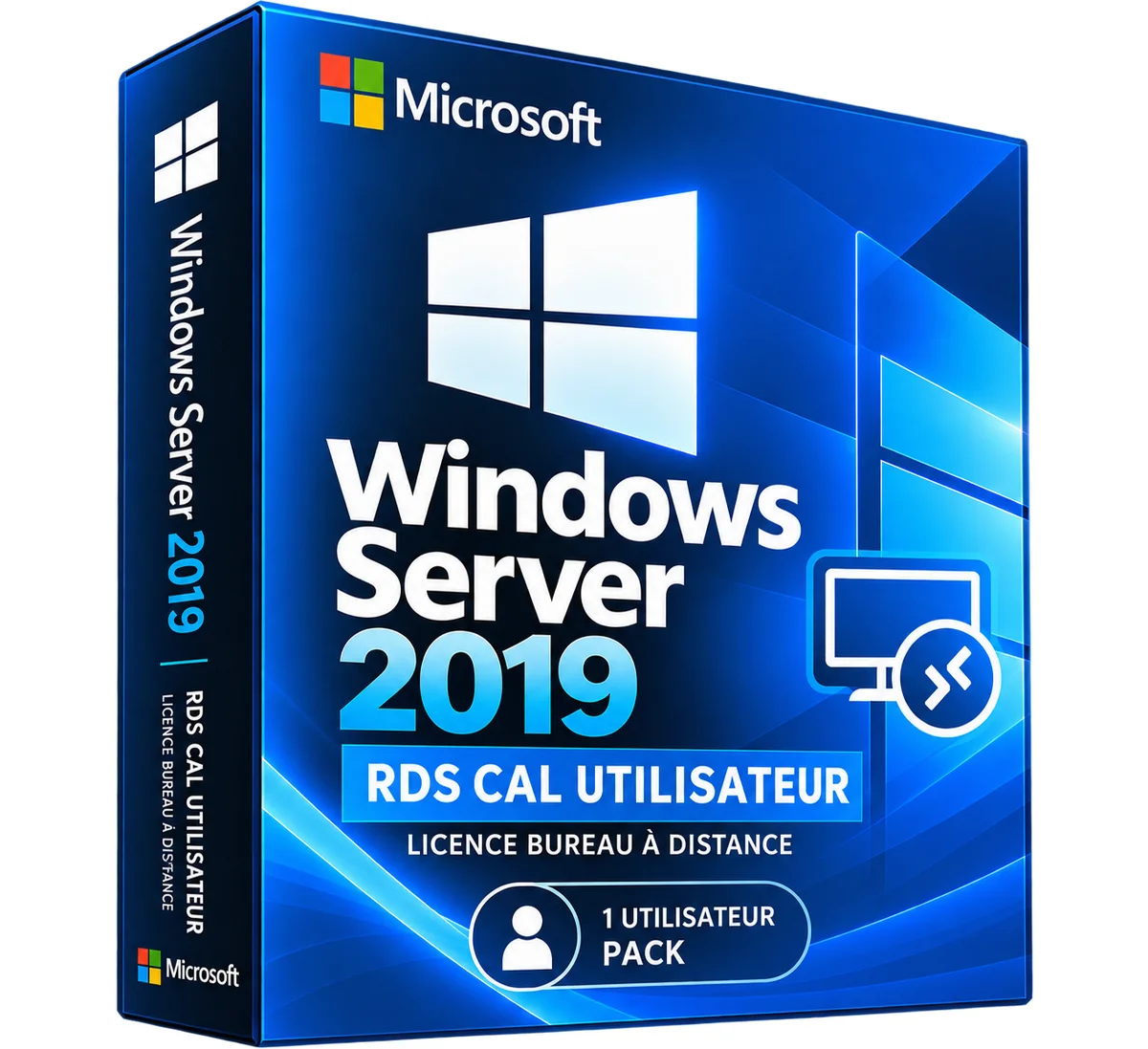
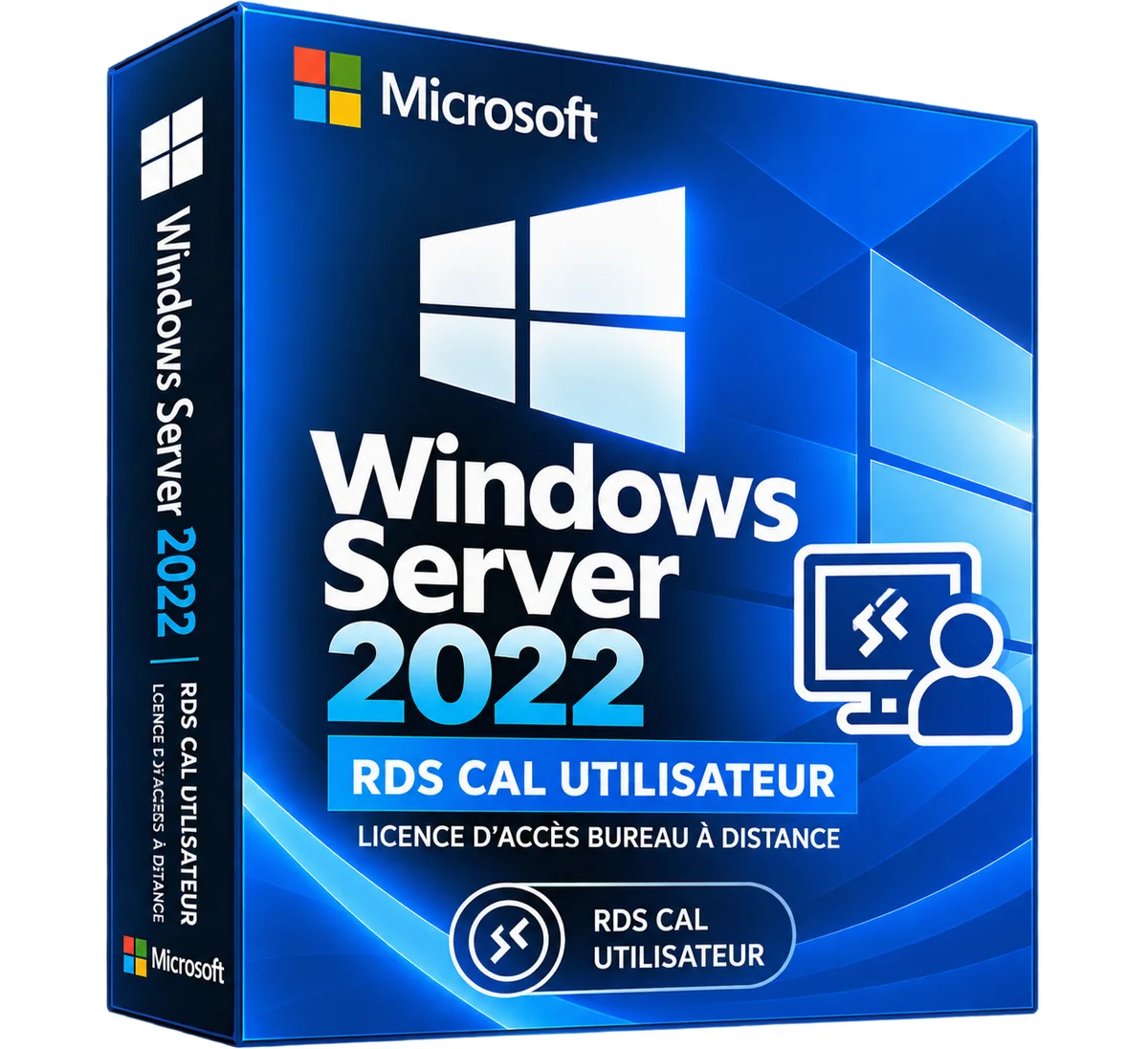
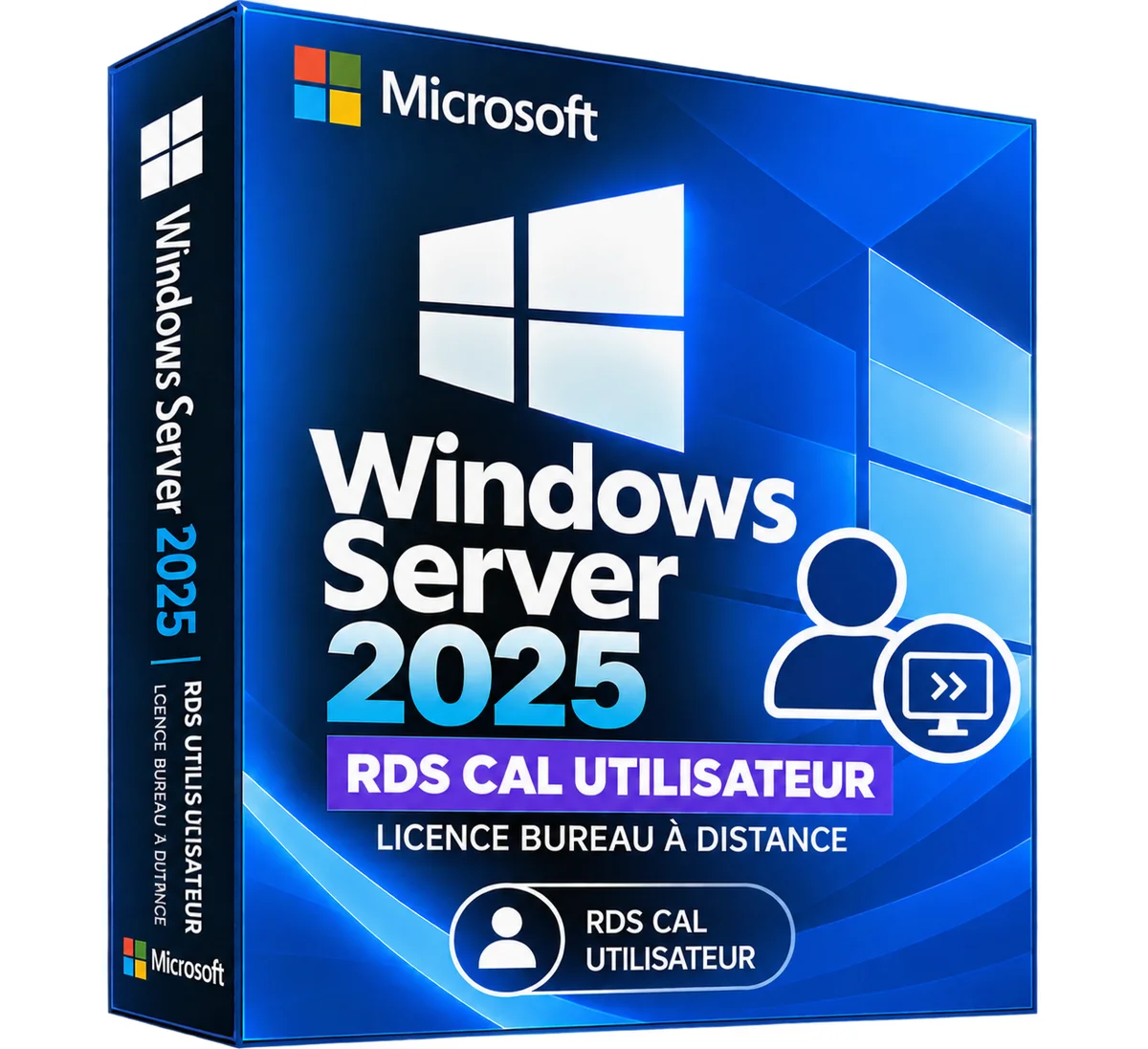
Windows Server 2016 RDS CAL User, offered by the store LAZY-CUB: a customer access right for your Microsoft infrastructure. You are accompanied until the activation. The Windows Server 2016 RDS CAL User is a specific client access license.. Read more
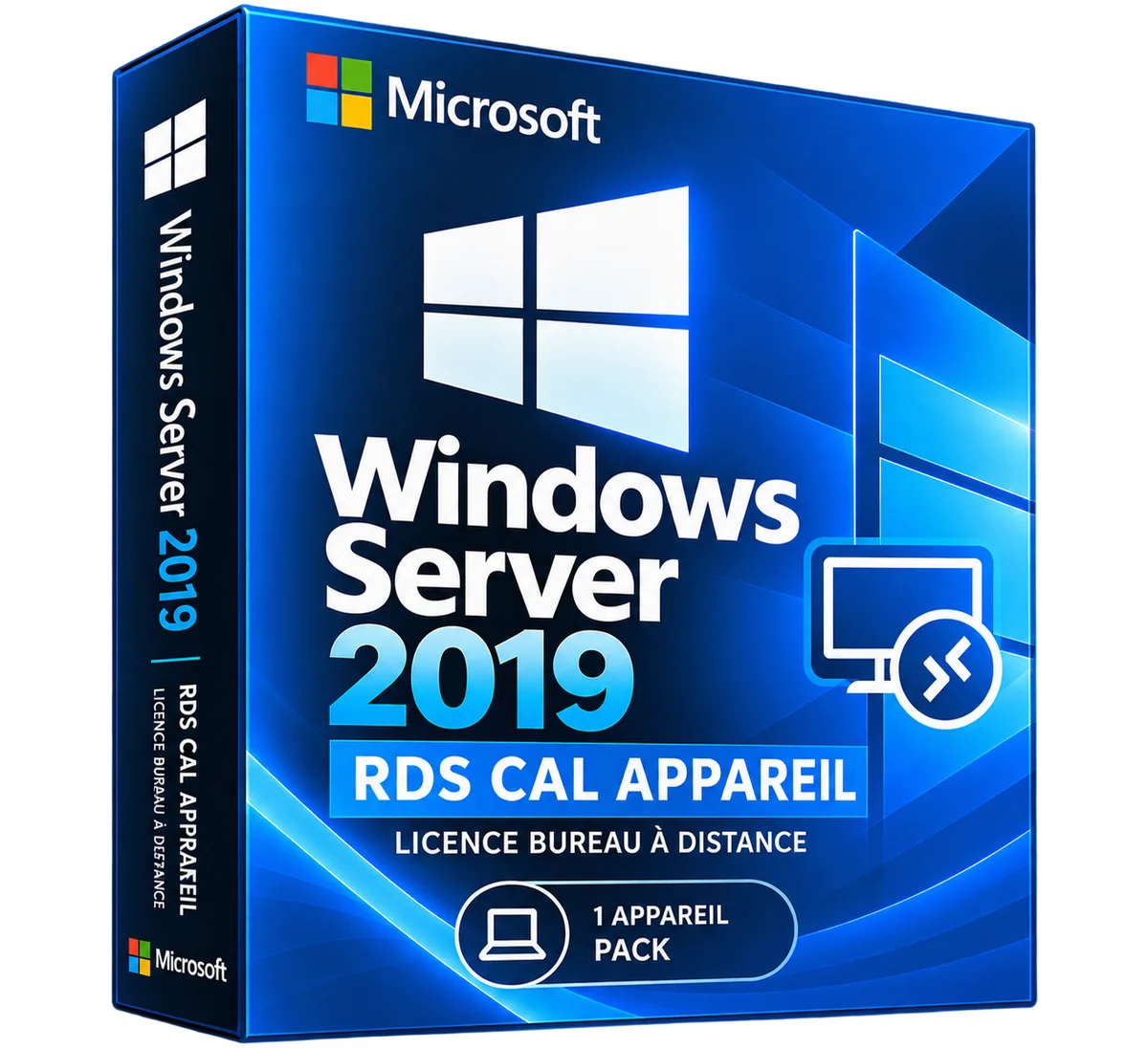
Windows Server 2016 RDS CAL User, offered by the store LAZY-CUB: a customer access right for your Microsoft infrastructure. You are accompanied until the activation. The Windows Server 2016 RDS CAL User is a client access license specific to Remote Desktop Services. It allows a named user to access a Windows Server 2016 RDS infrastructure from different devices, according to Microsoft license conditions. STRONG POINTS • Access from different devices according to applicable rights • Adapted to telework and centralized applications • Completes Windows Server and CAL Windows Server licenses required • Works with Windows Server 2016 RDS deployments and previous eligible versions • RDS access right granted to a named user RDS CAL USER OR APPARATUS? • Type: Attribution / Example • RDS CAL User: Per person / Employee using different computers • RDS CAL Device: By Post / Team Shared Terminal PREREQUIS AND RIGHTS A RDS CAL does not replace a Windows Server license and generally does not replace the basic CAL Windows Server. The server must be properly licensed and the corresponding access rights must be held. A 2016 RDS CAL does not automatically provide access to RDS deployments in 2019, 2022 or 2025 versions. LICENCE DEPLOYMENT AND MANAGEMENT • Enable the RDS license server according to Microsoft instructions. • Set the license mode "Per user" for RDS deployment. • Install the acquired RDS license packages via the authorized mechanisms and keep their credentials. • Control the allocation of rights and the compliance of the number of users. • Install and configure the required RDS roles on a properly licensed Windows Server. In "Per User" mode, the technical application of licenses may differ from their contractual requirement: the administrator must ensure compliance. DOCUMENTATION AND VIDEO Official Microsoft Guide to RDS CAL. An educational video can be integrated after validation of a suitable source. TECHNICAL STATEMENT • Publisher: Microsoft • Product: Windows Server 2016 RDS CAL User • Type: Access license Services Remote desktop per user • Target version: Windows Server 2016 RDS • Server license included: No • CAL Windows Basic Server included: No, unless otherwise specified QUESTIONS AND RESPONSES Is RDS CAL enough to install Windows Server? No. It covers RDS access rights, not the operating system. Can a user access from different devices? Yes, according to the conditions of the license mode per user. Are conventional CAL Windows Servers required? Generally yes, in addition to RDS CAL. Does this license work with RDS 2022? No, a server-friendly version of RDS CAL is required. Non-contractual marketing visual. Licence channel, availability, packaging and rates to be confirmed before marketing. DELIVERY AND ACTIVITIES Digital product: The activation and download information is sent to you by e-mail after validation of the order. Any questions during installation? Write to the seller from your customer area.
No reviews yet. Buyers can rate the product from their customer area after delivery.