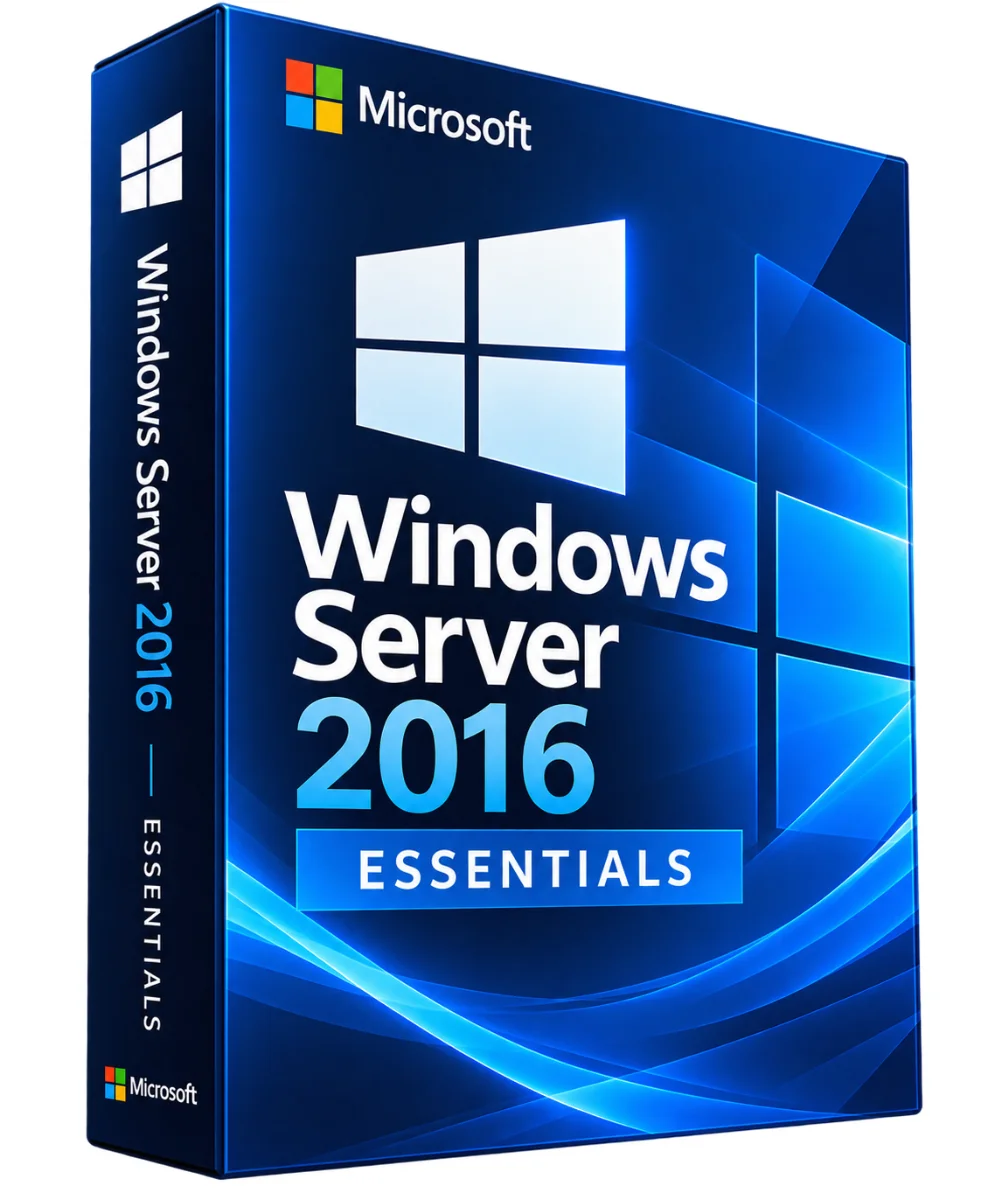
Microsoft
Windows Server 2016 Essentials – Microsoft Server License
- File sharing and permission management
- Backup and restoration according to supported functions
- Directory Services Active Directory
- Administration suitable for small structures
Windows Server 2016 Essentials: a digital license with the download key and link sent by e-mail. Order online, secure payment and support in writing if needed. Windows Server 2016 Essentials Offers small.. Read more
Verified sellerSecured paymentReturn 30 days
Report this product
Description
Windows Server 2016 Essentials: a digital license with the download key and link sent by e-mail. Order online, secure payment and support in writing if needed. Windows Server 2016 Essentials Offers small structures a platform to centralize accounts, share files, save computers and administer corporate resources. This edition is intended primarily for environments with up to 25 users and 50 devices, within Microsoft license limits. • File sharing and permission management • Backup and restoration according to supported functions • Directory Services Active Directory • Administration suitable for small structures • Simplified management of users and posts DETAILED FUNCTIONS USER MANAGEMENT Structure accounts and permissions to access common resources, with compatible Windows Server roles. FILE AND SAFEGUARDS Centralize the documents and put in place a backup strategy that suits your company's equipment. NETWORK AND SERVICES Use network services and server functions supported by Essentials editing for a coherent infrastructure. ADMINISTRATION The Essentials Scoreboard facilitates some common administrative tasks for small organizations. ESSENTIALS, STANDARD OR DATACENT? • Essentials: Small business / Up to 25 users and 50 devices; specific Essentials rules • Standard: Conventional servers and limited virtualization / Heart and CAL licenses according to usage • Datacenter : Highly virtualized infrastructure / Licenses by heart and CAL according to usage • Publishing : Preferred use / Licenses and limits Essentials is not a substitute for Standard or Datacenter for environments requiring many virtual servers. INSTALLER WINDOWS SERVER 2016 ESSENTIALS • Check hardware compatibility, user limits and license conditions. • Save existing data. • Use an installation medium obtained via an authorized channel. • Install Windows Server 2016 Essentials and configure the network. • Design user accounts, shares and backups. • Enable the system with the corresponding license fees and install the available updates. TECHNICAL STATEMENT • Publisher: Microsoft • Product : Windows Server 2016 Essentials • Architecture : X64, 64 bits • Usage : Small business server • Limit: 25 users and 50 devices maximum, depending on Microsoft conditions CAL Windows Server: Generally not required for access within the limits of Essentials; other services may require specific rights • End of extended support: 12 January 2027 YOUR QUESTIONS, OUR ANSWERS WHO IS A ESSENTIAL ADDRESS? Small businesses needing a centralized server without the complexity of a data centre infrastructure. What is the user limit? Windows Server 2016 Essentials is designed for up to 25 users and 50 devices. Can we use it as a Datacenter? No. Essentials has specific deployment and virtualization limits. How long is he in charge? The extended support for Windows Server 2016 is scheduled until 12 January 2027. Non-contractual marketing visual. Accurate type of licence, availability, content delivered and conditions of activation to be checked before marketing. DELIVERY AND ACTIVITIES Digital product: The activation and download information is sent to you by e-mail after validation of the order. Any questions during installation? Write to the seller from your customer area.
All offers (1)
Customer reviews
No reviews yet. Buyers can rate the product from their customer area after delivery.
About the seller
Sponsored products related to this article
Sponsored


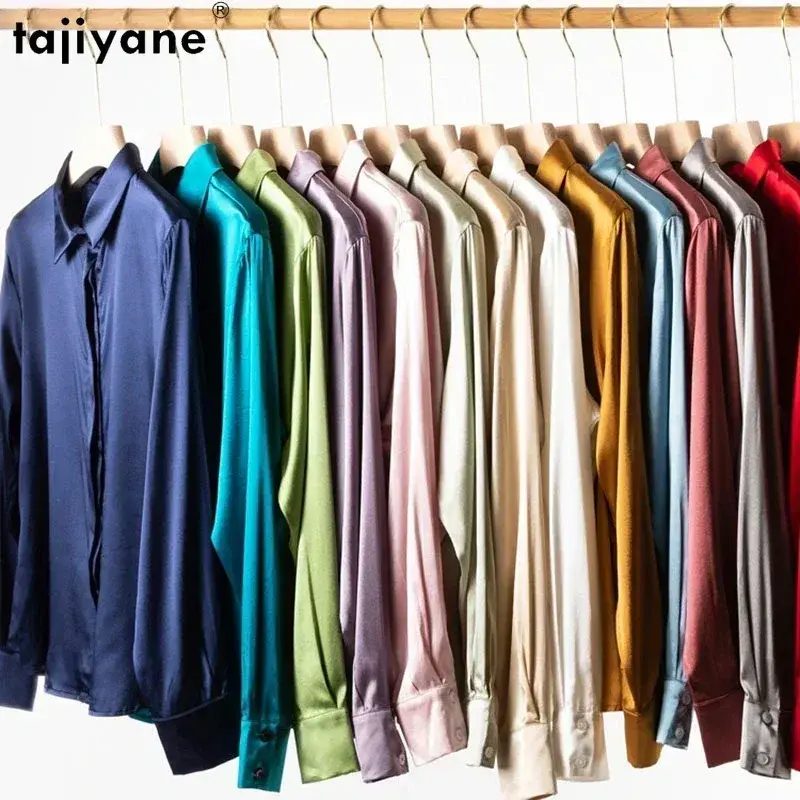

Women's velvet Shirt with tile pattern (model 2) – Relaxed, winter
€66.51€73.90
Shipped within 24 hours
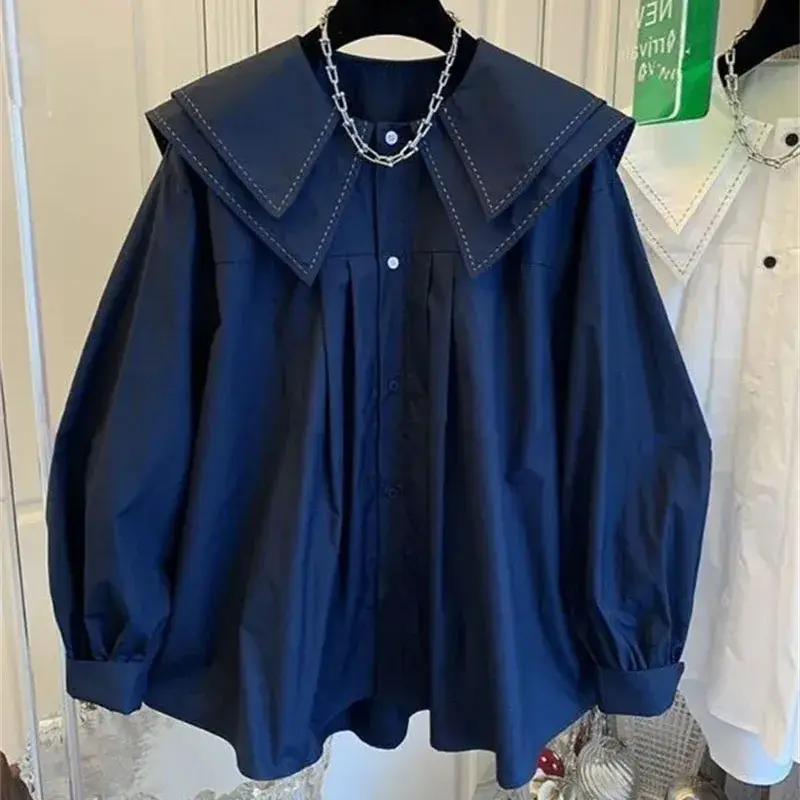

Woman shirt in satin with long sleeves wide cut – Vintage, summer
€46.71€51.90
Shipped within 24 hours

Grey woman shirt with long sleeves pattern with tiles – Vintage, autumn
€41.31€45.90
Shipped within 24 hours
Complete your purchase
Accessories and small prices of the same radius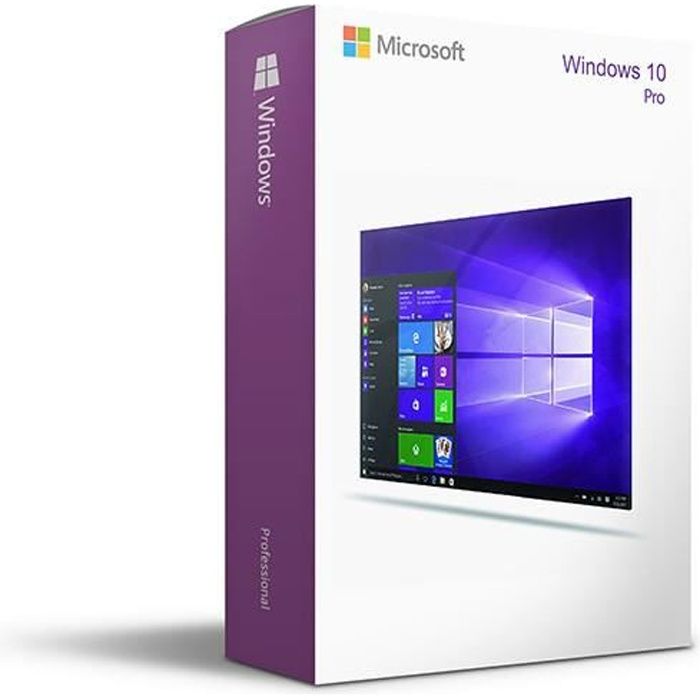
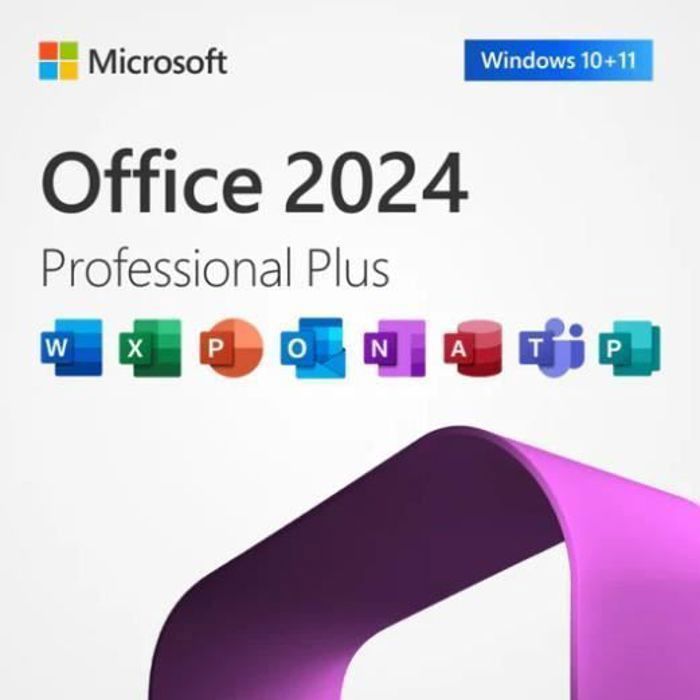
MICROSOFT
Office 2024 Pro Plus - Licence activation - Software - Immediate delivery - 1 PC
€2.00
Sent under 2 j
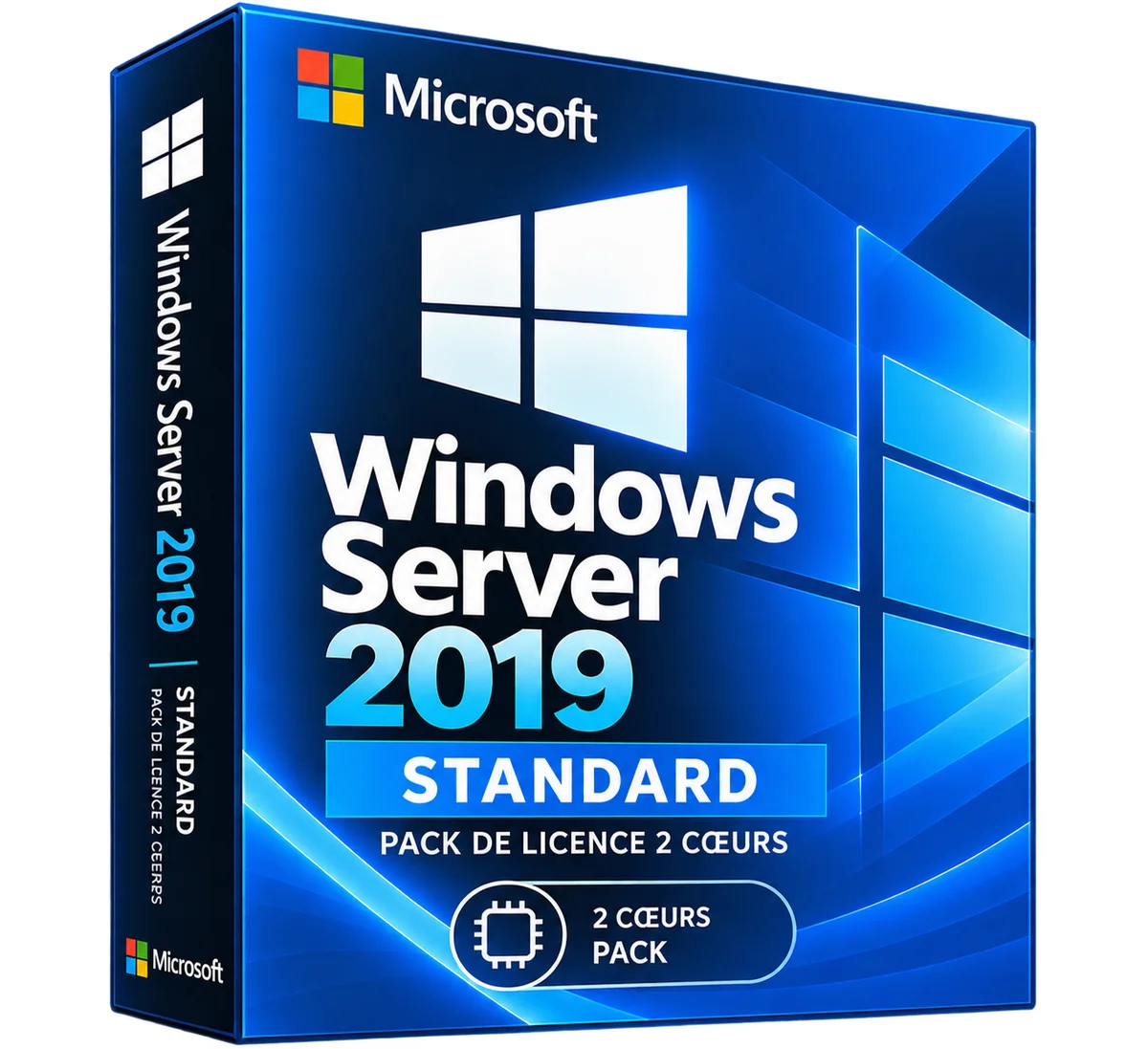
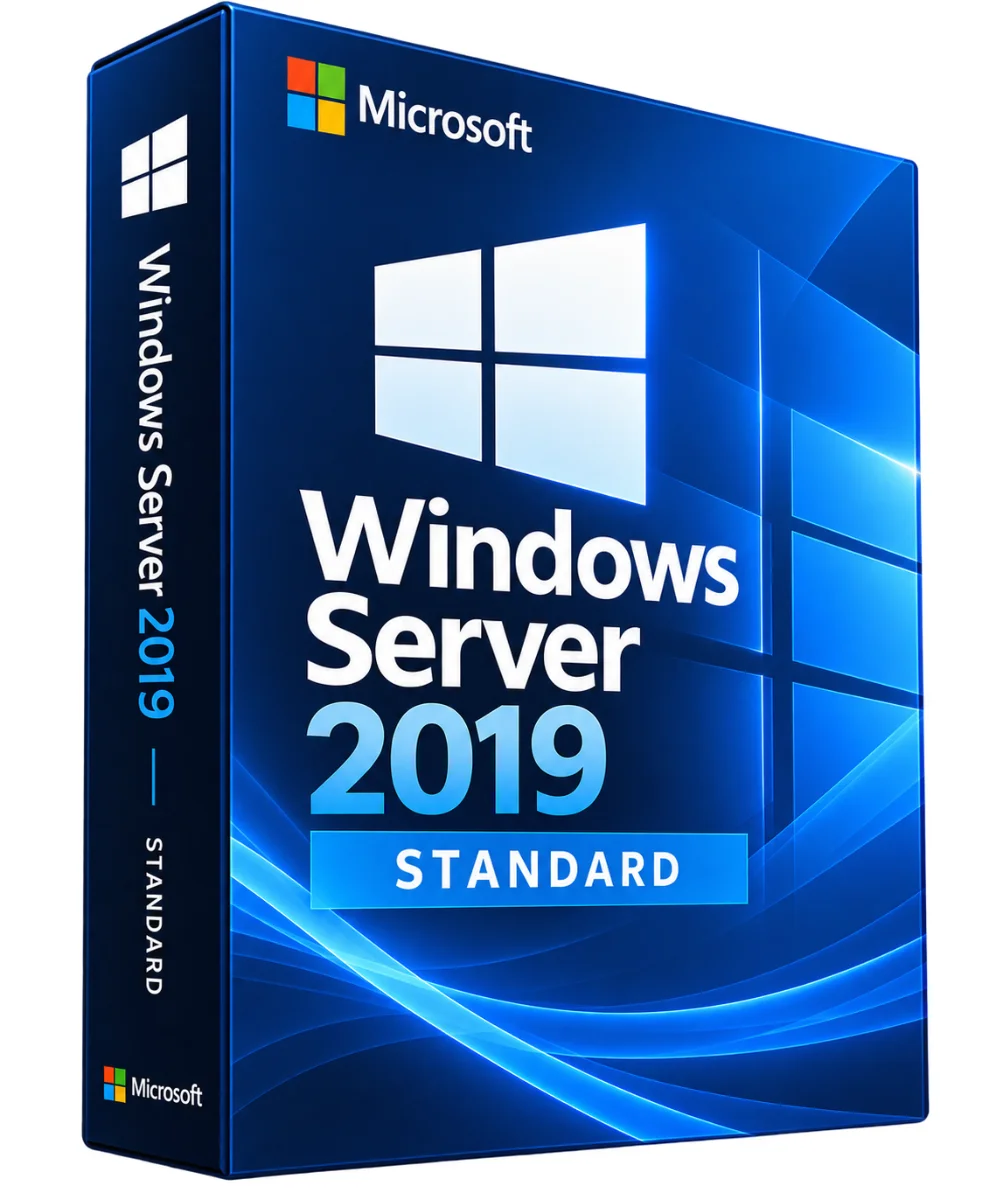
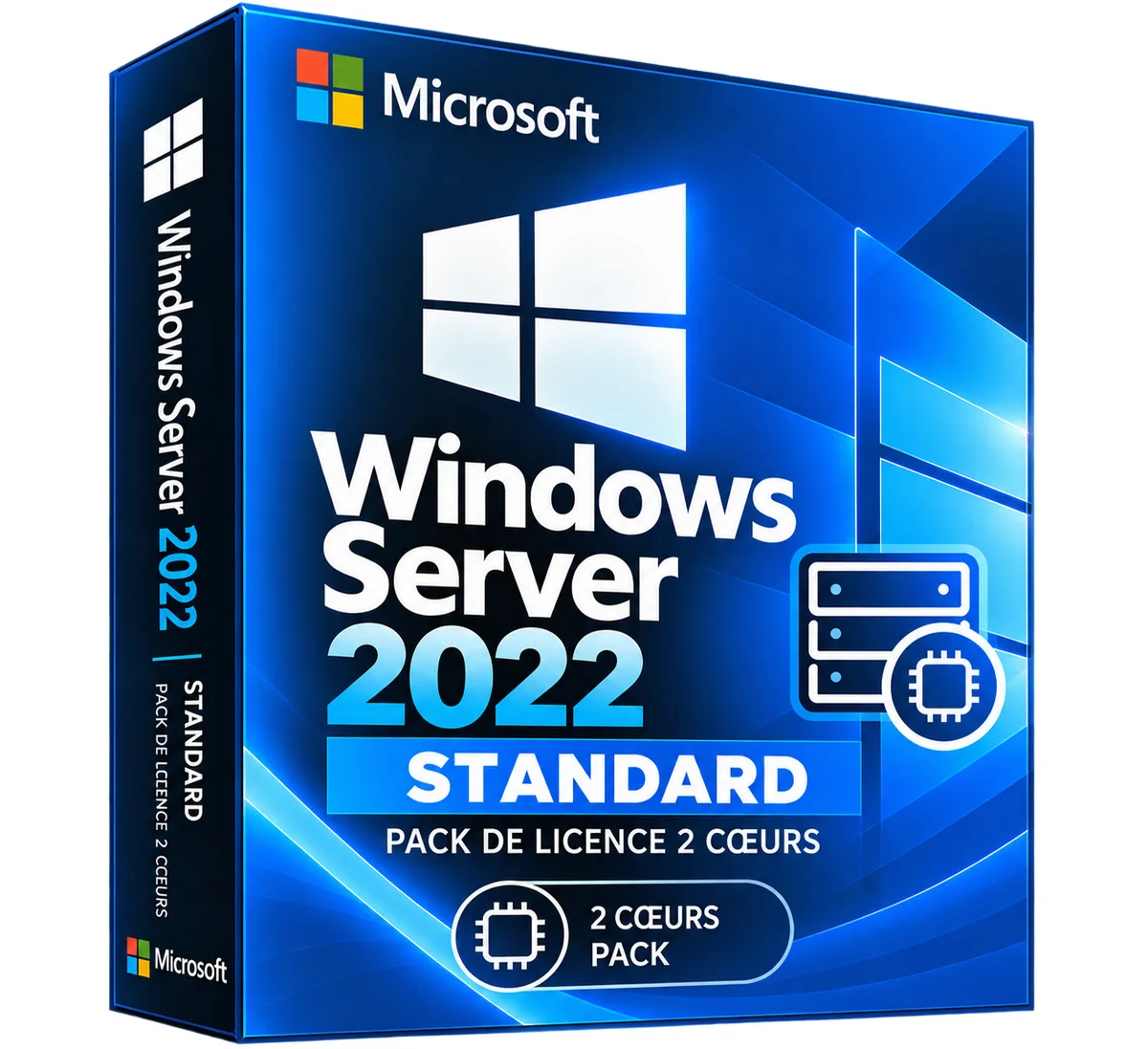
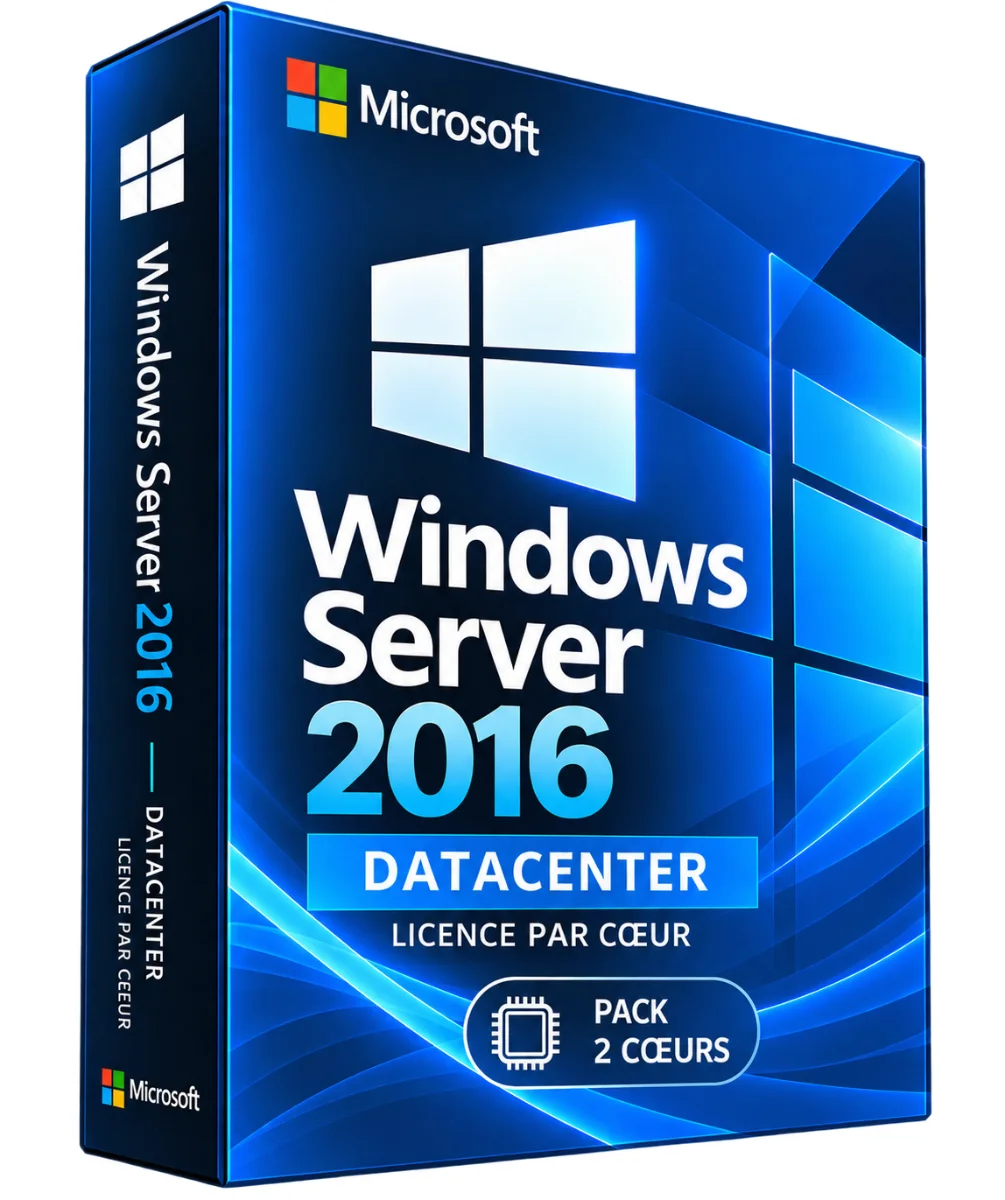
MICROSOFT
Software - Microsoft - Office 2021 Professional Plus - 1 license - Download - PC
€0.05
Sent under 2 j
Within the same radius
Microsoft
Windows Server 2025 Hyper-V Server – Official Microsoft License
€36.90
Shipped within 24 hours
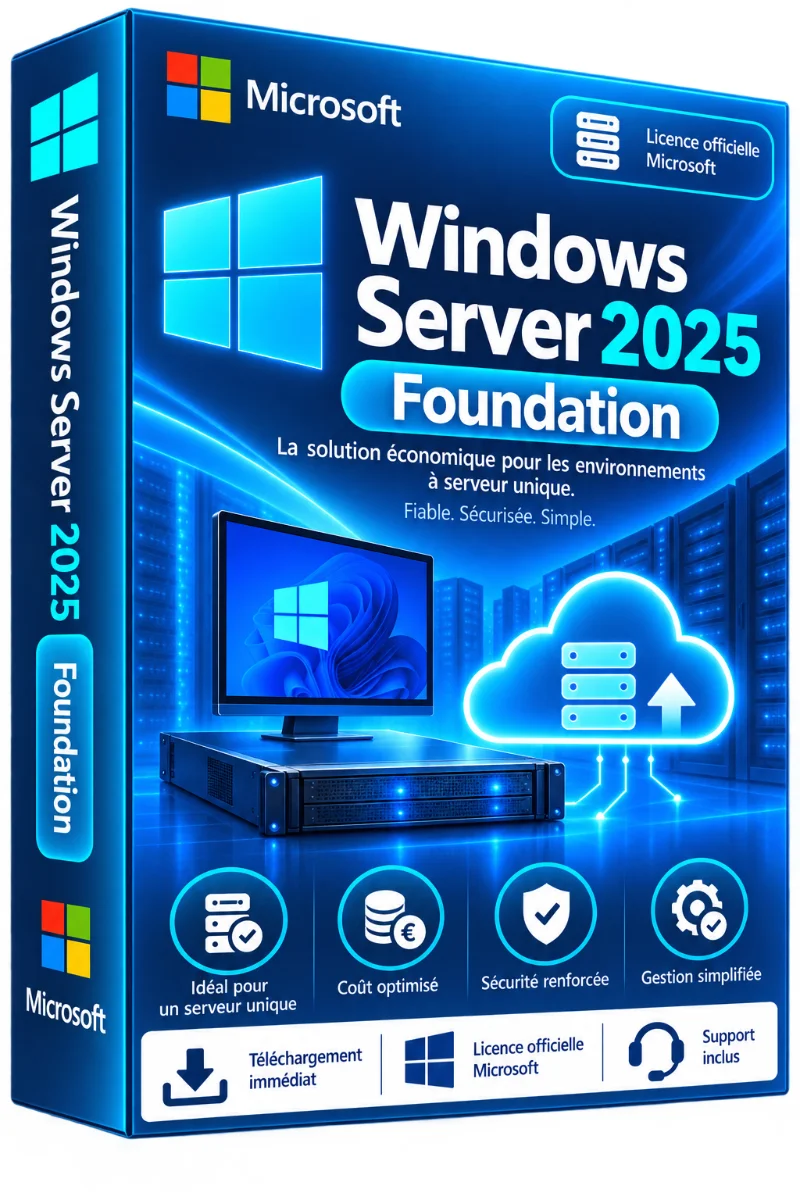
Microsoft
Windows Server 2025 Foundation – Official Microsoft License
€33.90
Shipped within 24 hours
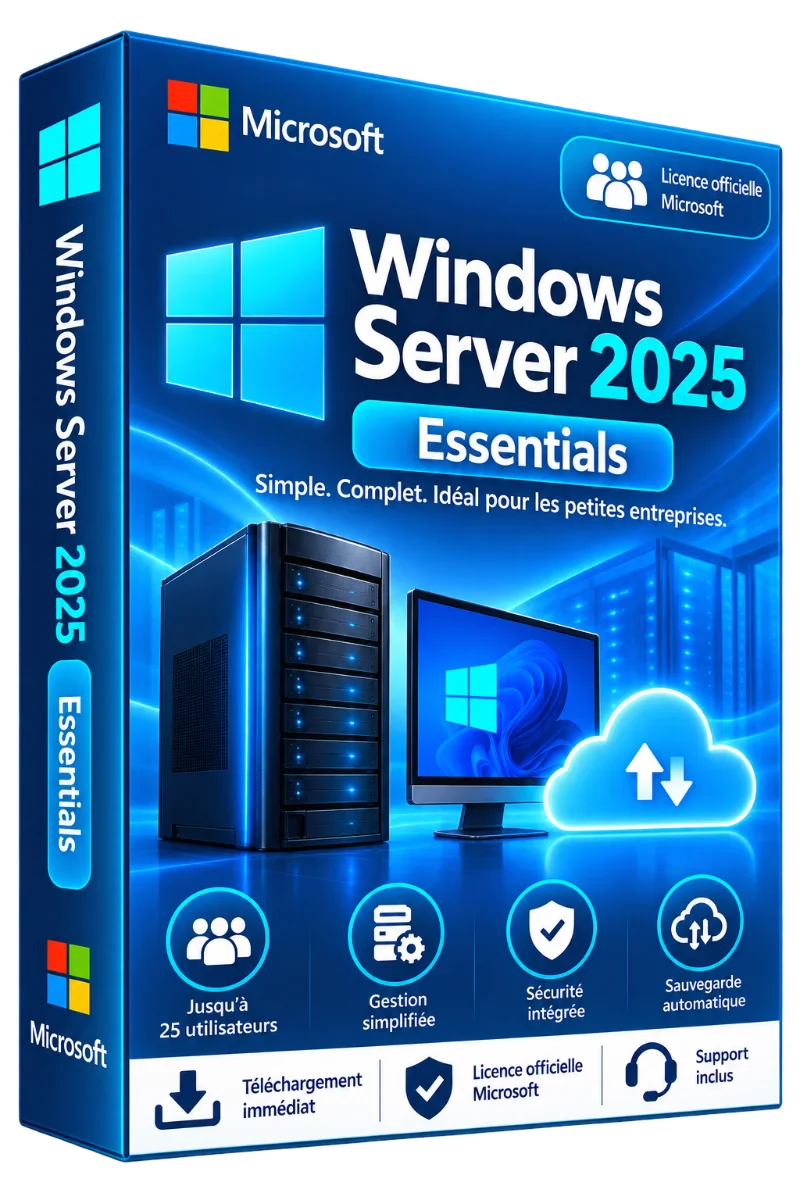
Microsoft
Windows Server 2025 Essentials – Official Microsoft License
€24.90
Shipped within 24 hours
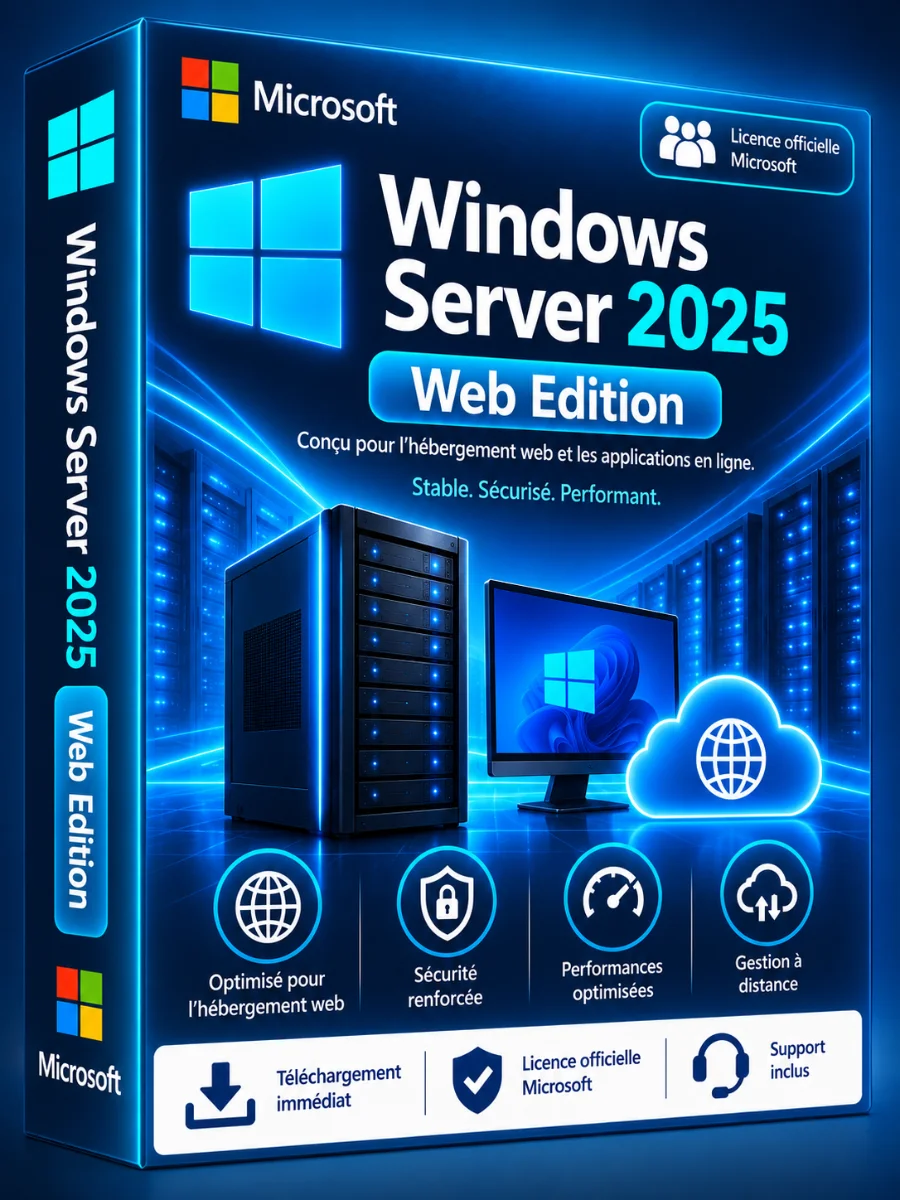
Microsoft
Windows Server 2025 Web Edition – Official Microsoft License
€36.90
Shipped within 24 hours
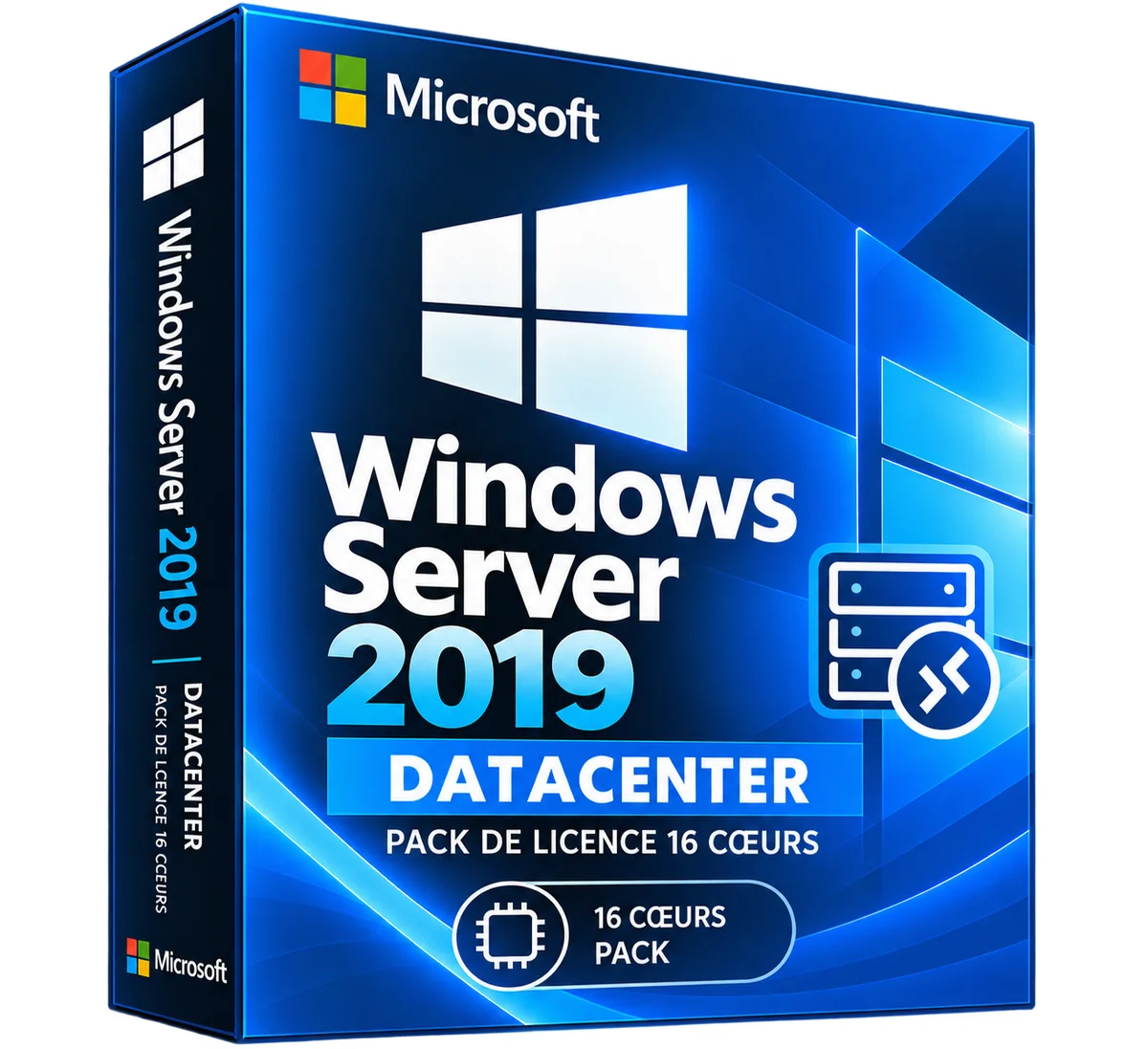
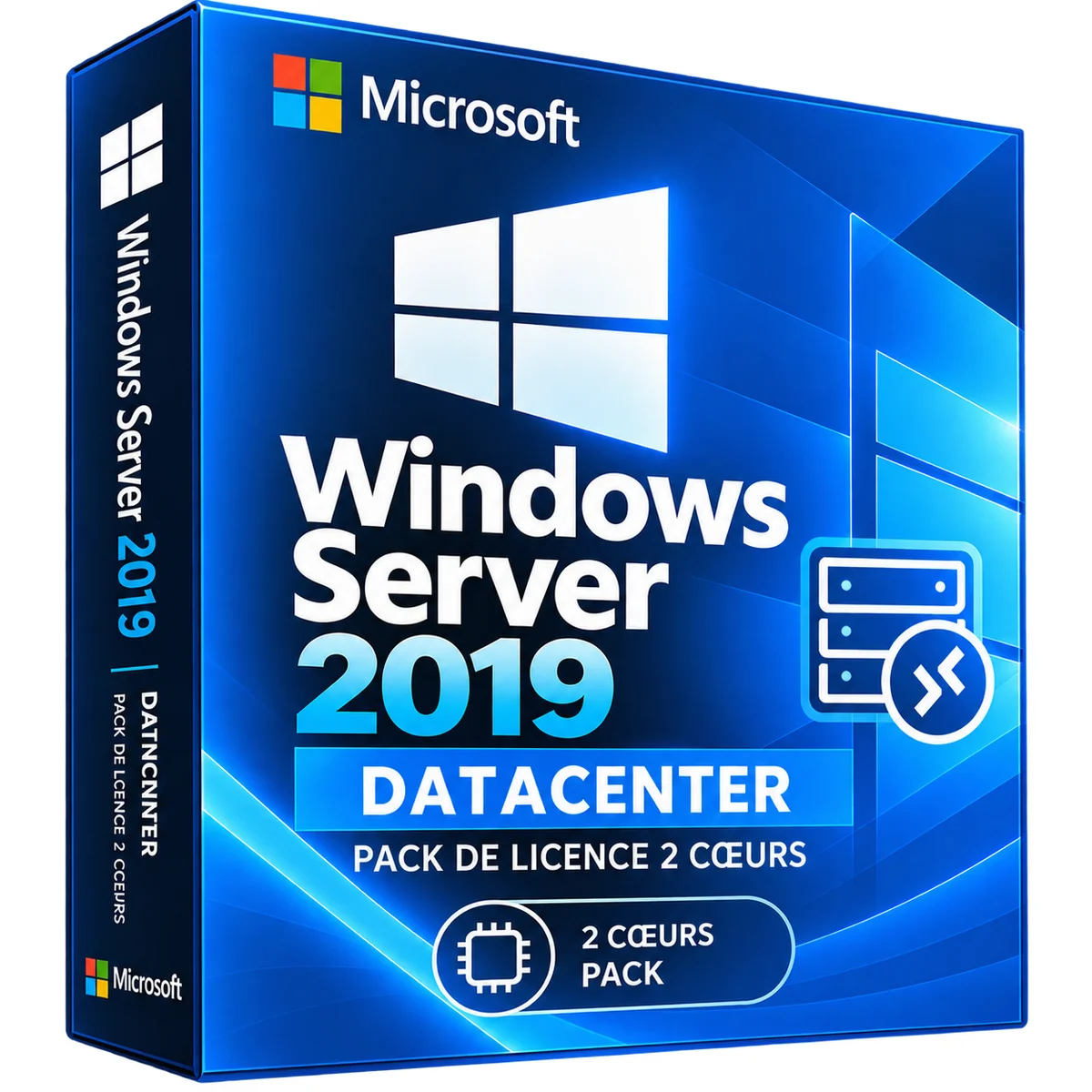
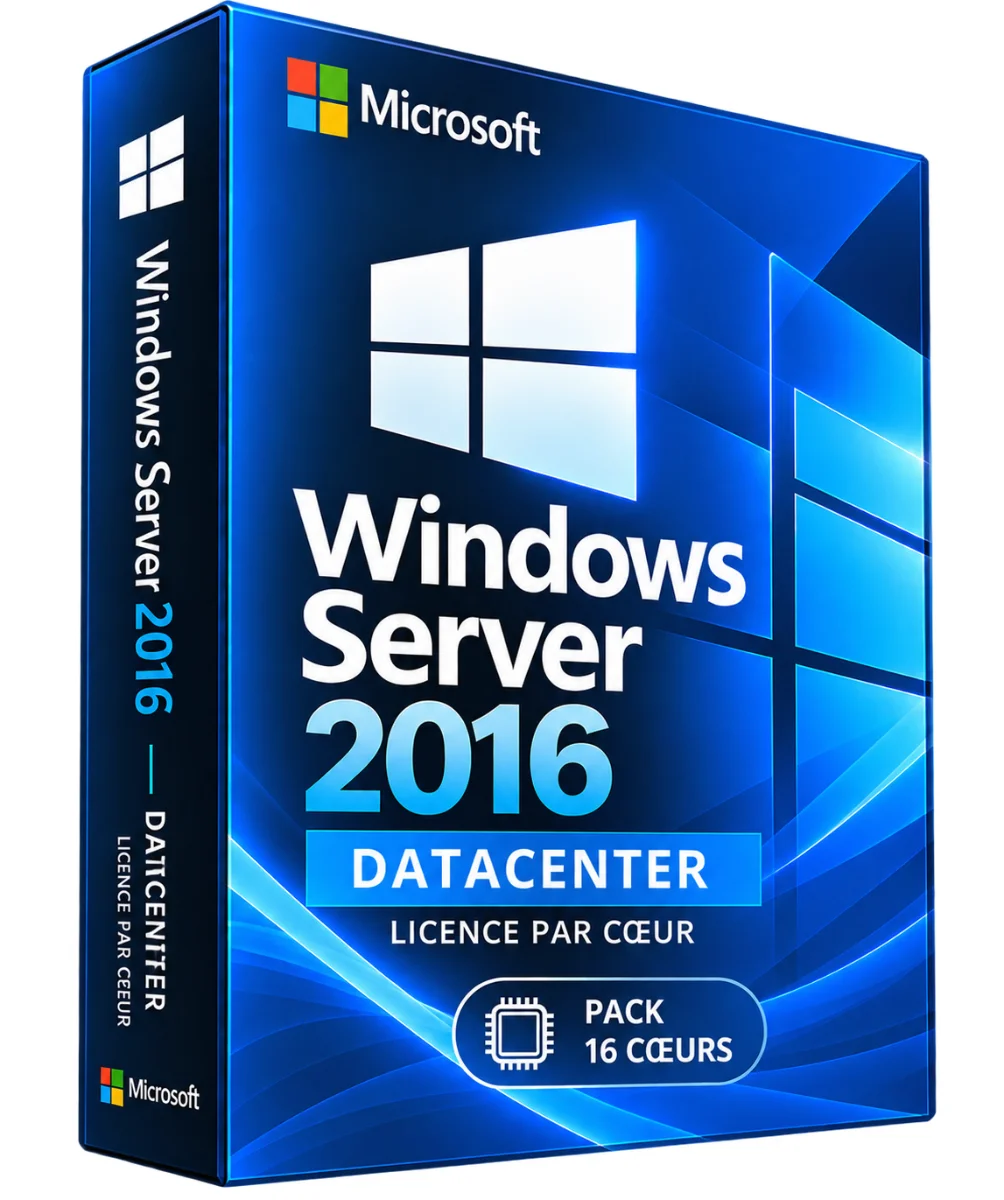
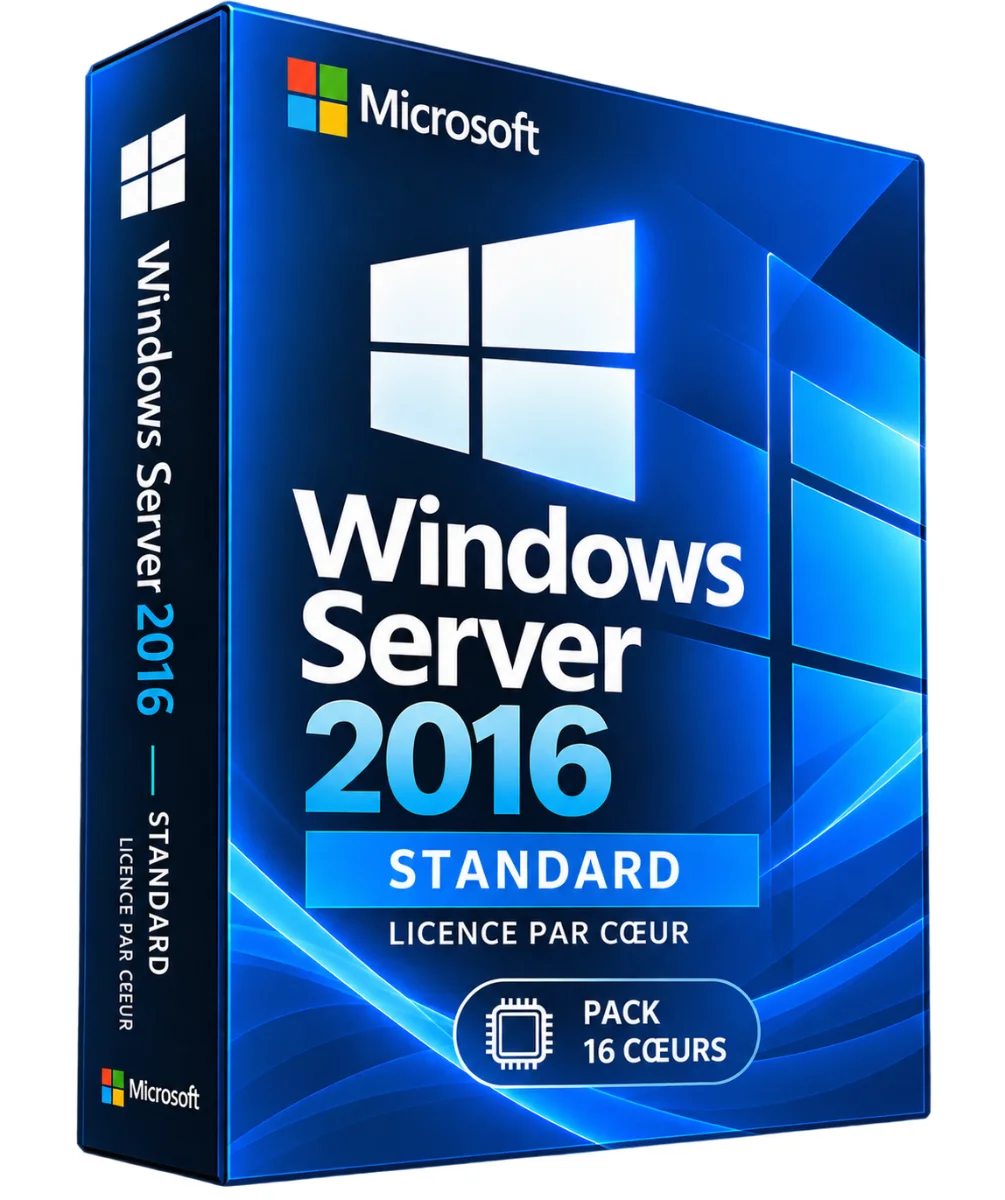
More products from Lazy-cub
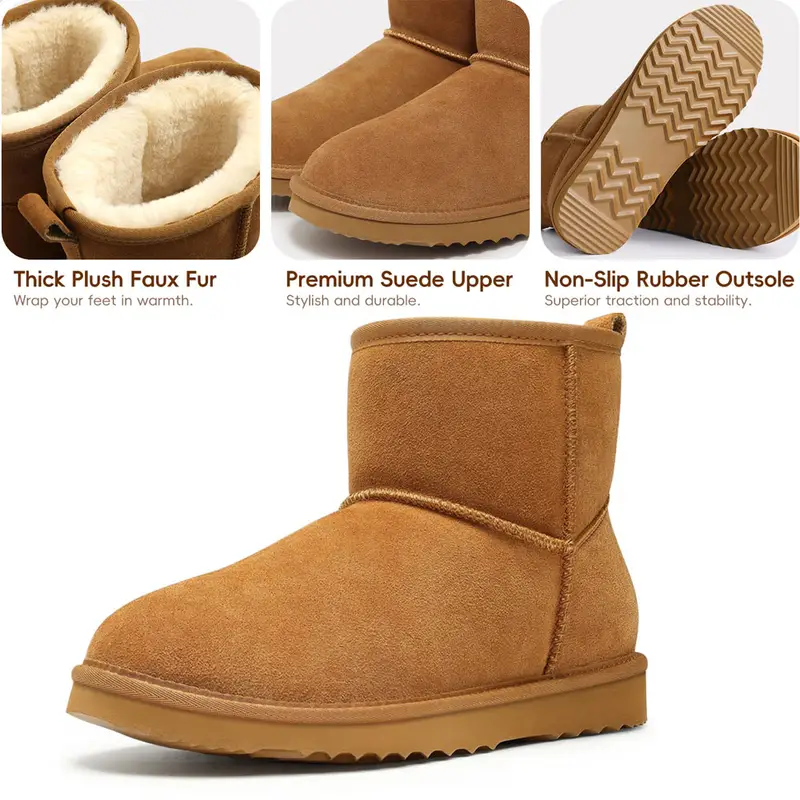
Suedin women's boots with platform and comfortable, from 36 to 42
3 colours · 7 sizes
€99.90
Sent under 2 j

Woman scarpins in patent leather with pointed toe and ankle strap, from 35 to 42
2 colours · 8 sizes
€119.90
Sent under 2 j



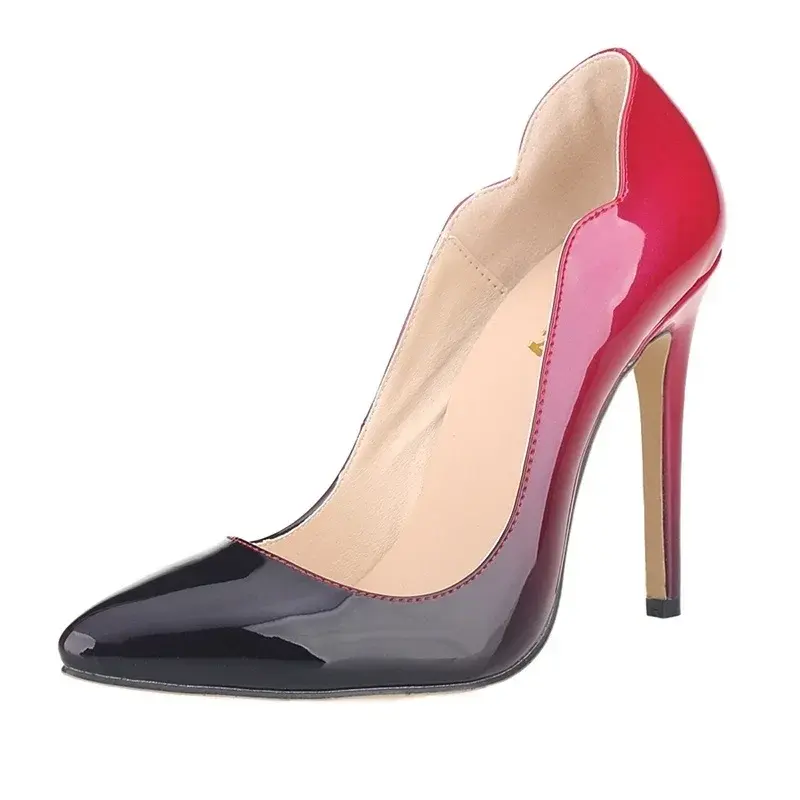
Women's scarpins with needle heels and pointed toe, from 35 to 42
+317 colours · 8 sizes
€89.90
Sent under 2 j
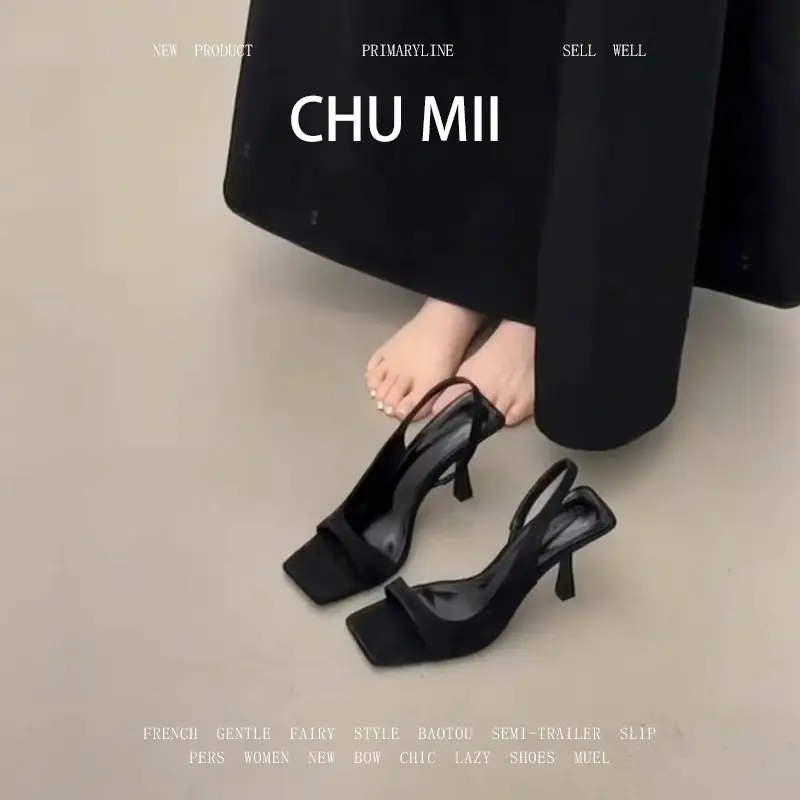
Women's leather sandals with pointed toe and open toe, from 35 to 40
3 colours · 6 sizes
€53.90
Sent under 2 j