Microsoft
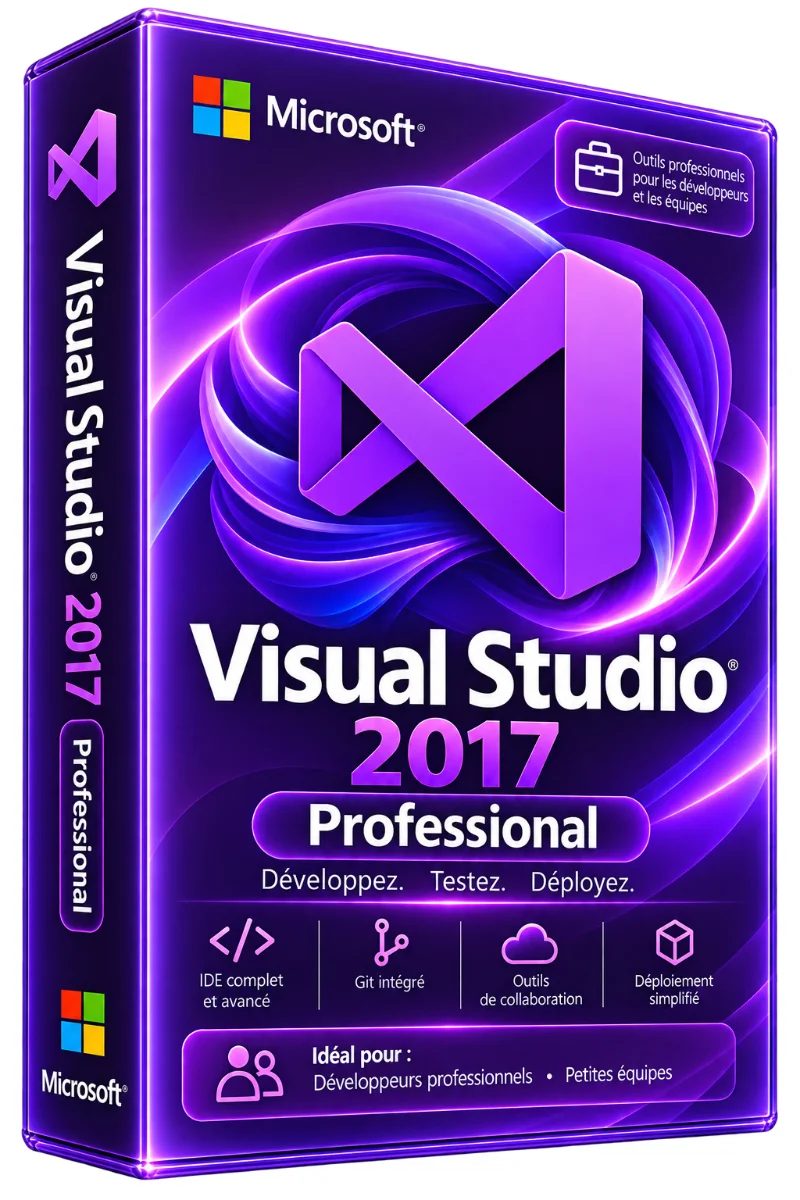
Visual Studio 2017 Professional License
- Direct download link from Microsoft servers
- Step by step guide
- Delivery by e-mail within moments
- Free technical support included
Visual Studio 2017 Professional license: a digital license with the key and download link sent by email. Order online, secure payment and support in writing if needed. Visual Studio 2017 Professional is professional IDE.. Read more
Verified sellerProtected payment30-day returns
Report this product
Description
Visual Studio 2017 Professional license: a digital license with the key and download link sent by email. Order online, secure payment and support in writing if needed. Visual Studio 2017 Professional is Microsoft professional IDE, designed for individual developers and teams. It offers a comprehensive development environment to design web, mobile, cloud and desktop applications. Official digital license, lifetime activation, fast delivery via e-mail. WHAT YOU OBTAIN • Direct download link from Microsoft servers • Step by step guide • Delivery by e-mail within moments • Free technical support included • Official license key Visual Studio 2017 Professional The right reasons to choose Visual Studio 2017 Professional? • Lifetime activation – no subscription, no renewal • Complete IDE for all types of development • Fast and modular installation (load only what you need) • Fast delivery by e-mail after payment • Secure payment • Microsoft official license – 100% authentic and legal Key Features of Visual Studio 2017 Pro: • Advanced Intelligence – Smart and fast code completion • High-performance debugger – Stop points, variable inspection, remote debugging • Smart Refactoring – One-click code restructuring • Integrated Git & TFVC – Unintermediated version management in IDE • Azure Integration – Simplified cloud deployment • Support.NET Core &.NET Framework – Multiplatform development • Xamarin Development – iOS and Android Mobile Applications • Support C++, Python, JavaScript, TypeScript, F# • Integrated unit tests – Quality of the insured code • Live Unit Testing – Real-time testing during coding • Modular Installer – Install only the components you need, reducing installation time Types of development supported: • Mobile applications (Xamarin, iOS, Android) • Cloud applications (Azure, microservices) • Desktop applications (WPF, WinForms, UWP) • Video games (Unity, DirectX) • Artificial Intelligence & Machine Learning • Web applications (ASP.NET, MVC, Web API) Compare Visual Studio 2017 Pro vs Company: • Function : Pro 2017 / Company 2017 • Perfect for: Solo developers / teams / Large teams / companies TECHNICAL POINTS • Product : Visual Studio 2017 Professional • License Type: Digital – Life Activation • System required: Windows 7 SP1 or higher • Language: Multilingual (French included) • Delivery : By e-mail within moments • Support: Yes, via e-mail or chat 7j/7 • Characteristics : Detail MINIMUM CONFIGURATION • Processor: 1.8 GHz / 2.6 GHz quad-core+ • RAM: 2 GB / 8 GB or more • Disc space : 1 GB / 40 GB SSD • Resolution: 1024 × 768 / 1920 × 1080 • OS : Windows 7 SP1 / Windows 10/11 • Component : Minimum / Recommended YOUR QUESTIONS, OUR ANSWERS What difference between Visual Studio 2017 and 2019 Pro? VS 2019 brings IntelliCode (IA), Live Share, better performance and better Azure integration. VS 2017 remains an excellent stable and proven option for existing projects. Is the license permanent? Yes, it's a lifetime license. No subscription or renewal is required. Can I use this license on different PCs? No, the license is valid for only 1 PC. For different positions, you have to buy different licenses. DELIVERY AND ACTIVITIES Digital product: The activation and download information is sent to you by e-mail after validation of the order. Any questions during installation? Write to the seller from your customer area.
All offers (1)
Customer reviews
No reviews yet. Buyers can rate the product from their customer area after delivery.
About the seller
Sponsored products related to this item
Sponsored
MICROSOFT
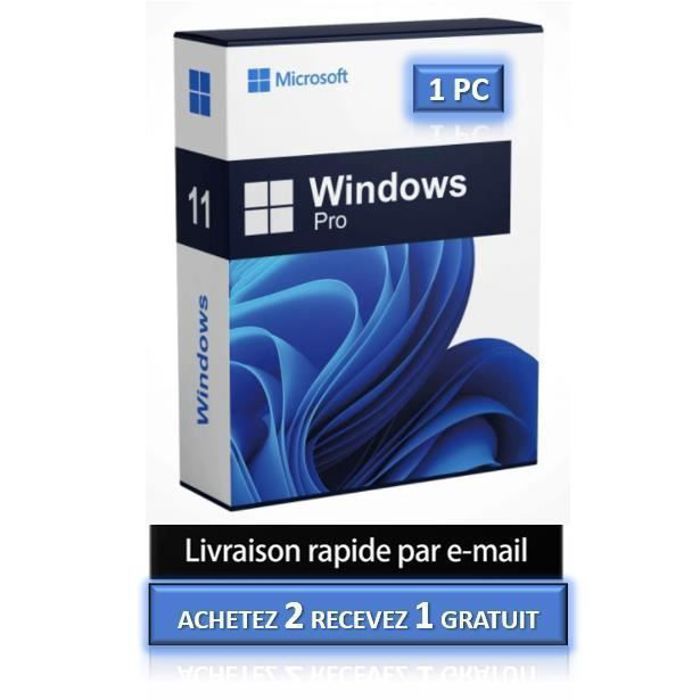
1 PC - Fast delivery - Software - Windows 11 Pro - Activation key - Microsoft - Instant Delivery
€1.98€2.20
Sent under 2 j
MICROSOFT
1 PC - Windows 11 Pro - Fast delivery - Software - Activation key - Microsoft - Instant Delivery
€4.32€4.80
Sent under 2 j
Complete your purchase
Accessories and small prices from the same department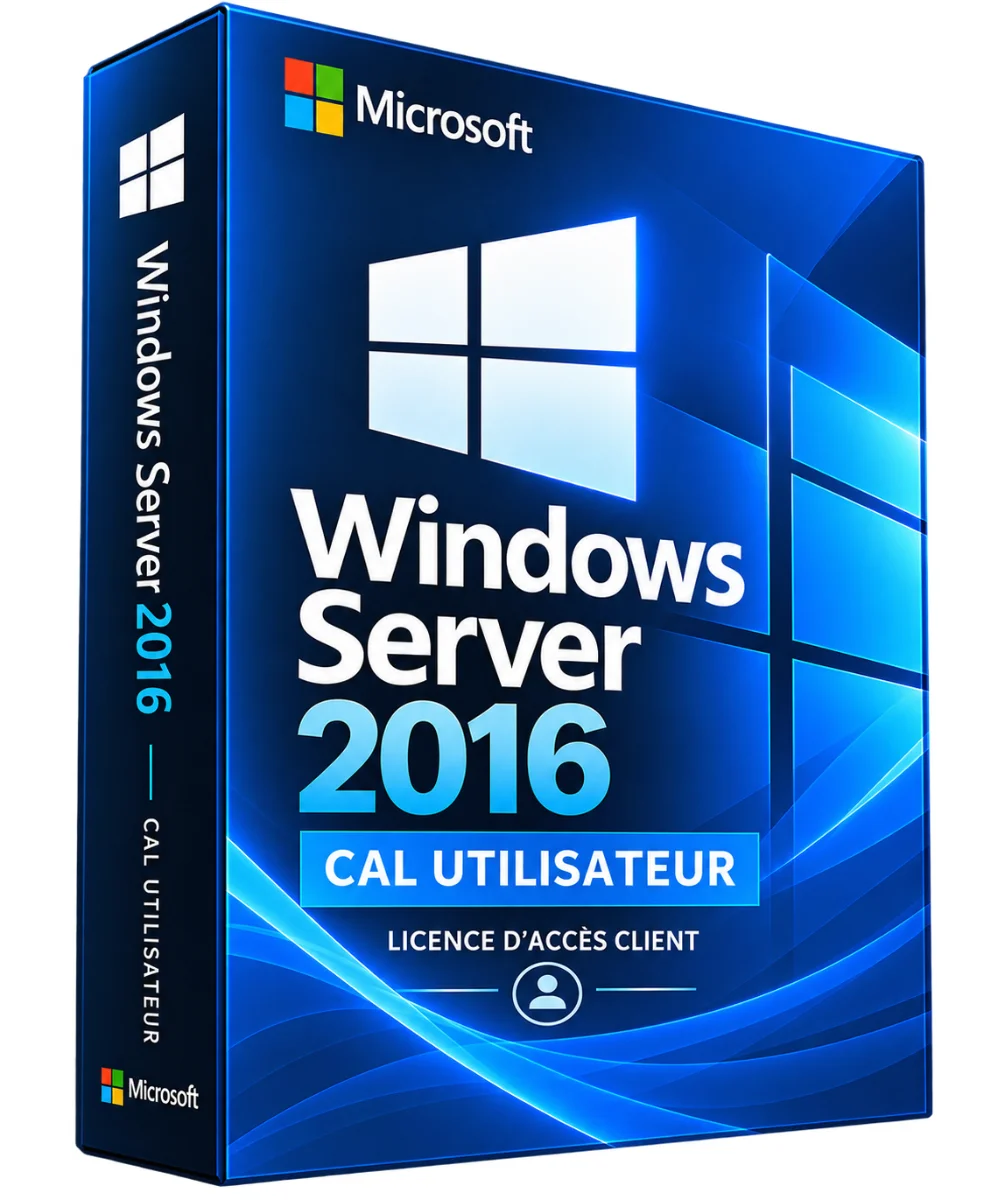
Microsoft
Windows Server 2016 RDS CAL User – Remote Desktop License
3 sizes
€14.90
Ships within 24 h
Microsoft
Windows Server 2016 RDS CAL Device – Remote Desktop License
3 sizes
€14.90
Ships within 24 h
MICROSOFT
Microsoft Office 2021 Pro Plus Pack - Activation key - 1 PC - Windows 10 & 11 - Fast delivery
€0.05
Sent under 2 j
MICROSOFT
Software - Microsoft - Office 2021 Professional Plus - 1 license - Download - PC
€0.05
Sent under 2 j
MICROSOFT
Activation key - Microsoft Office 2021 Professional Plus - 1 PC - Windows 7 or later - Full version
€1.00
Sent under 2 j
In the same department
Microsoft
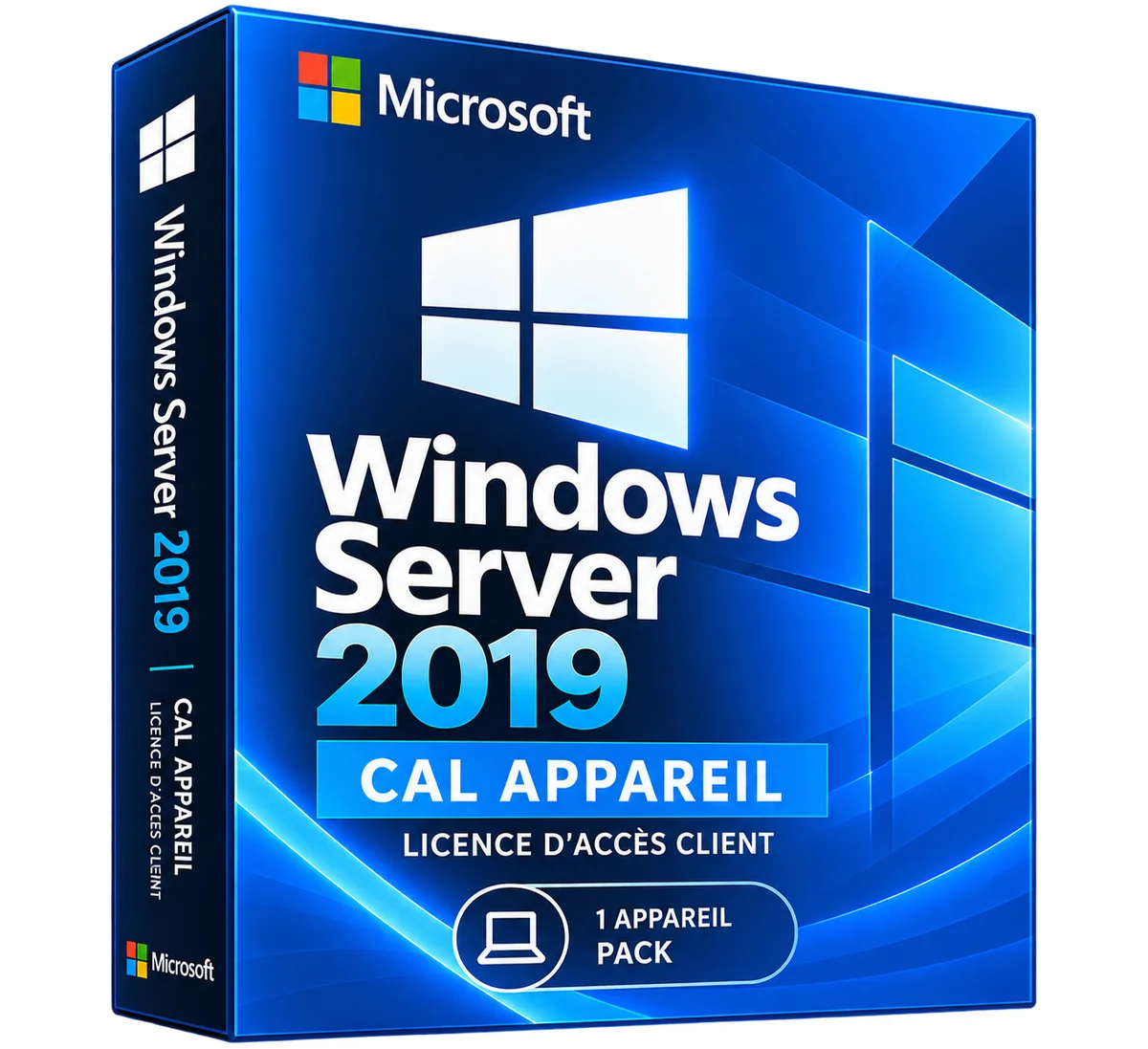
Windows Server 2019 RDS CAL Device – Remote Desktop License
3 sizes
€29.90
Ships within 24 h
Microsoft
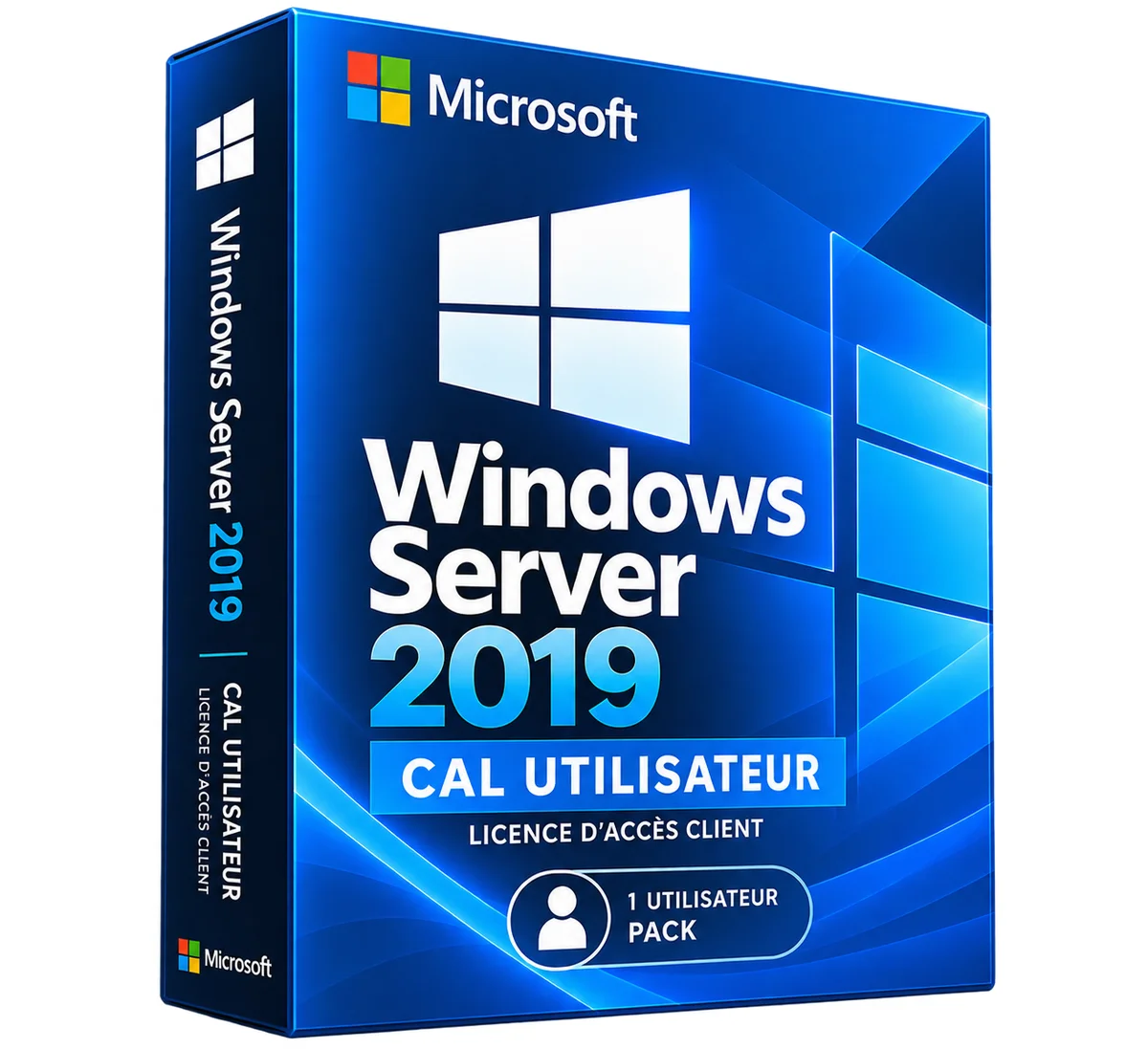
Windows Server 2019 RDS CAL User – Remote Desktop License
3 sizes
€29.90
Ships within 24 h
Microsoft
Windows Server 2022 RDS CAL Device – Remote Desktop License
3 sizes
€34.90
Ships within 24 h
Microsoft
Windows Server 2022 RDS CAL User – Remote Desktop License
3 sizes
€34.90
Ships within 24 h
Microsoft
Windows Server 2025 RDS CAL Device – Remote Desktop License
3 sizes
€39.90
Ships within 24 h
Microsoft
Windows Server 2025 RDS CAL User – Remote Desktop License
3 sizes
€39.90
Ships within 24 h
More products from Lazy-cub
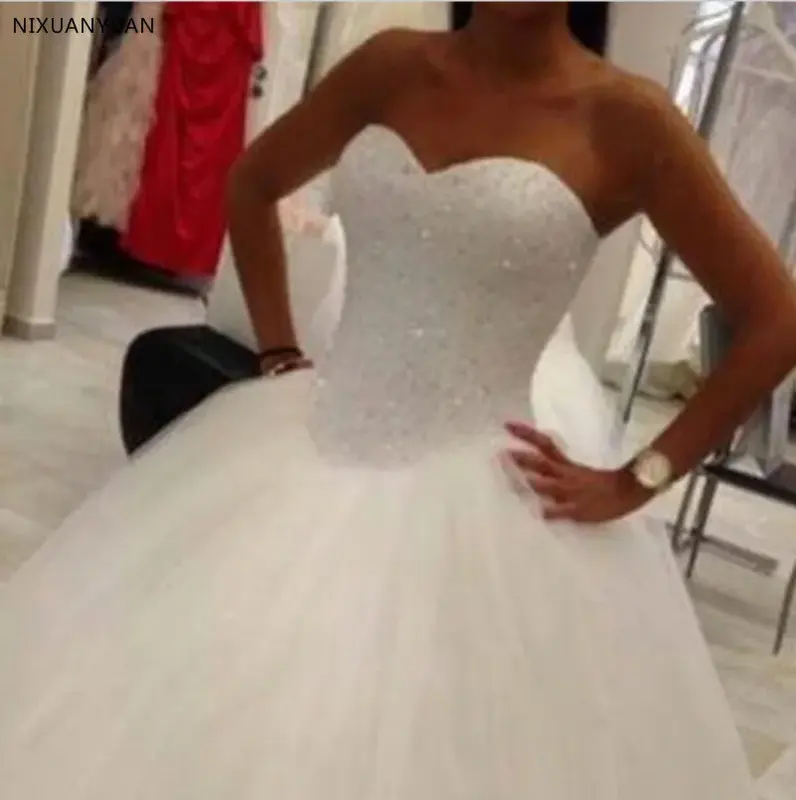

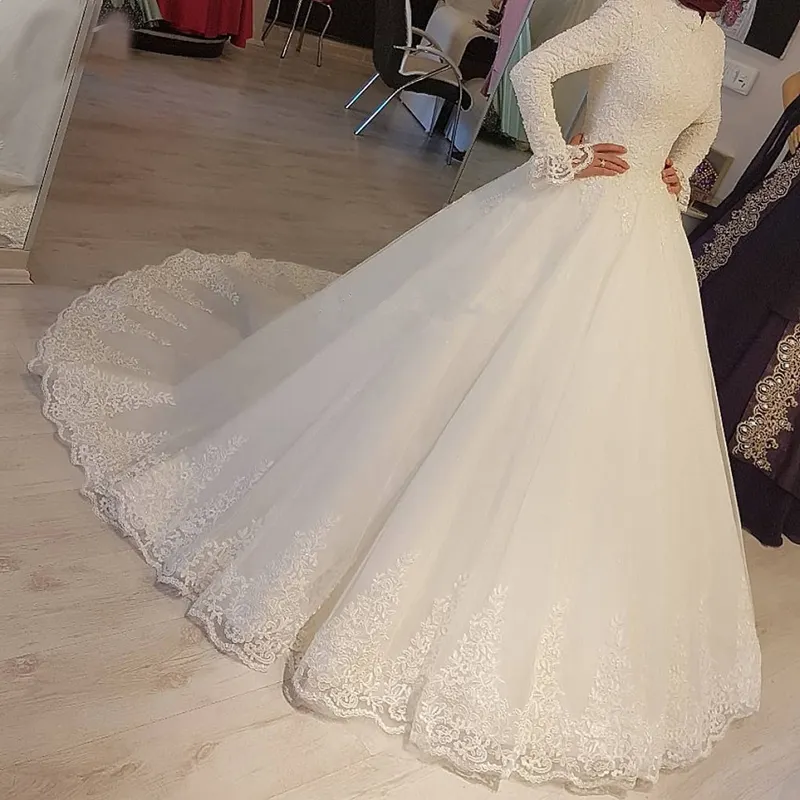



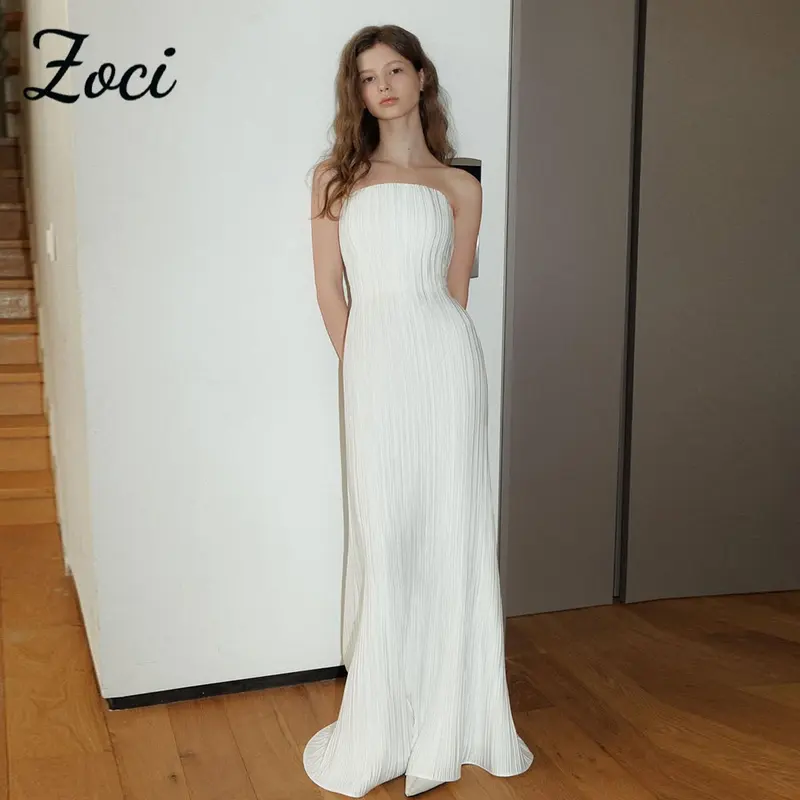

Bridal wedding dress in lace round neck with long sleeves, beads – Mid length
2 colours · 16 sizes
€461.90
Sent under 5 j
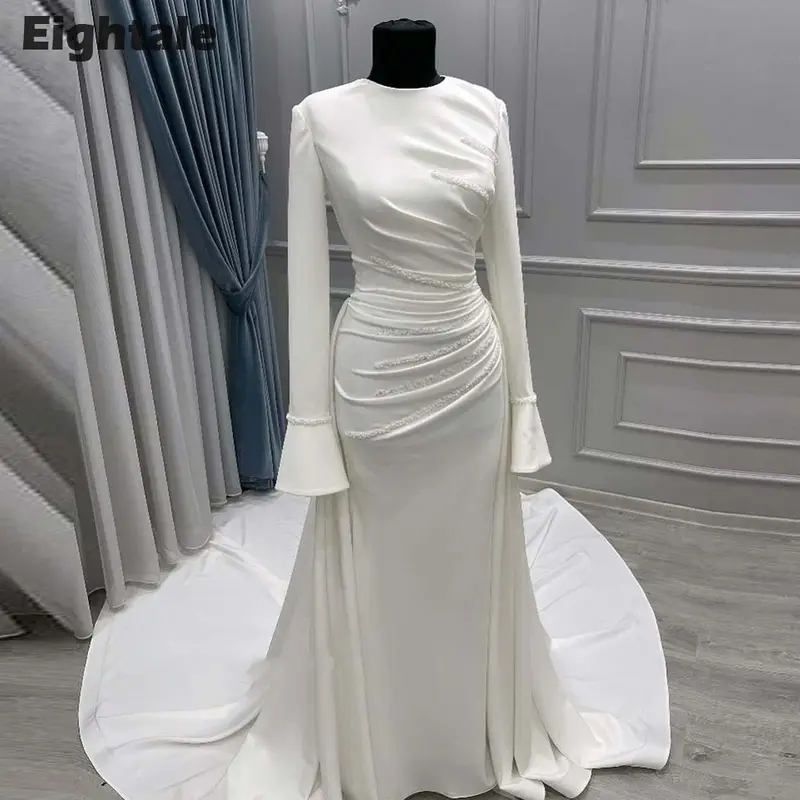
Mermaid wedding dress in lace round neck with long sleeves, beads – Long
2 colours · 14 sizes
€383.90
Sent under 5 j

Princess wedding dress in lace with 3/4 sleeves, large size – Long
4 colours · 17 sizes
€253.90
Sent under 5 j
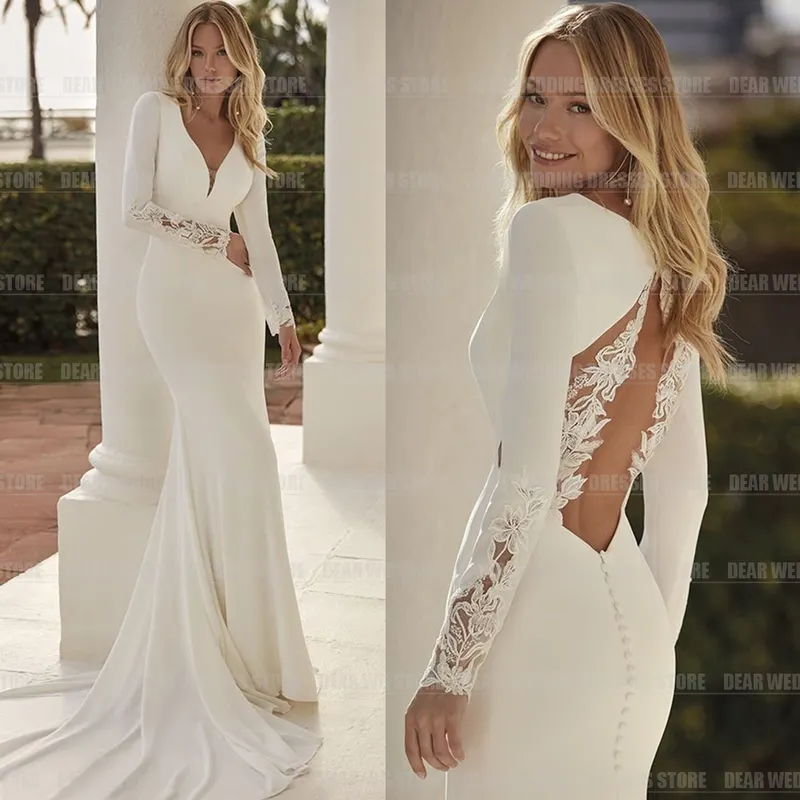
Mermaid wedding dress in satin V-neck with long sleeves, bare back – Long
2 colours · 13 sizes
€453.90
Sent under 5 j
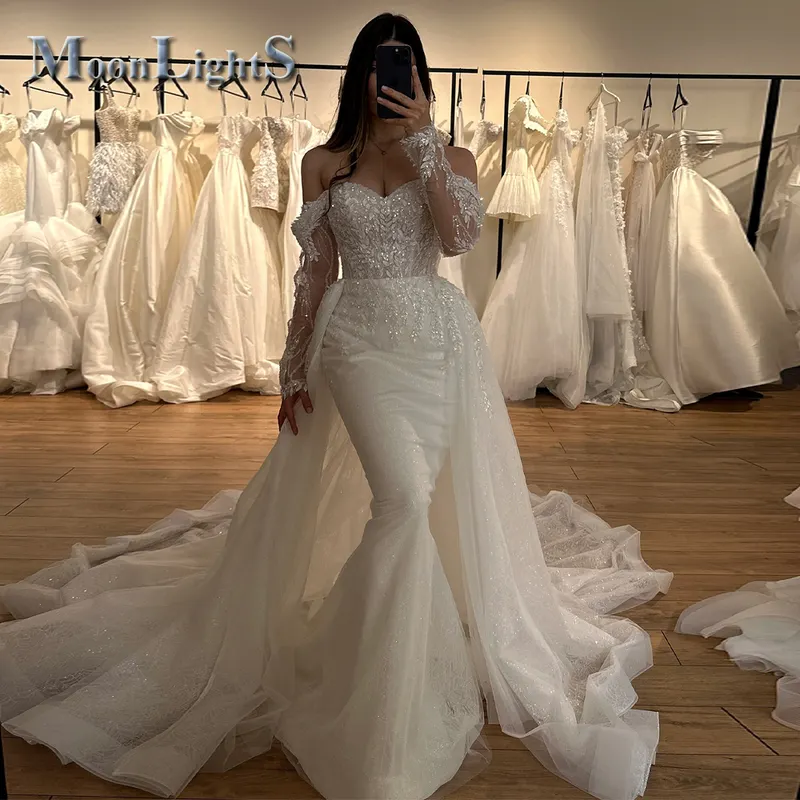
Mermaid wedding dress in denuded shoulder lace, vintage and glittered – Long
2 colours · 14 sizes
€440.90
Sent under 5 j